

A classroom quiz with your own questions.
Run a free live quiz with your own questions: paste them or a CSV, show a QR code, and up to forty students answer on their phones with no logins.
By Suraj Kumar3 min read
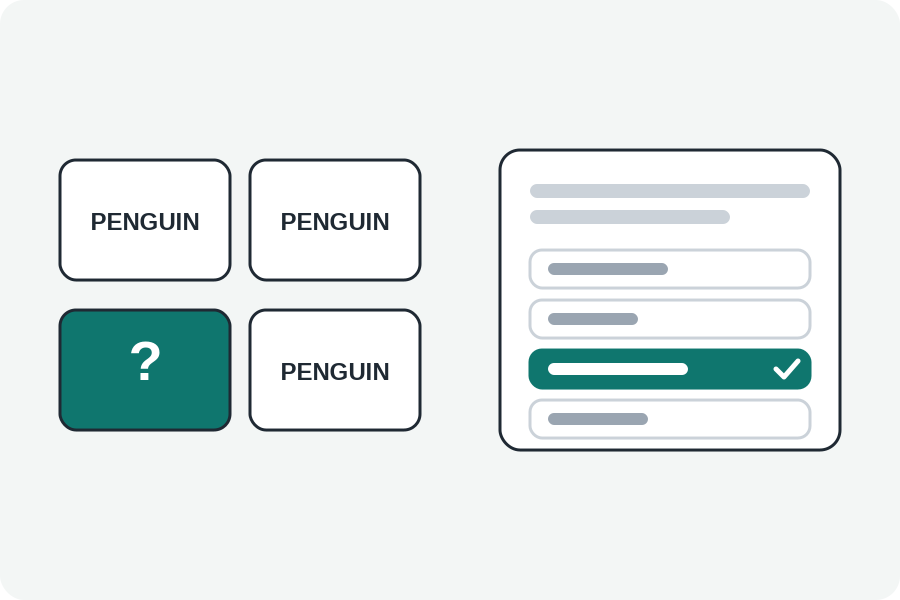
For a lesson, a club or a training session: your questions, every student on their own phone, and the scores at the end, with no accounts anywhere.
Write or paste the questions.
Put each question on one line and its two to four answers under it, with * before the right one, and a blank line between questions. A line such as “Time: 30” gives a question its own seconds. Or paste CSV from a spreadsheet: question, right answer, then up to three wrong ones. Every line that cannot be read is named with the reason, before anything is added. A quiz holds up to 100 questions, and you can move them, change them or take them out.
Show the QR code.
Make a room and the page shows its link as a large QR code. Up to forty scan it and join with a nickname: no logins and no app. Your browser is the quizmaster and does not answer. Each question goes out only when it is asked, and its right answer only when it closes; a right answer scores 500 points and up to 500 more the sooner it came. School networks can block the public relays the room needs, so try it there first.
Download the results.
At the end everyone sees the scores, and you see how many got each question right, ready to download as CSV for a spreadsheet. Nothing is sent to us or kept: download the results before you close the page. Your questions stay on your device only while “Keep my questions on this device” is on. A quiz here is for practice and fun; it is not a test of who answered.
Further reading
Topics: classroom quiz · live quiz with your own questions · quiz maker for teachers · free quiz for students · quiz from a CSV
A little less theory. A little more doing.
Try it on your own terms, with a free browser tool.
Try the tool