Colors · 4 min read
One color. A code for every place.
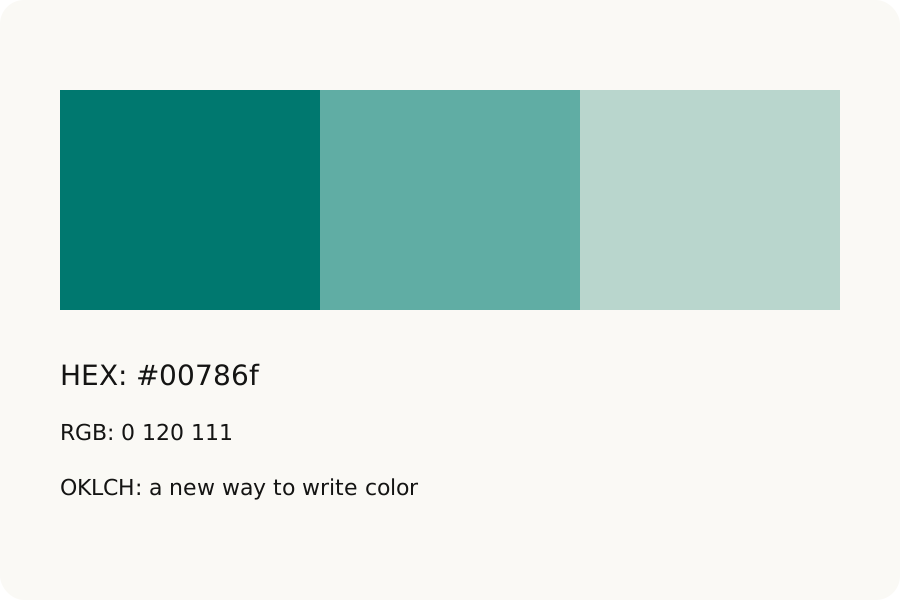
Convert colors between HEX, RGB, HSL, OKLCH and wide-gamut formats in your browser. Keep opacity, understand gamut changes and copy a useful code without uploading anything.
Read the storyThe KeepSimp blog
Plain guides to smaller PDFs, lighter images, clearer data, and the small choices that make everyday file jobs easier.
Colors · 4 min read
Convert colors between HEX, RGB, HSL, OKLCH and wide-gamut formats in your browser. Keep opacity, understand gamut changes and copy a useful code without uploading anything.
Read the storyColors · 4 min read
Check text and background colors against WCAG contrast thresholds, including transparency. Find a passing text color and preview approximate color vision differences locally.
Read the storyColors · 4 min read
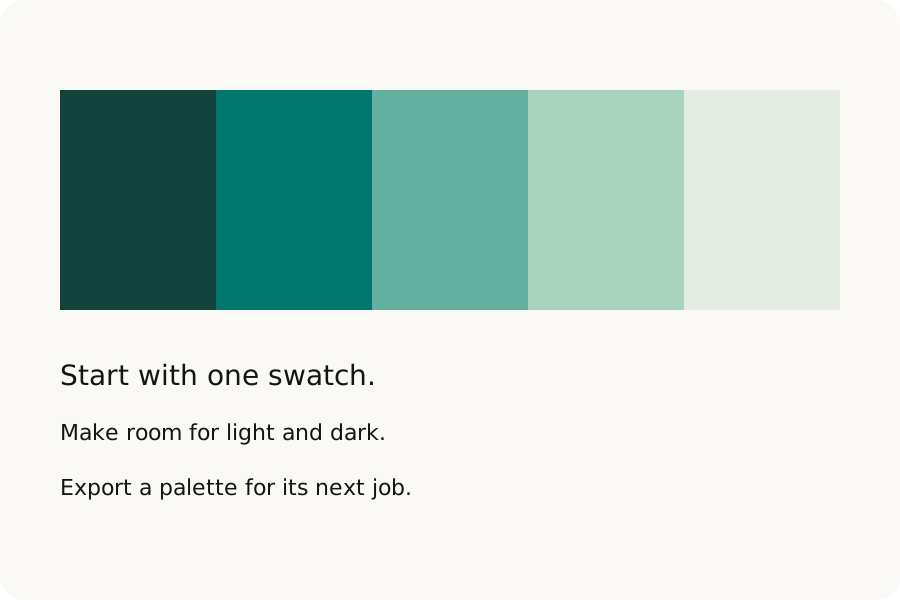
Build color harmonies and tonal scales, extract a palette from a local image, mix colors and make CSS gradients. Export CSS, JSON, design tokens, SVG or PNG from your browser.
Read the storyColors · 4 min read
Browse sourced company color palettes, copy HEX codes and CSS variables, or explore their contrast. See the scope of each reference, from published brand guides to logo samples.
Read the storyA little know-how · 5 min read
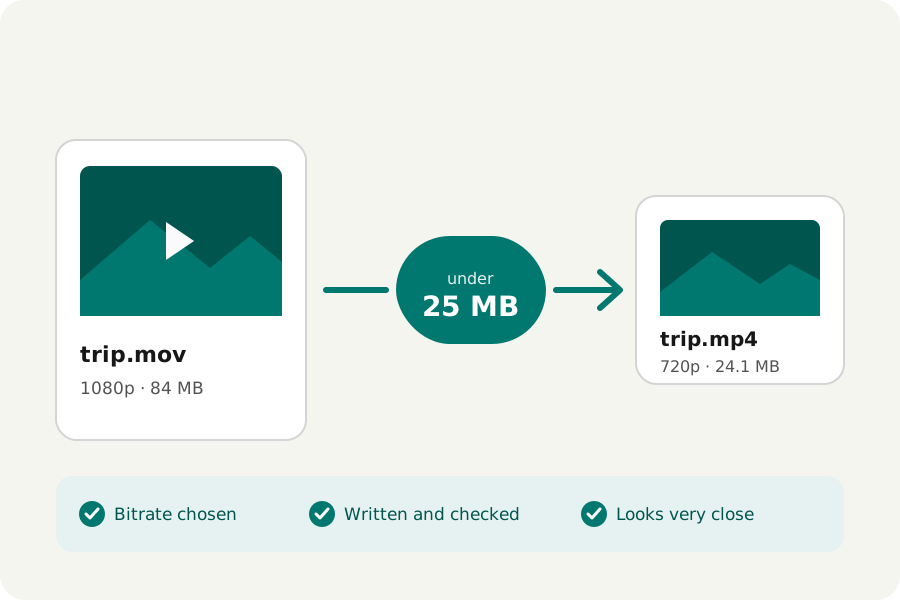
Make a video fit under 25, 10 or 8 MB in your browser: how the bitrate, frame rate and size are chosen, and how close the result looks. No uploads.
Read the storyA little know-how · 5 min read
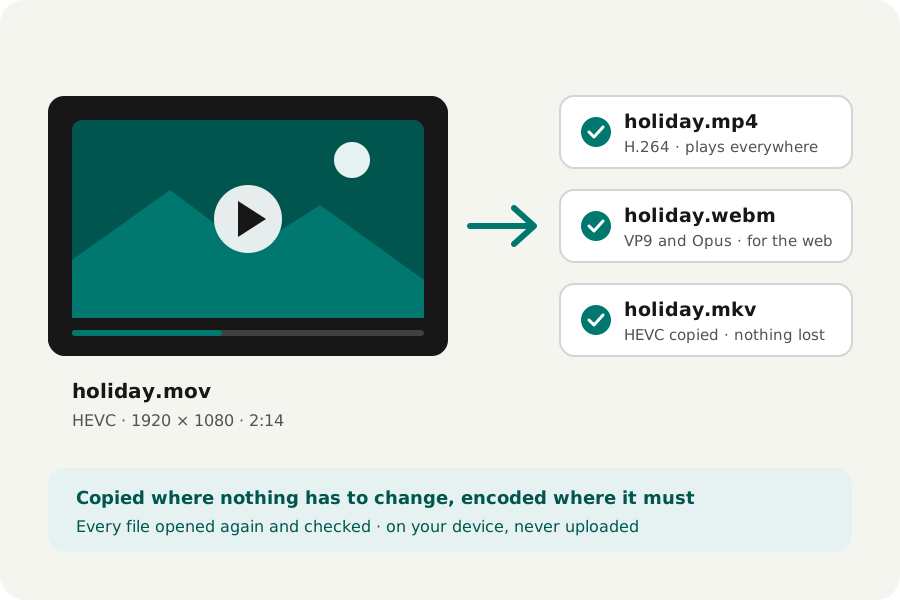
Convert video to MP4, WebM, MOV or MKV in your browser: when it is copied and when it is encoded, which format and quality to choose. Nothing is uploaded.
Read the storyA little know-how · 4 min read
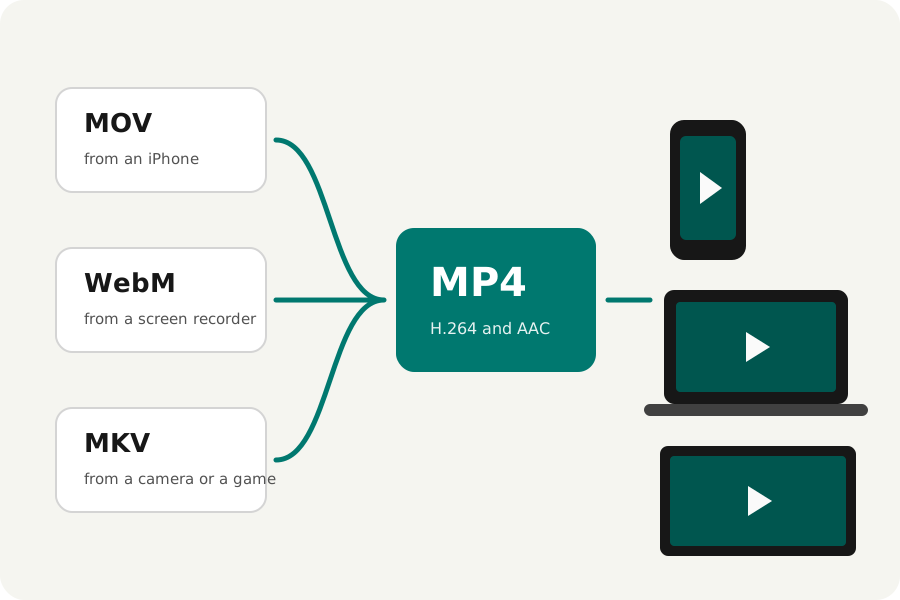
Turn iPhone MOVs, WebM screen recordings and MKV files into MP4s that play everywhere, copied as they are when they can be, in your browser. No uploads.
Read the storyA little know-how · 4 min read
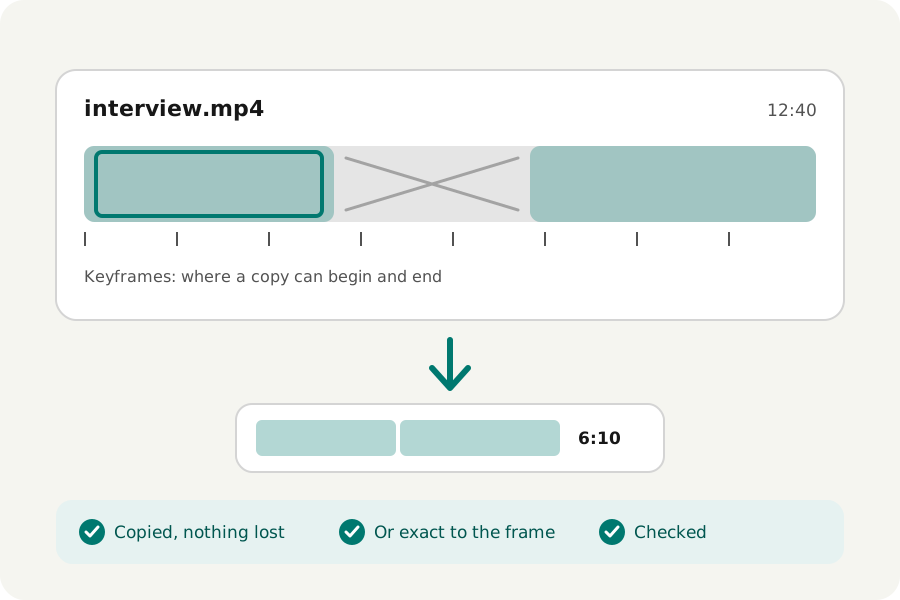
Cut an MP4, MOV, WebM or MKV to the part you want in your browser: copied without encoding, or exact to the frame. Cut out parts, split into files and save frames. No uploads.
Read the storyA little know-how · 3 min read
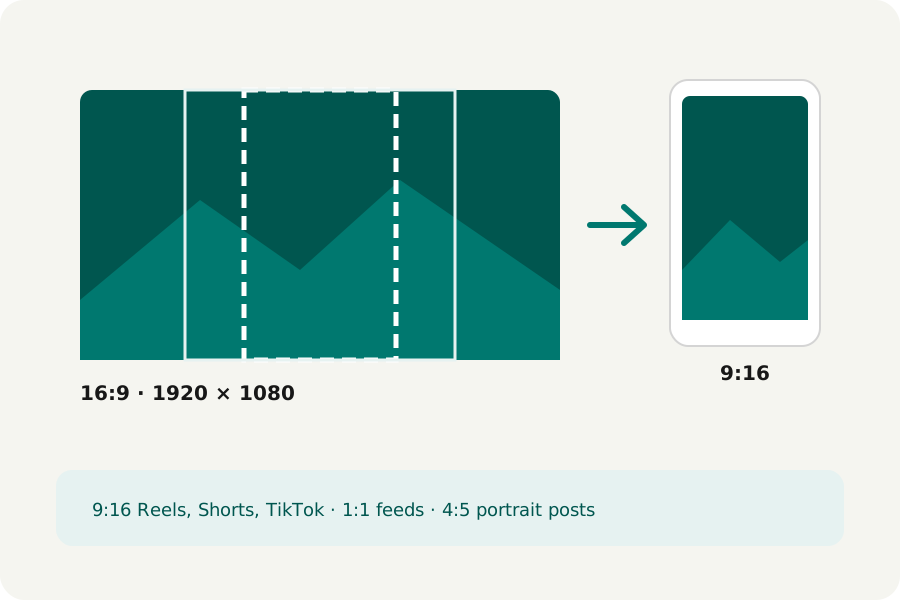
Crop a video to 9:16 for Reels, Shorts and TikTok, to a square or to 4:5, in your browser, many at once. Nothing is uploaded.
Read the storyA little know-how · 3 min read
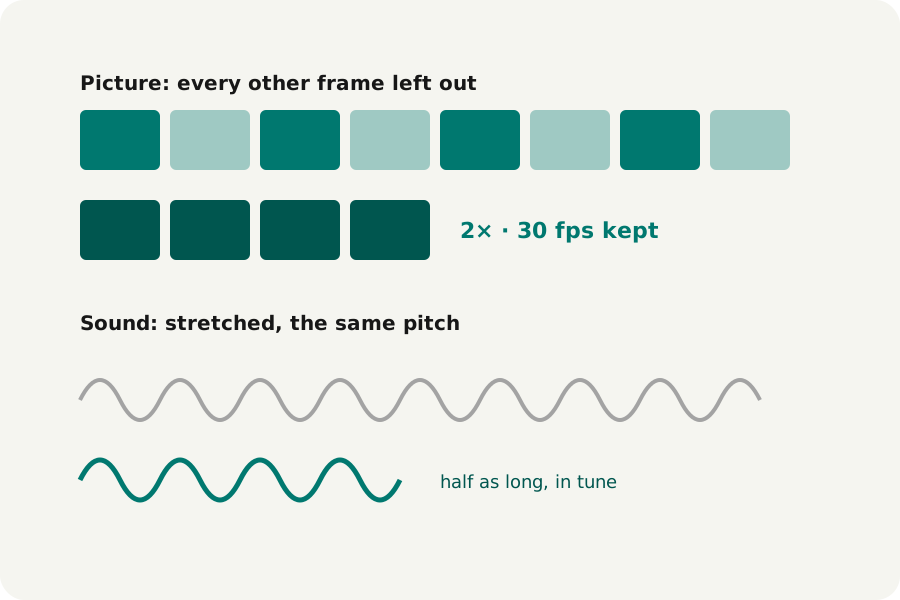
Change a video's speed from half to twice as fast in your browser, the sound stretched so its pitch stays the same. Nothing is uploaded.
Read the storyA little know-how · 2 min read
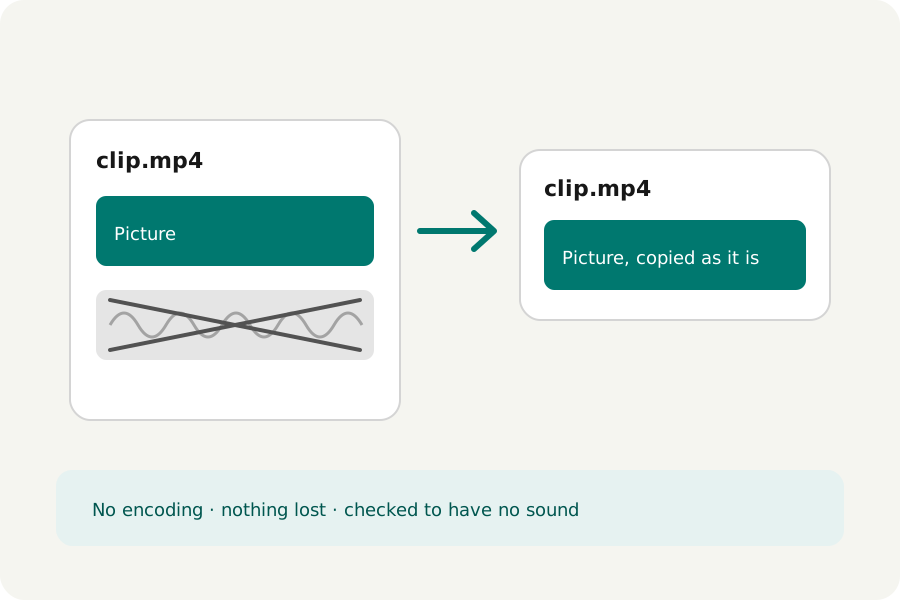
Take the audio out of MP4, MOV, WebM and MKV videos in your browser, the picture copied as it is so nothing is lost. Nothing is uploaded.
Read the storyA little know-how · 3 min read
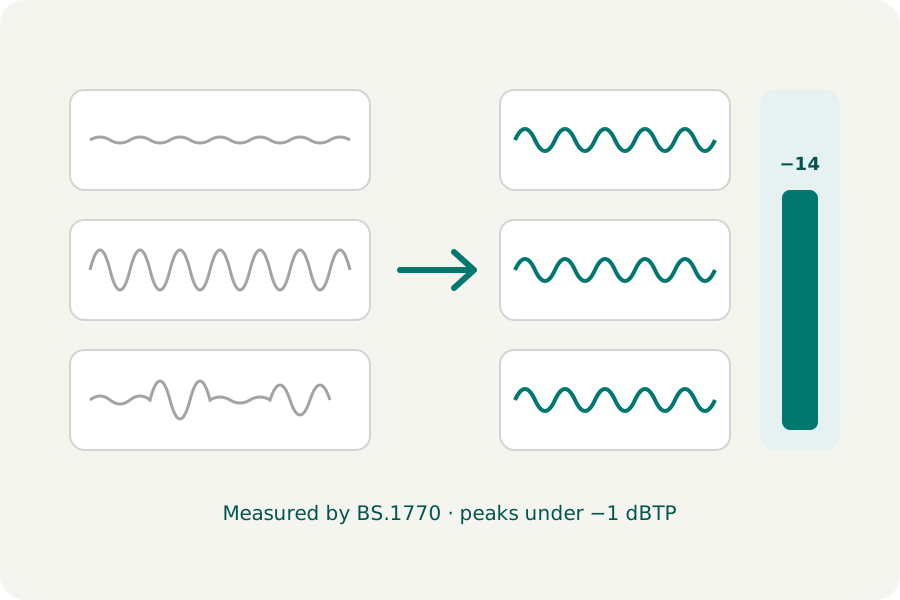
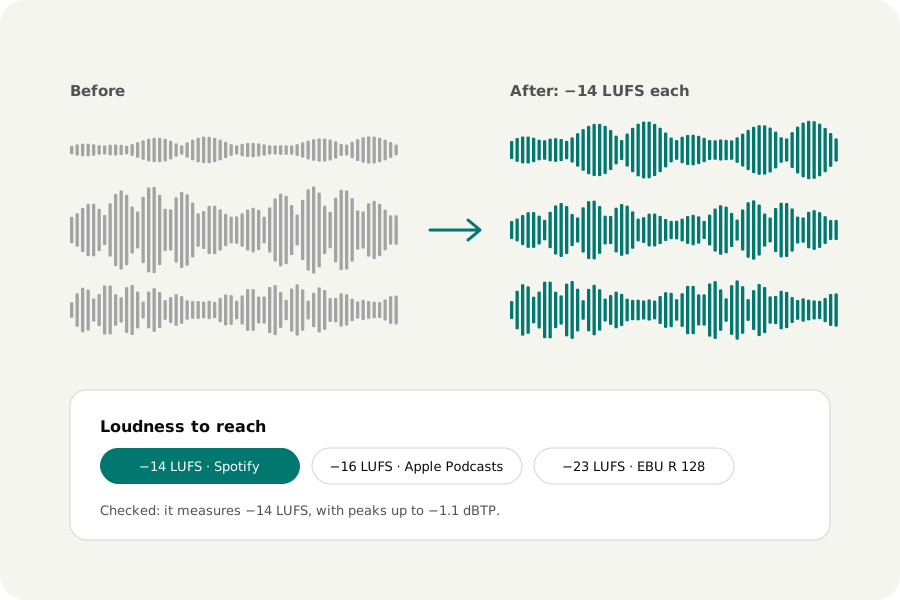
Set a video's sound to −14, −16 or −23 LUFS in your browser, measured by BS.1770 as streaming services and broadcasters measure it, its peaks held under −1 dBTP. The picture is not touched.
Read the storyA little know-how · 3 min read
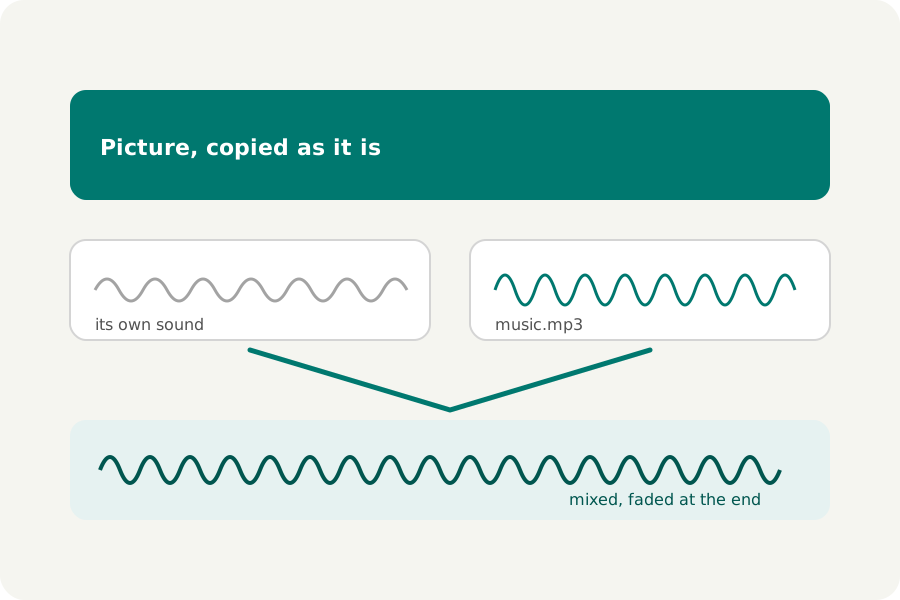
Put music or a voice-over under a video in your browser: in place of its sound or mixed under it, looped to fit and faded at the end. Nothing is uploaded.
Read the storyA little know-how · 3 min read
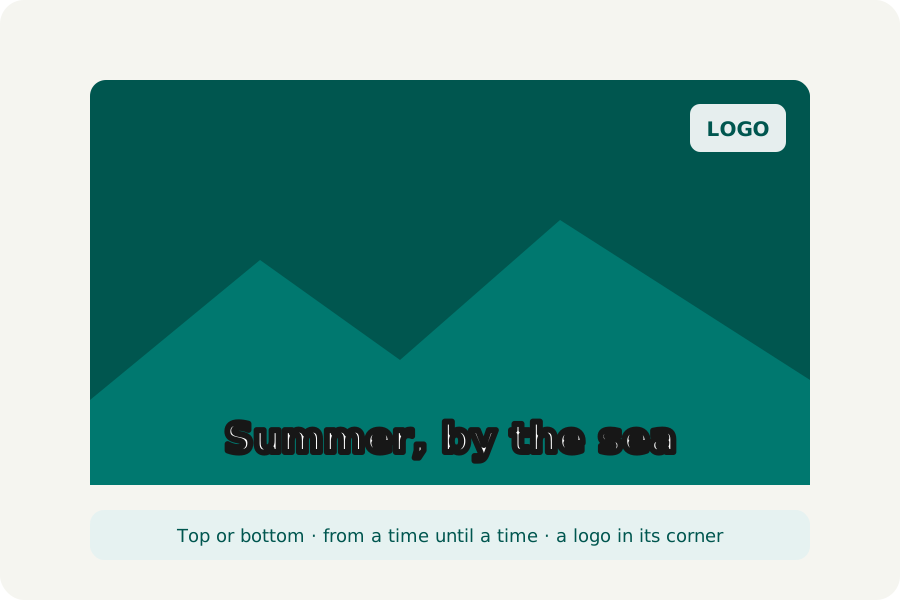
Write a title or caption on a video and put a logo in a corner in your browser, for the whole video or a few seconds. Nothing is uploaded.
Read the storyA little know-how · 3 min read
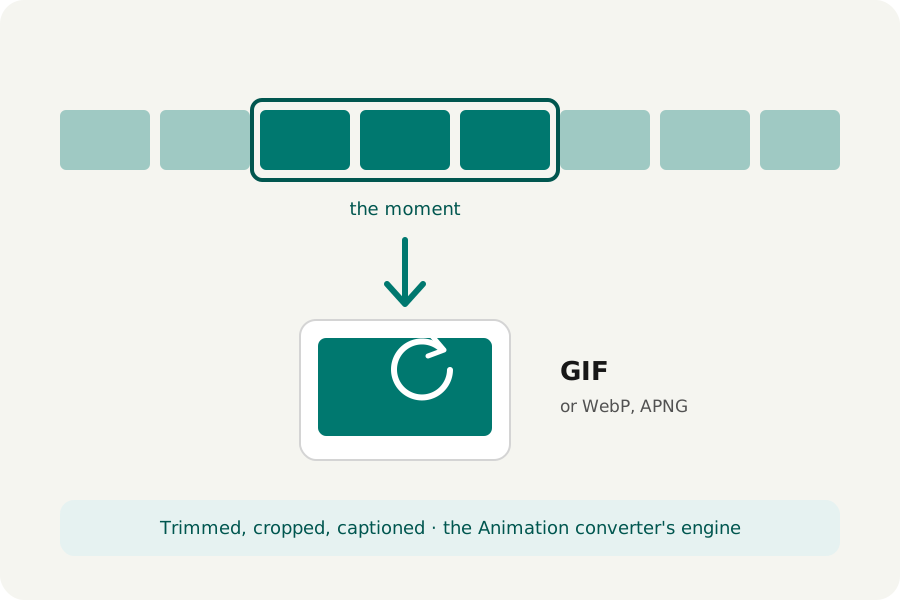
Turn a moment of an MP4, MOV or WebM into a GIF, animated WebP or APNG in your browser: trim it, crop it, caption it, choose the size. Nothing is uploaded.
Read the storyA little know-how · 3 min read
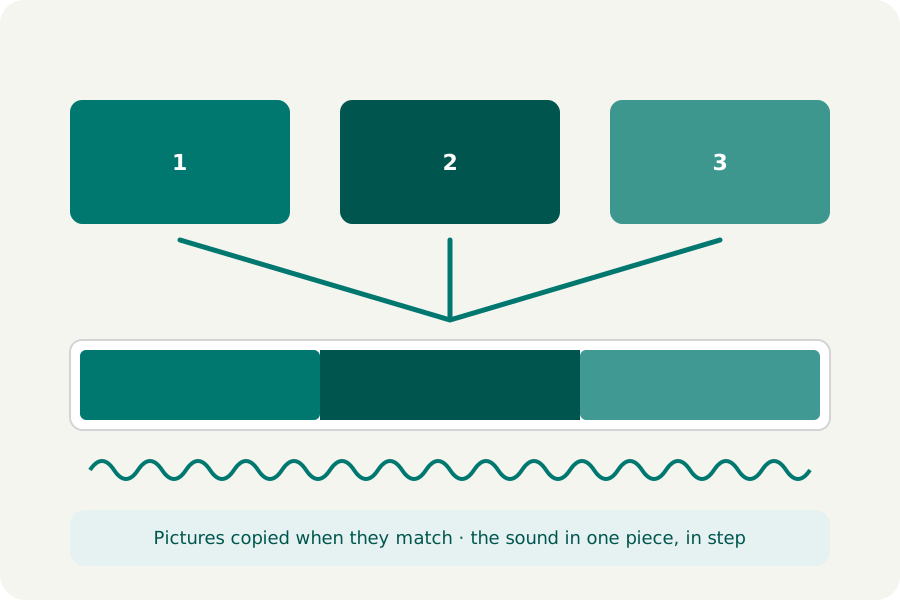
Join MP4, MOV, WebM or MKV clips end to end in your browser, in the order you choose: copied without encoding when they match, the sound in step. Nothing is uploaded.
Read the storyA little know-how · 3 min read
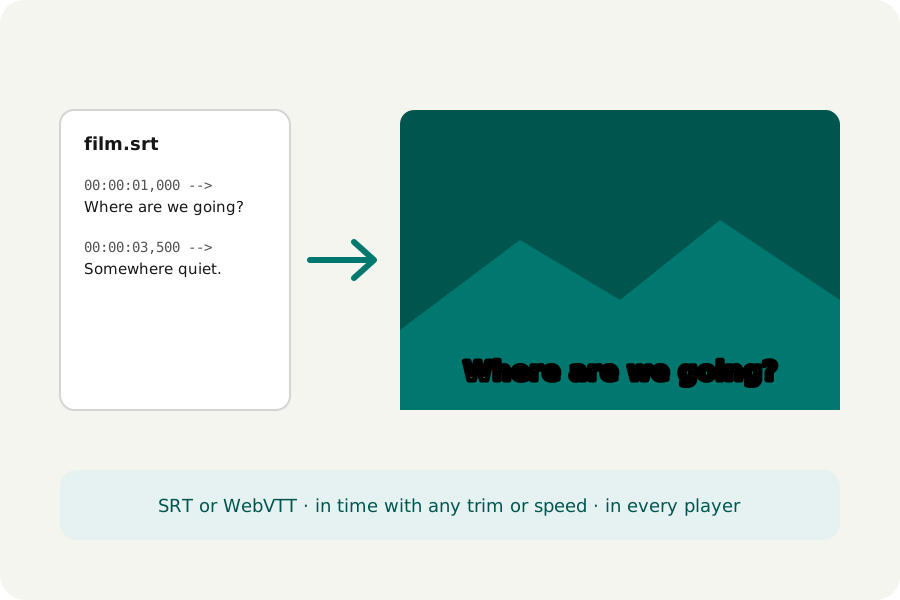
Burn the subtitles from an SRT or WebVTT file into a video in your browser, so they show on every site and player. They follow any trim or speed change. Nothing is uploaded.
Read the storyA little know-how · 6 min read
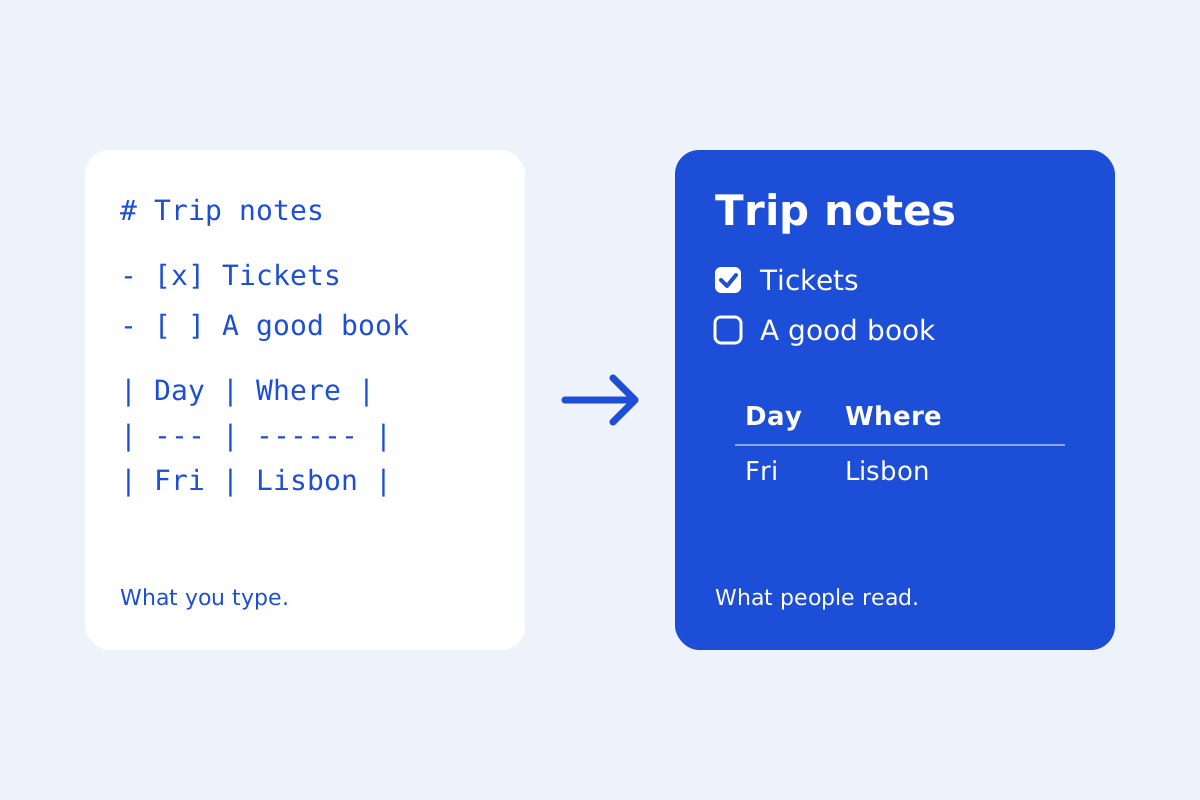
Write Markdown with a live preview in your browser: GitHub's tables, task lists, footnotes and alerts, maths, diagrams, tabs, a document check and exports to HTML, Word and PDF. No uploads.
Read the storyA little know-how · 3 min read
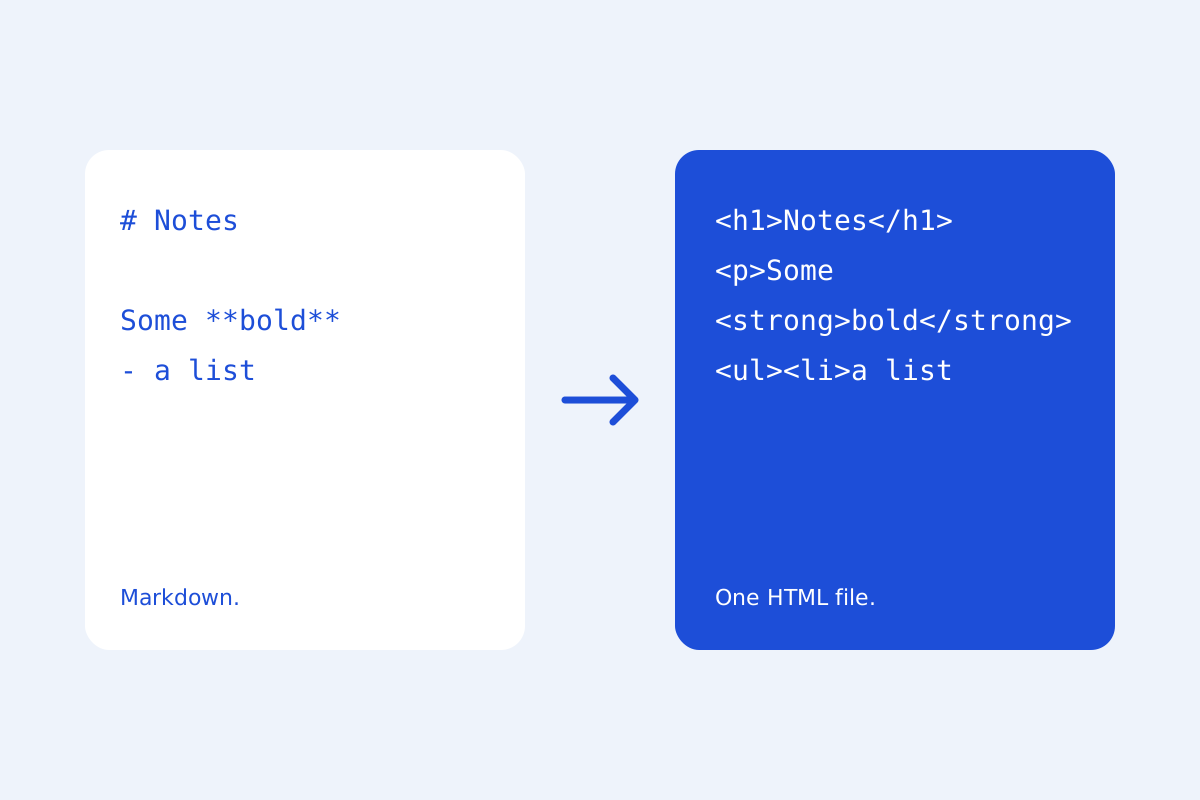
Convert Markdown to HTML in your browser: one web page with its look inside it, or the HTML alone, with GitHub's tables, code, maths and diagrams. Cleaned so nothing in it runs.
Read the storyA little know-how · 3 min read
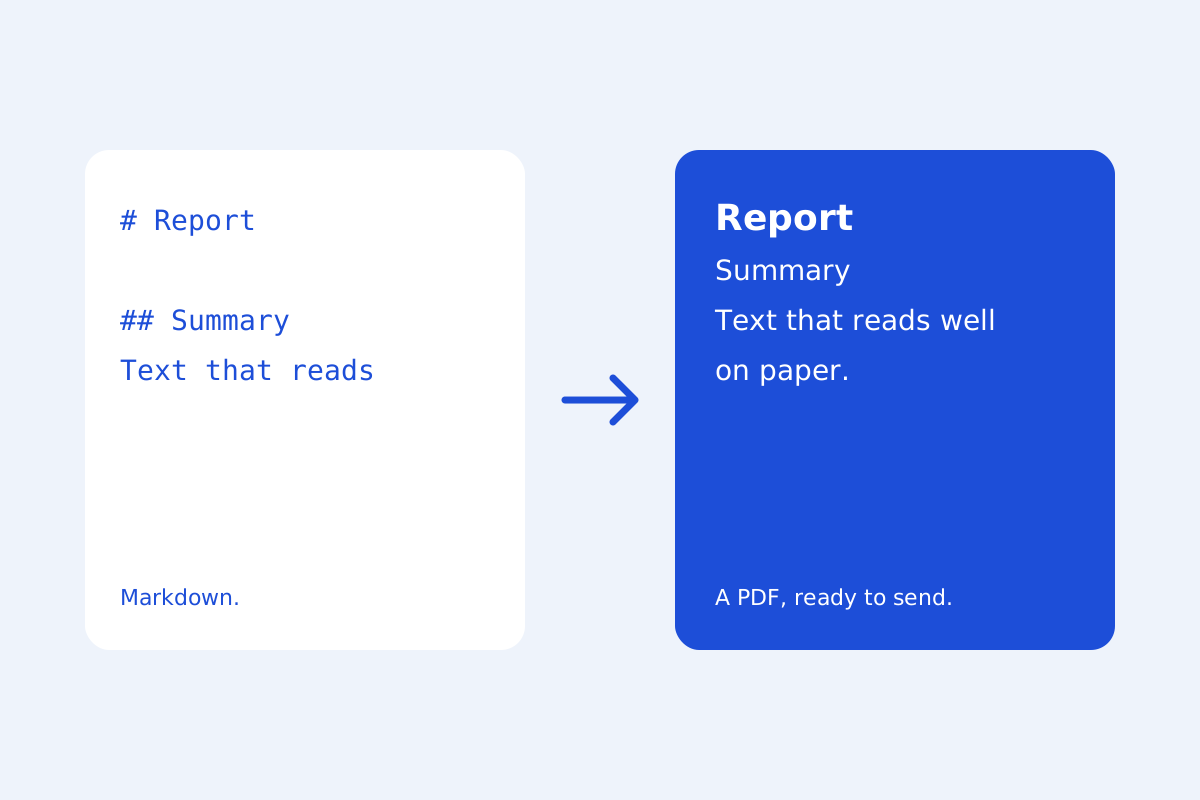
Turn Markdown into a PDF from your browser's print dialog, laid out for paper: headings kept with their text, tables and code not cut in half. No uploads, no account.
Read the storyA little know-how · 4 min read
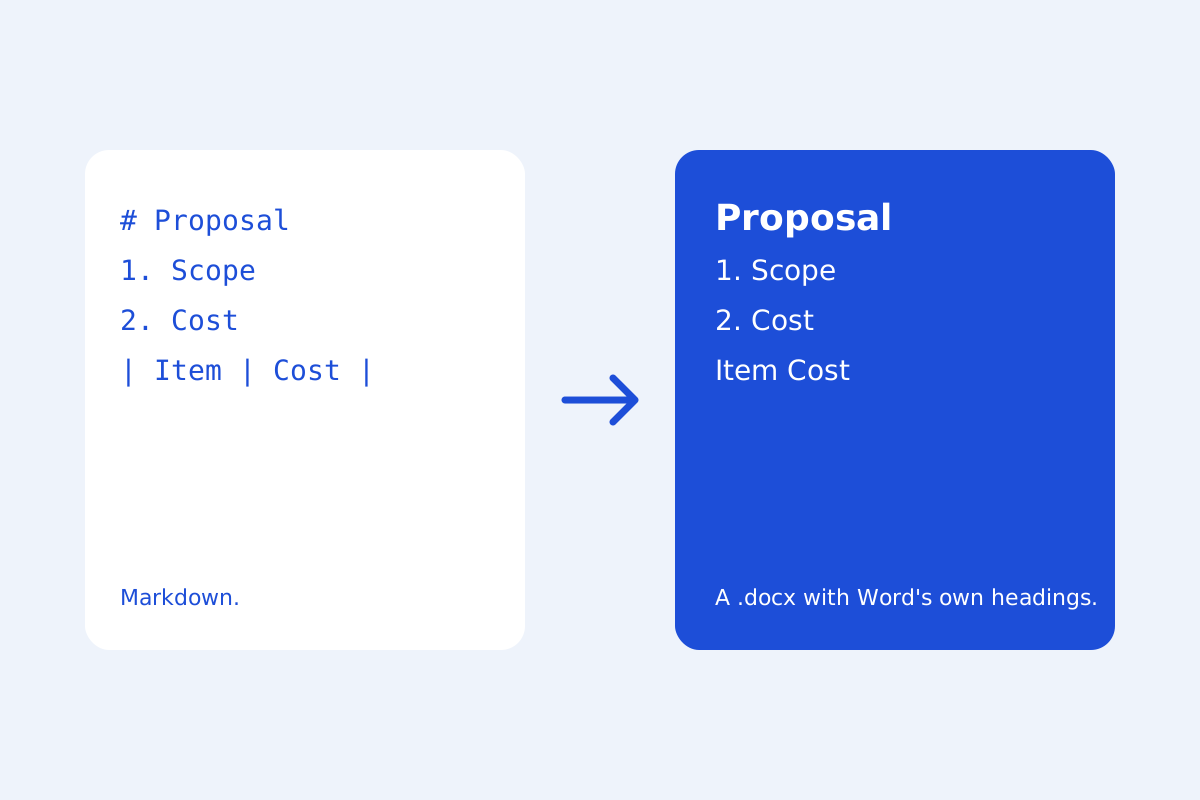
Turn Markdown into a Word file with Word's own heading styles, numbered lists, tables, links, pictures and footnotes, in your browser. Nothing is uploaded.
Read the storyA little know-how · 3 min read
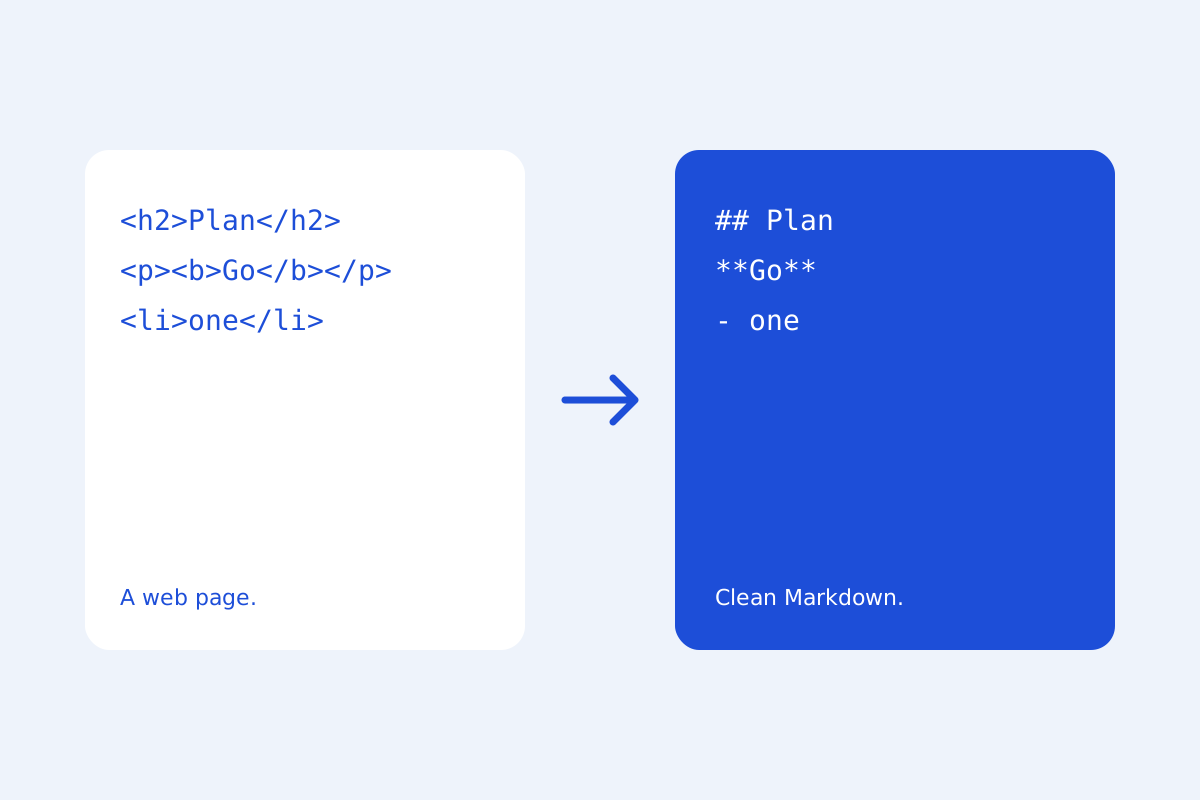
Turn HTML files, web pages and copied text into clean Markdown in your browser: headings, lists, links, tables and code blocks, written as GitHub writes them.
Read the storyA little know-how · 3 min read
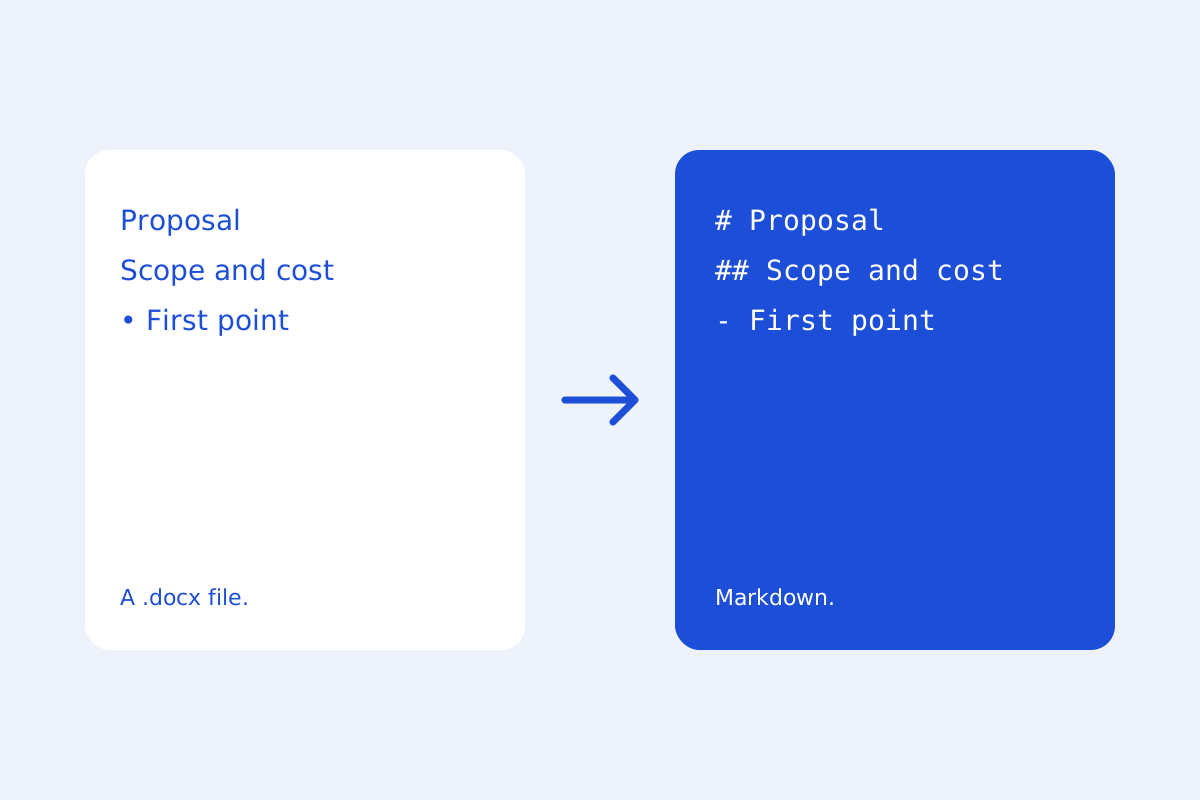
Turn .docx files into Markdown in your browser: headings, lists, tables, links, bold and italic, with their pictures kept. Nothing is uploaded.
Read the storyA little know-how · 3 min read
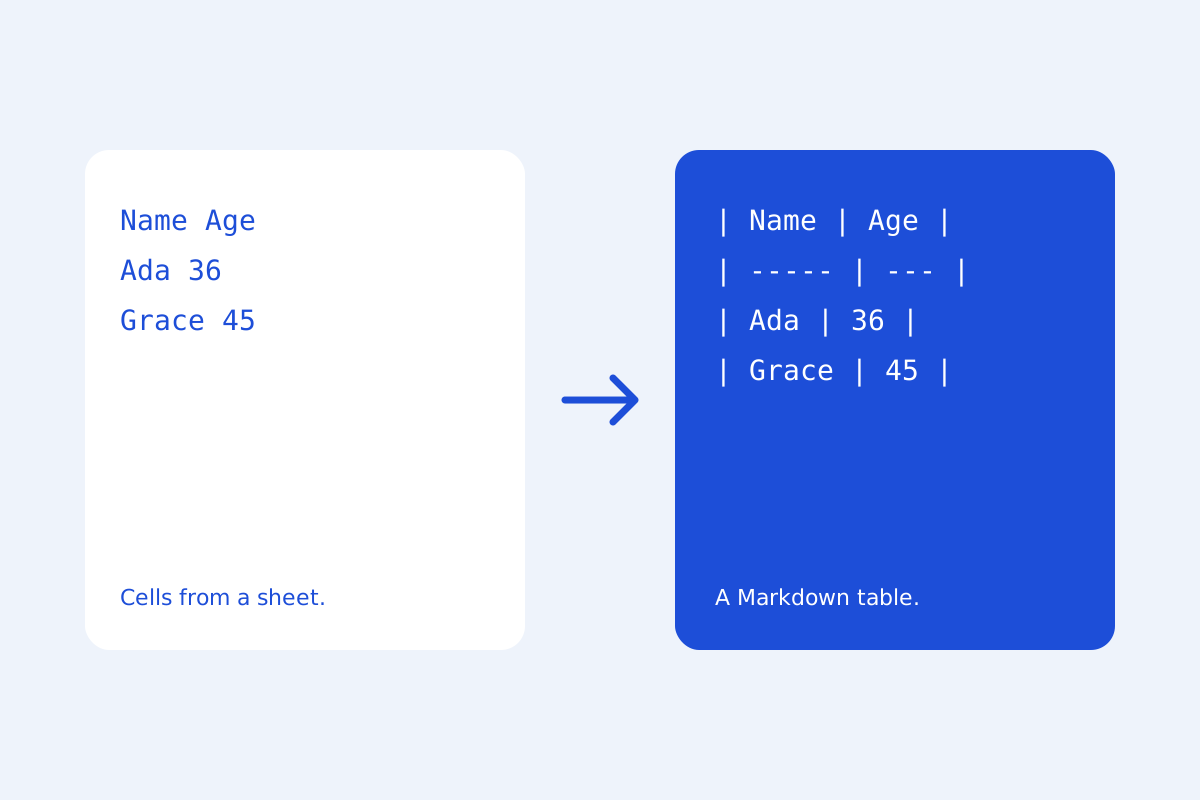
Make Markdown tables in a grid of cells or by pasting from Excel or Google Sheets, then line up their pipes and add rows and columns in place. Free, in your browser.
Read the storyStart here · 5 min read
Every KeepSimp tool: edit, compress, merge and split PDFs, resize and convert images, convert GIFs and audio, format JSON and pick colors. Free, no sign-up, your files stay with you.
Read the storyImages · 4 min read
How to compress an image in your browser, choose useful settings, and compare the result before replacing your original.
Read the storyImages · 5 min read
How to resize an image in your browser: by pixels or percent, in cm or inches for print, for social posts and websites, one image or fifty at once. Free and nothing is uploaded.
Read the storyA little know-how · 4 min read
A practical guide to choosing an image format for photos, transparent graphics and everyday browser sharing.
Read the storyA little know-how · 5 min read
A practical guide to choosing a format for an animation: where it will play, what it shows, and how large the file may be.
Read the storyA little know-how · 6 min read
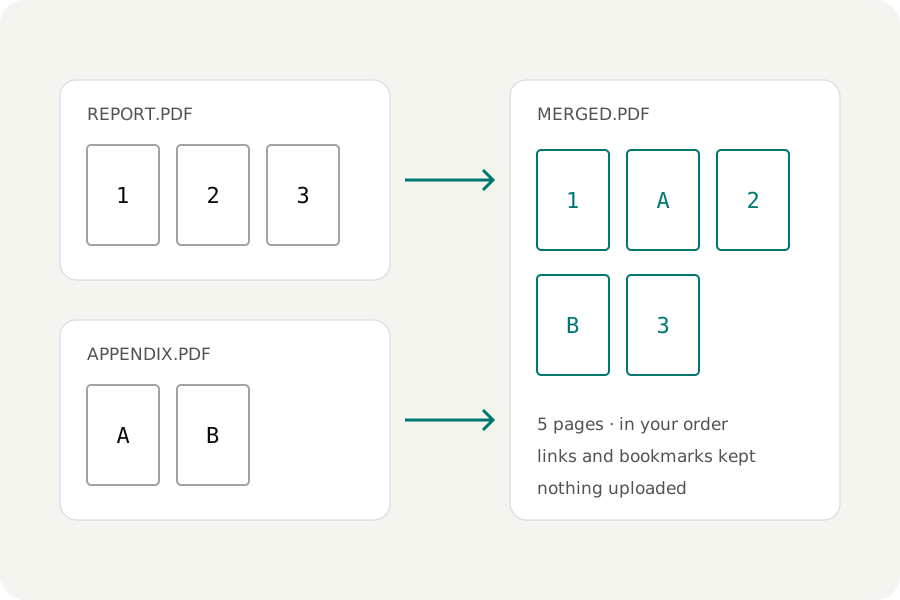
How to merge PDF files in your browser: put them in order, arrange single pages, keep links and bookmarks, and decide what a merge should carry over.
Read the storyA little know-how · 6 min read
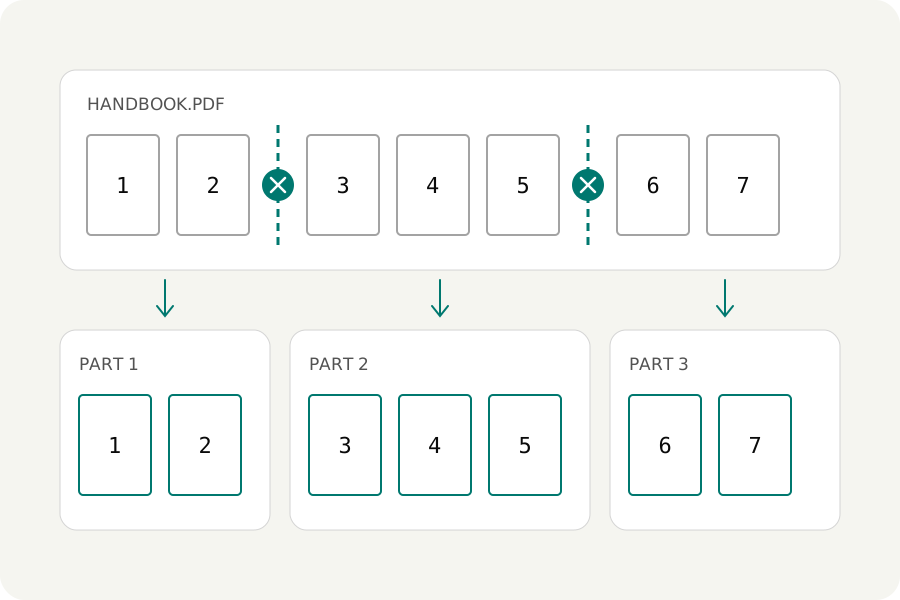
How to split a PDF in your browser: cut it where you can see, at bookmarks, by size or at blank pages, and get parts that are no larger than they should be.
Read the storyA little know-how · 7 min read
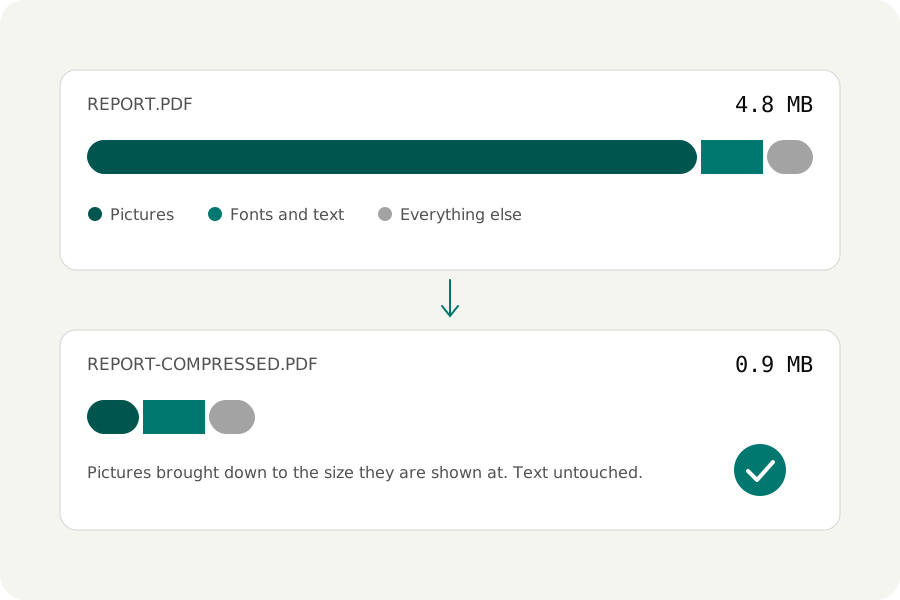
How to make a PDF smaller in your browser: find out what makes it big, shrink its pictures without blurring its text, reach a size limit, and handle scans properly.
Read the storyA little know-how · 4 min read
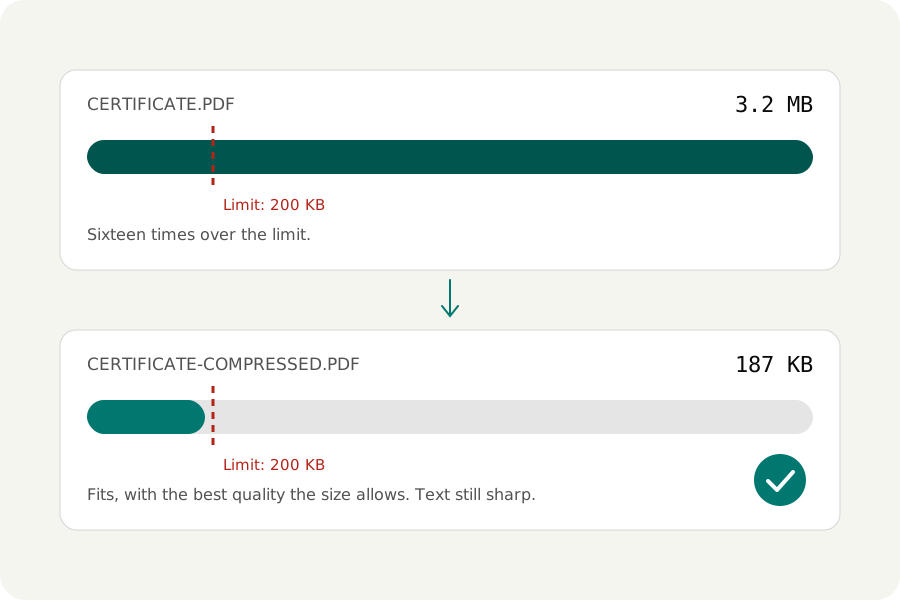
How to compress a PDF to 100 KB, 200 KB, 500 KB or 1 MB for a job, visa or exam form. Name the size and get the best quality that fits, free, in your browser, with nothing uploaded.
Read the storyA little know-how · 5 min read
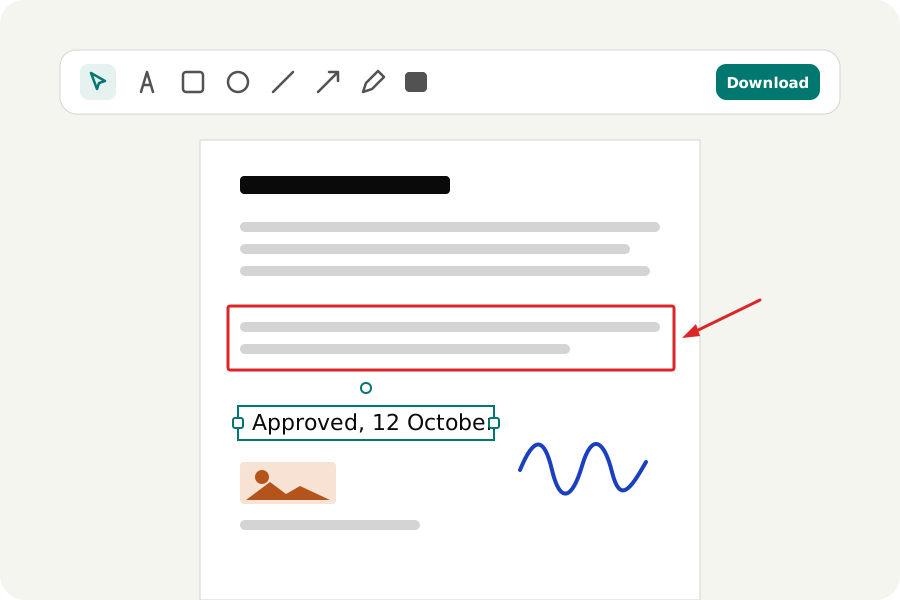
How to add text, pictures, shapes and drawings to a PDF in your browser: fill a form that has no fields, mark a page, and download a file that was checked. Free, with nothing uploaded.
Read the storyA little know-how · 4 min read
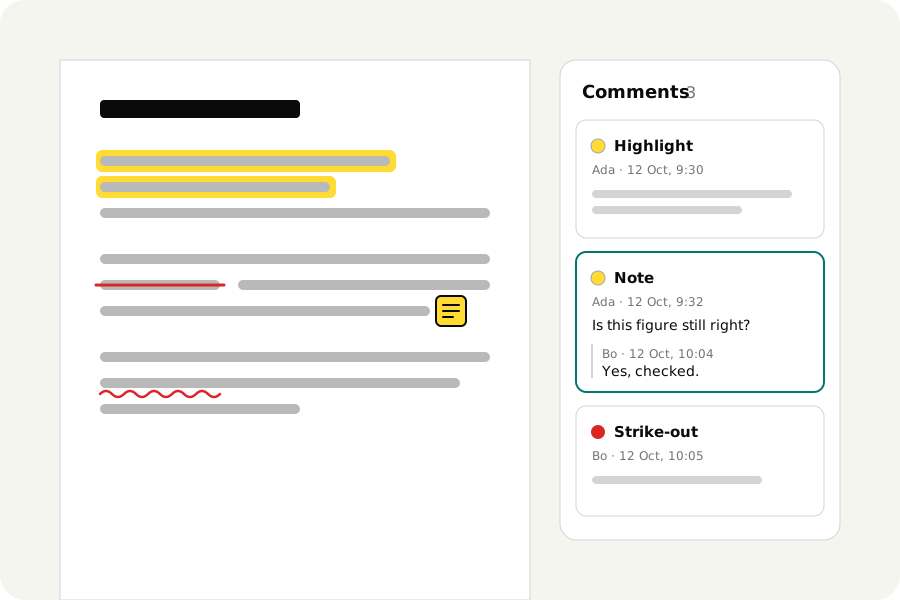
How to highlight, underline and strike out text in a PDF, add notes and reply to comments in your browser, and download real comments or a clean final copy. Free, nothing uploaded.
Read the storyA little know-how · 4 min read
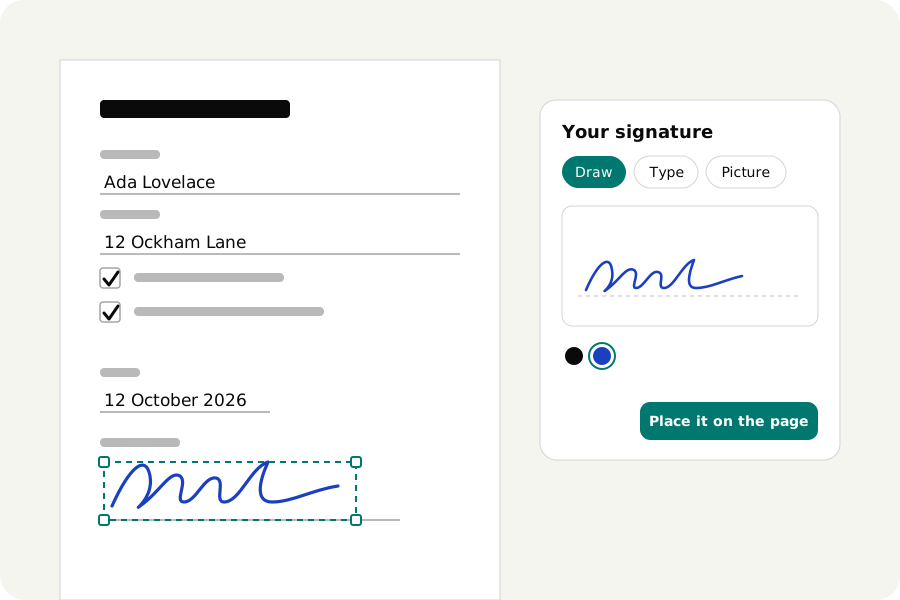
How to sign a PDF in your browser: draw, type or photograph your signature, place it, fill in the blanks and the date, and download. Free, with no account and nothing uploaded.
Read the storyA little know-how · 4 min read
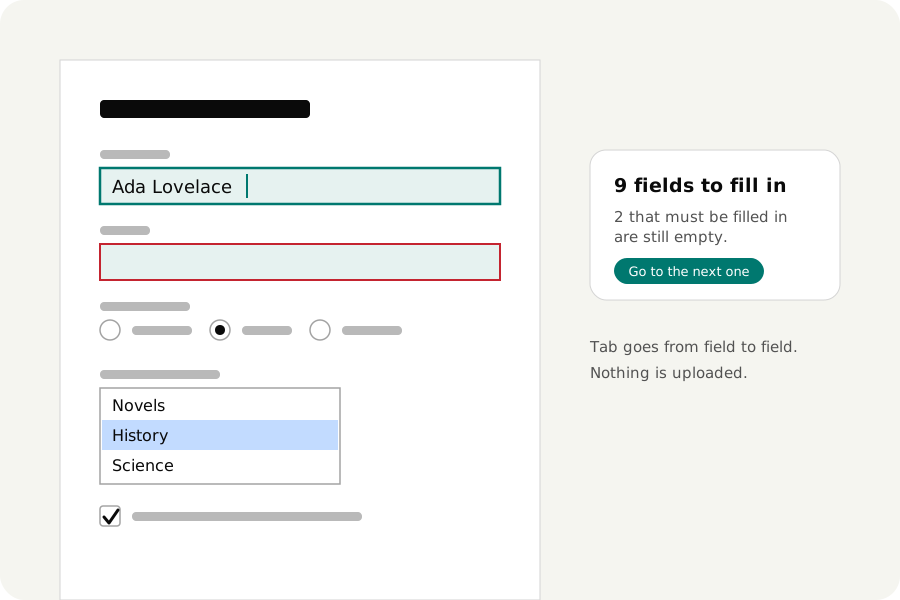
How to fill in a PDF form in your browser: type into its fields, tick boxes, choose from lists, sign and download, as a form or made final. Free, with no account and nothing uploaded.
Read the storyA little know-how · 4 min read
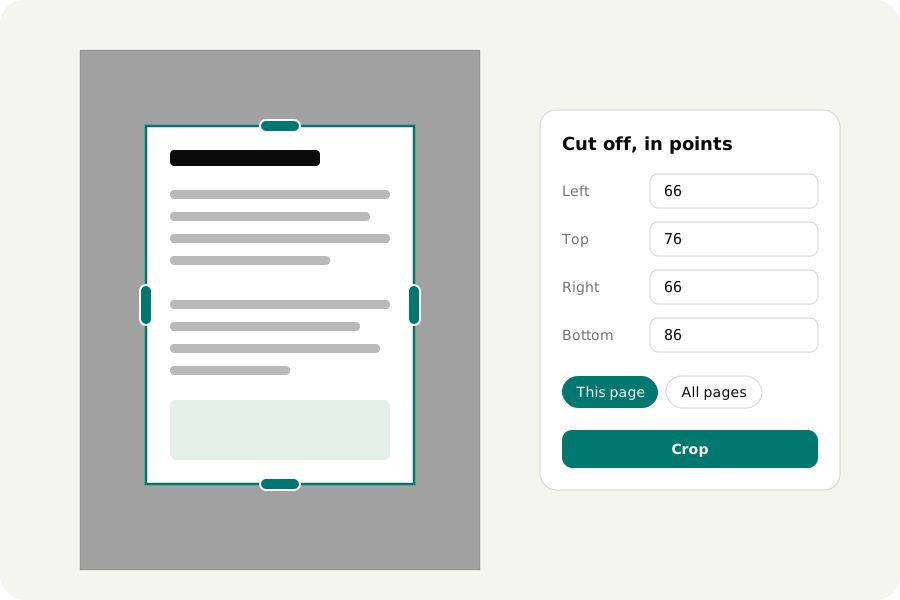
How to crop a PDF in your browser: drag a frame or type the numbers, for one page or all, or make pages A4 or Letter size. And why a cropped page still holds what was cut off. Free, no upload.
Read the storyA little know-how · 4 min read
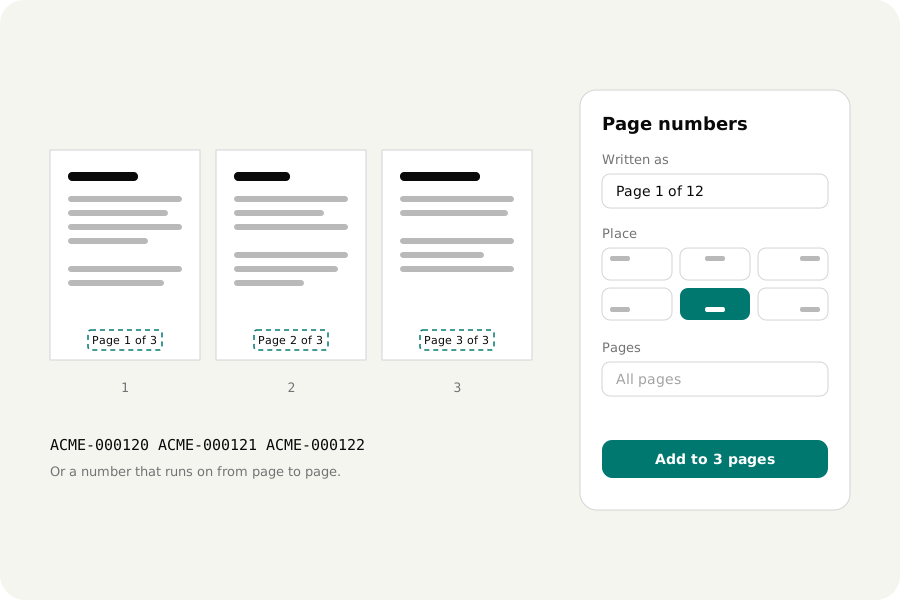
How to add page numbers to a PDF in your browser: choose how they are written and where, skip the cover, add a header, a footer or Bates numbers. Free, with no account and nothing uploaded.
Read the storyA little know-how · 3 min read
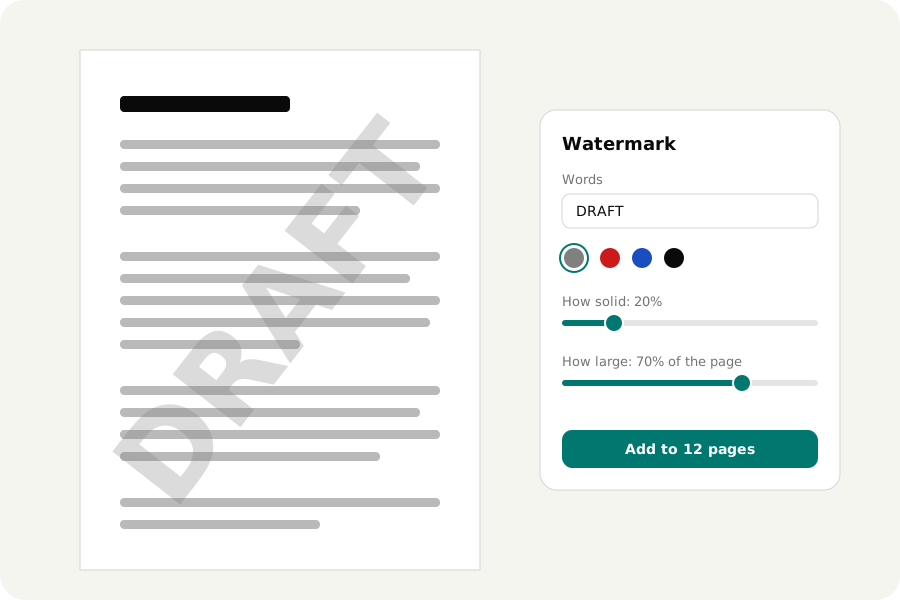
How to add a watermark to a PDF in your browser: DRAFT, Confidential or a logo, as faint and as large as you like, on all pages or some. And what a watermark does not do. Free, no upload.
Read the storyA little know-how · 4 min read
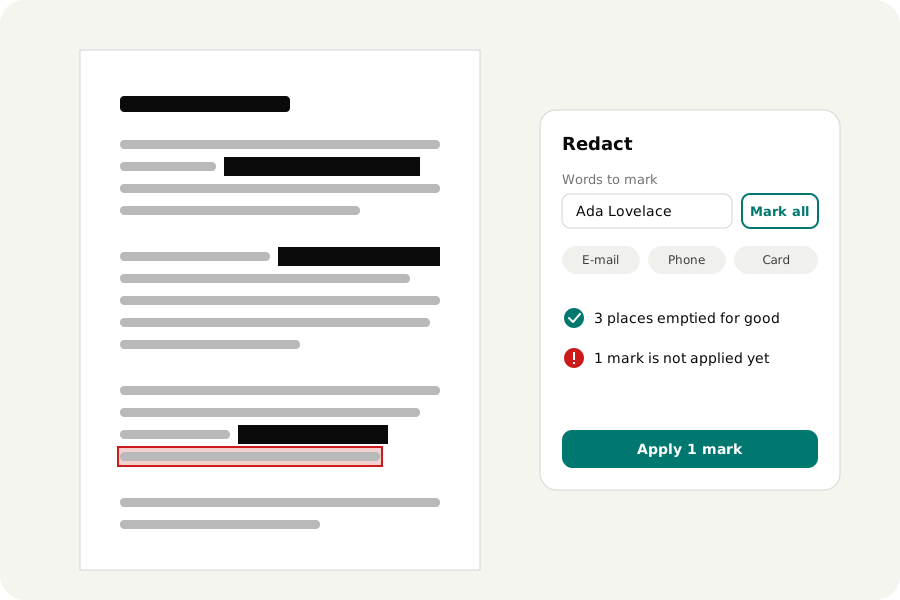
How to redact a PDF in your browser so that names, numbers and pictures are removed from the file, not covered. Why a black box fails, how to check, and what else a file gives away.
Read the storyA little know-how · 3 min read
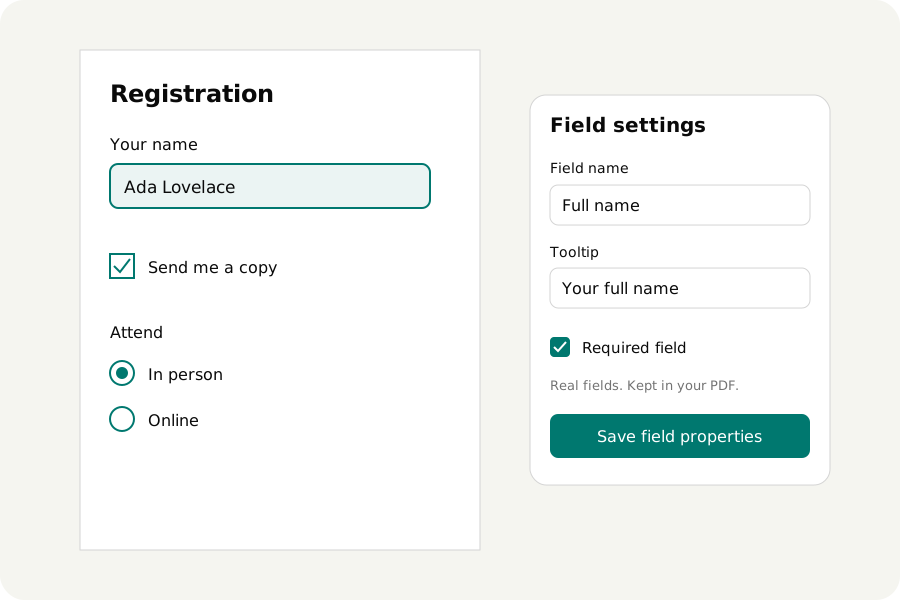
Turn a PDF into a form with text fields, checkboxes, radio groups, lists and dates. Move, resize and name its fields on your device, without uploading the file.
Read the storyA little know-how · 4 min read
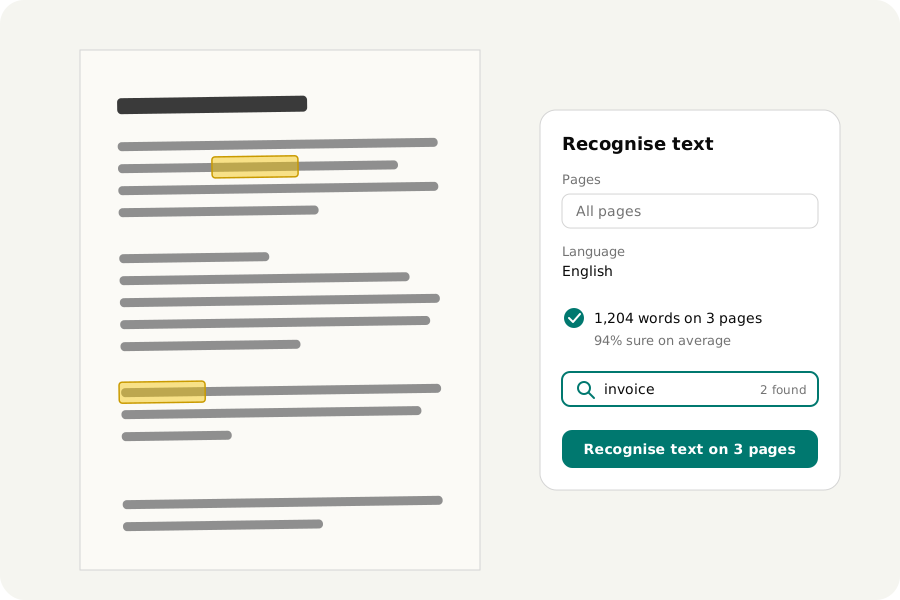
How to make a scanned PDF searchable in your browser: its words are recognised on your device and laid unseen over the pages, which look the same. What OCR misreads, and how to check.
Read the storyA little know-how · 4 min read
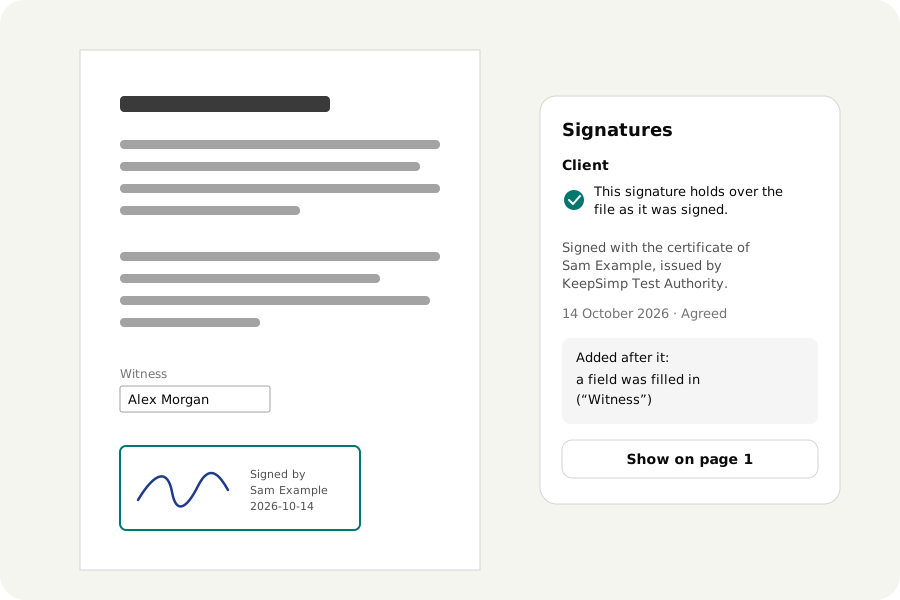
Check the digital signatures in a PDF in your browser: whether each still holds, whose certificate made it, and what was added to the file after it was signed. Nothing is uploaded.
Read the storyA little know-how · 4 min read
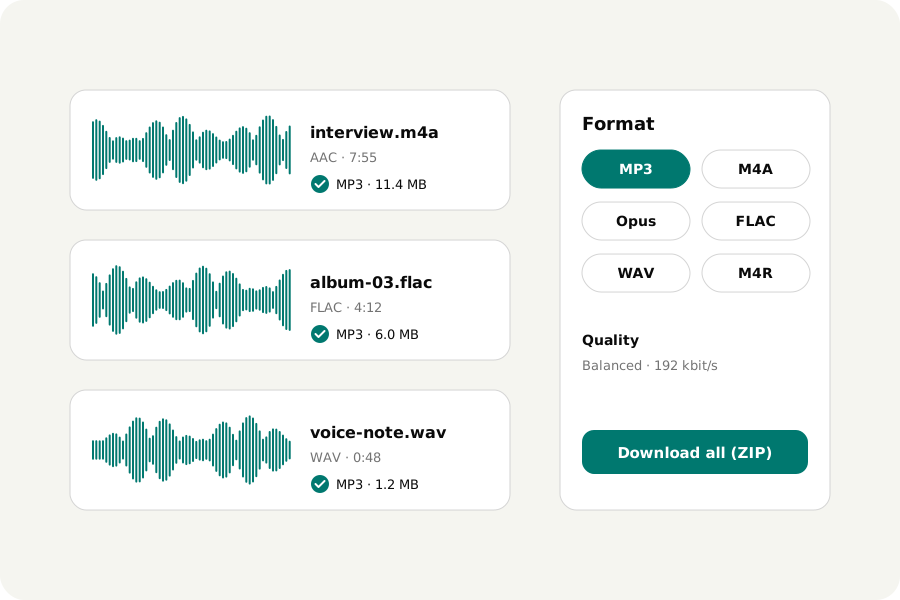
Convert audio between MP3, M4A, Opus, FLAC and WAV in your browser, many files at once, with tags and cover art. Which format and bitrate to choose. Nothing is uploaded.
Read the storyA little know-how · 3 min read
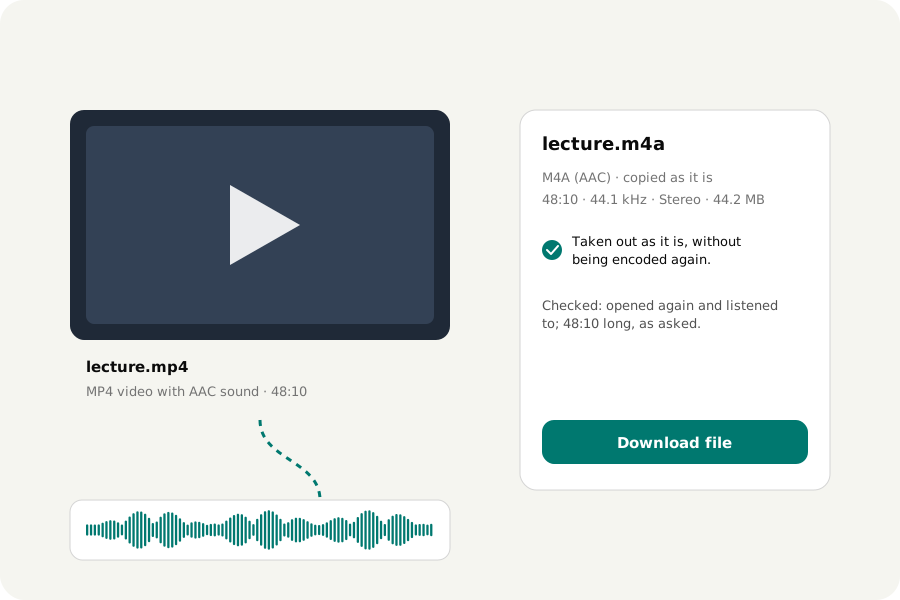
Take the sound out of an MP4, MOV, WebM or MKV video in your browser, exactly as it is, or as MP3, M4A, FLAC or WAV. Nothing is uploaded.
Read the storyA little know-how · 4 min read
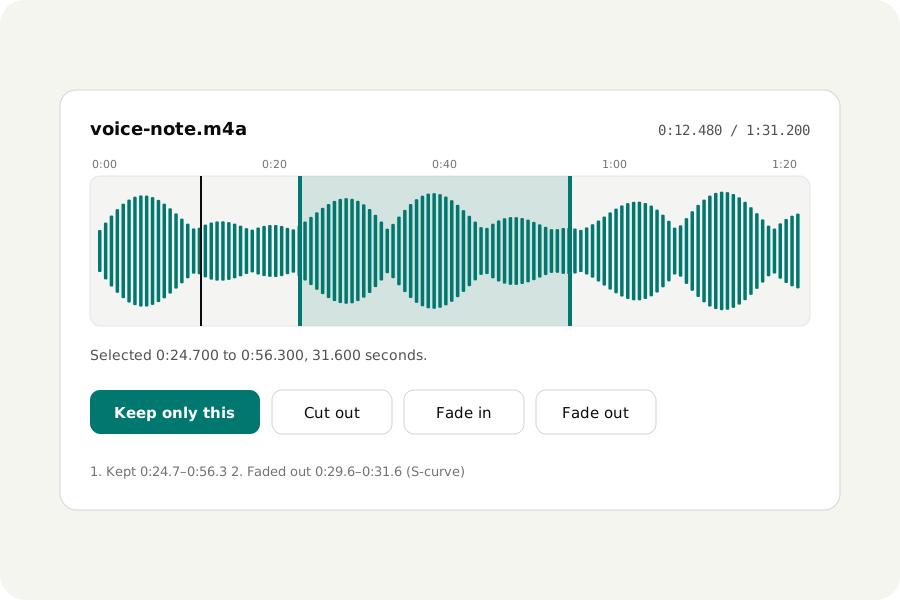
Cut a song, a voice note or a podcast to the part you want, to the millisecond, with fades in and out, in your browser. Every edit can be undone. Nothing is uploaded.
Read the storyA little know-how · 3 min read
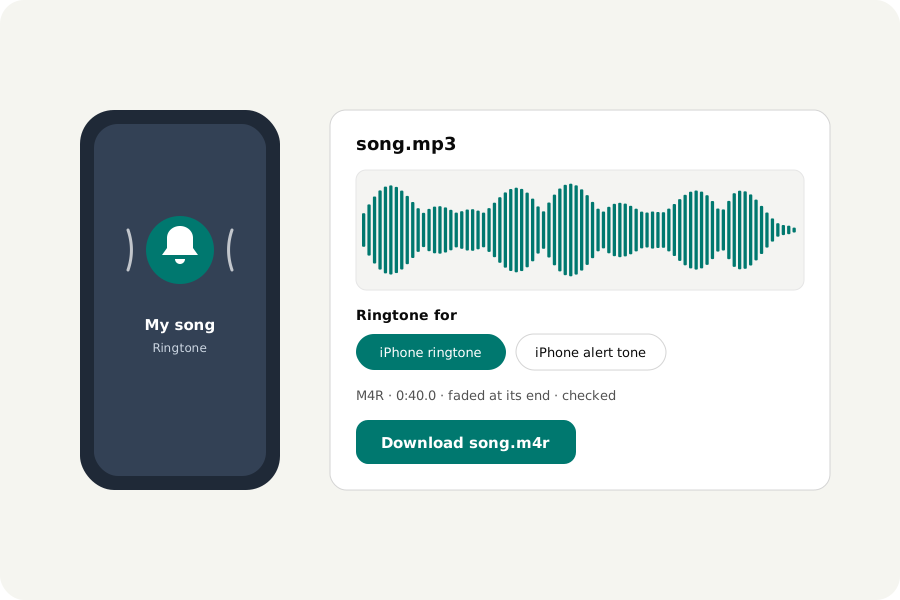
Make an iPhone ringtone (M4R, up to 40 seconds) or an Android ringtone (MP3) from any song in your browser, faded at the end, and put it on your phone. Nothing is uploaded.
Read the storyA little know-how · 5 min read
What LUFS and true peak are, which loudness to choose for Spotify, podcasts or broadcast, and how to normalize many audio files at once in your browser, without clipping. Nothing is uploaded.
Read the storyA little know-how · 3 min read
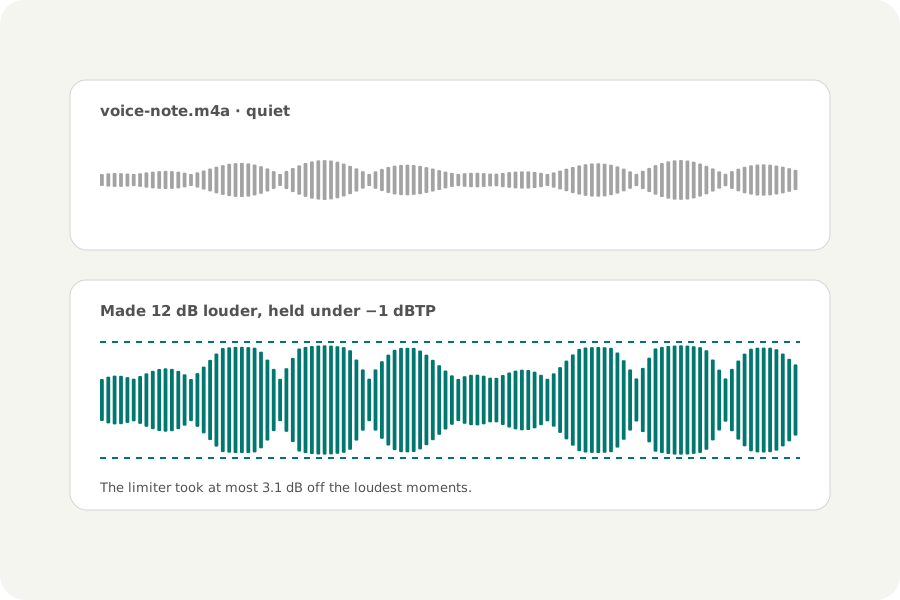
Make a quiet recording, song or video's sound louder in your browser. Why turning it up can make it crackle, and how a limiter stops that. Nothing is uploaded.
Read the storyA little know-how · 3 min read
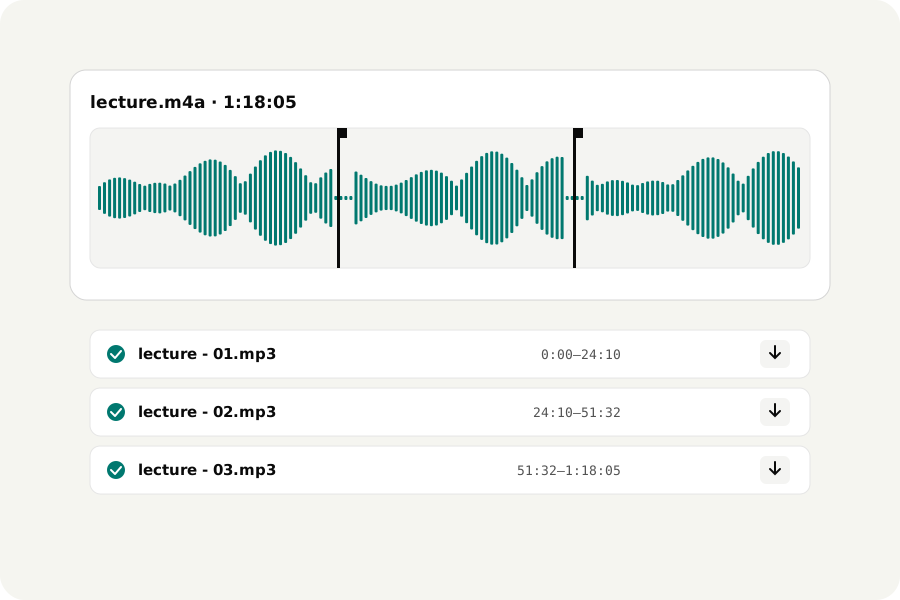
Split a long recording, podcast, lecture or mix into parts in your browser: every few minutes, into equal parts, at markers or at its pauses. Nothing is uploaded.
Read the storyA little know-how · 3 min read
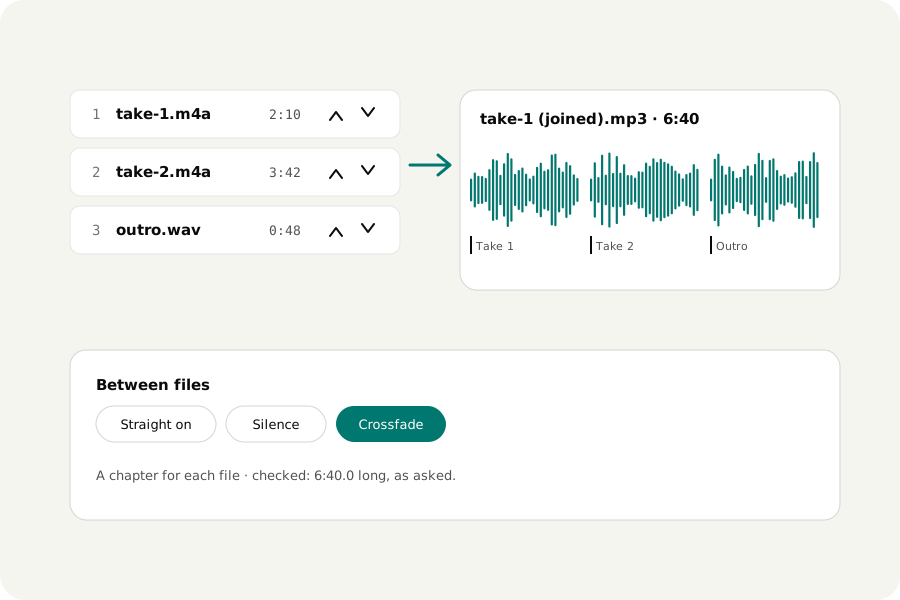
Join MP3, M4A, WAV and other sound files into one in your browser, in your order, straight on, with silence or crossfades, with chapters. Nothing is uploaded.
Read the storyA little know-how · 4 min read
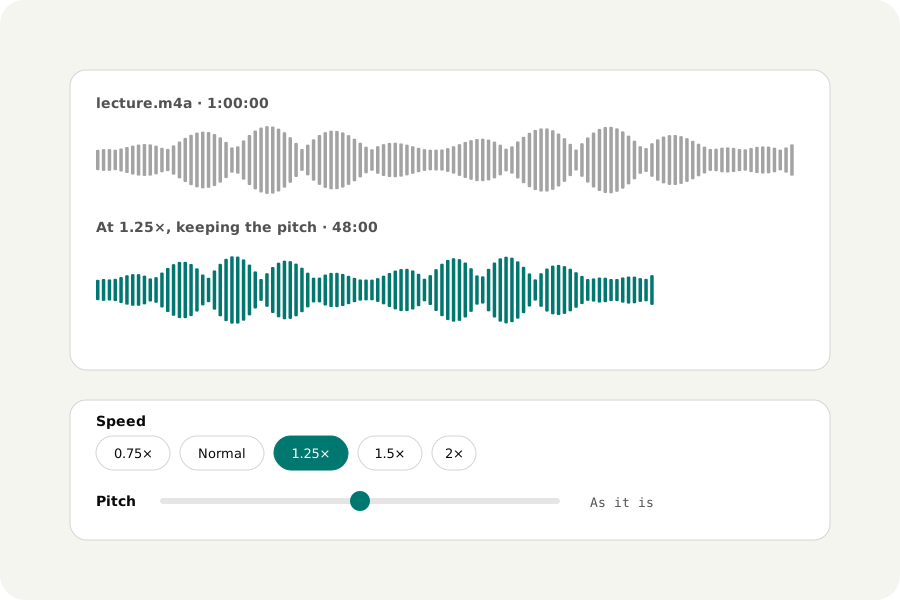
Change the speed of a recording, song or podcast without changing its pitch, or the pitch without changing its length, in your browser. Also tape speed, reverse and karaoke. Nothing is uploaded.
Read the storyA little know-how · 4 min read
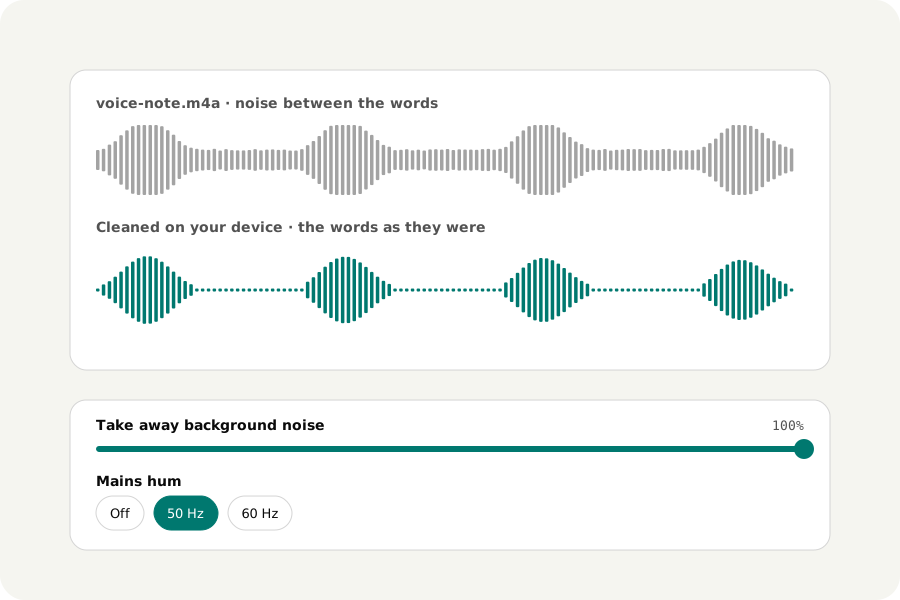
Take hiss, fans, traffic, mains hum, clicks and harsh "s" sounds out of voice recordings in your browser, with RNNoise running on your device. Nothing is uploaded.
Read the storyA little know-how · 4 min read
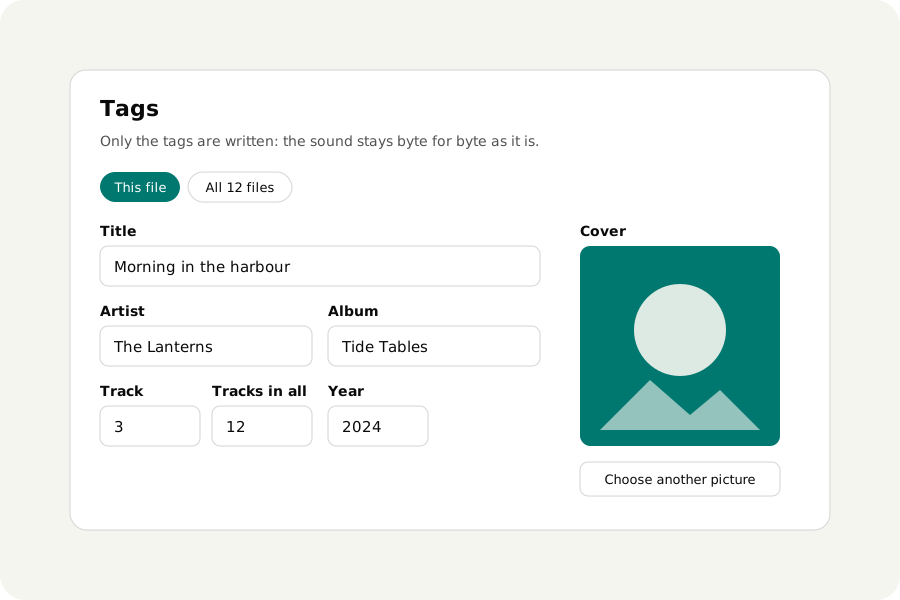
Change the title, artist, album, track number, lyrics and cover of MP3, M4A, FLAC, Ogg, Opus and WAV files in your browser, many at once, without encoding the sound again. Nothing is uploaded.
Read the storyA little know-how · 4 min read
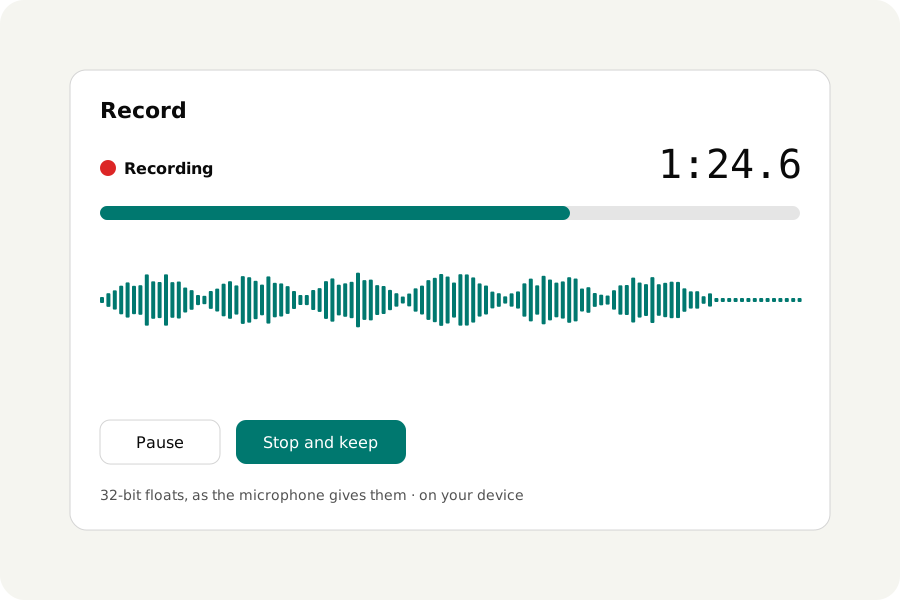
Record from a microphone in your browser, with pause and a level meter and no call filters unless you want them, then trim, clean up and save it as MP3, M4A or WAV. Nothing is uploaded.
Read the storyA little know-how · 4 min read
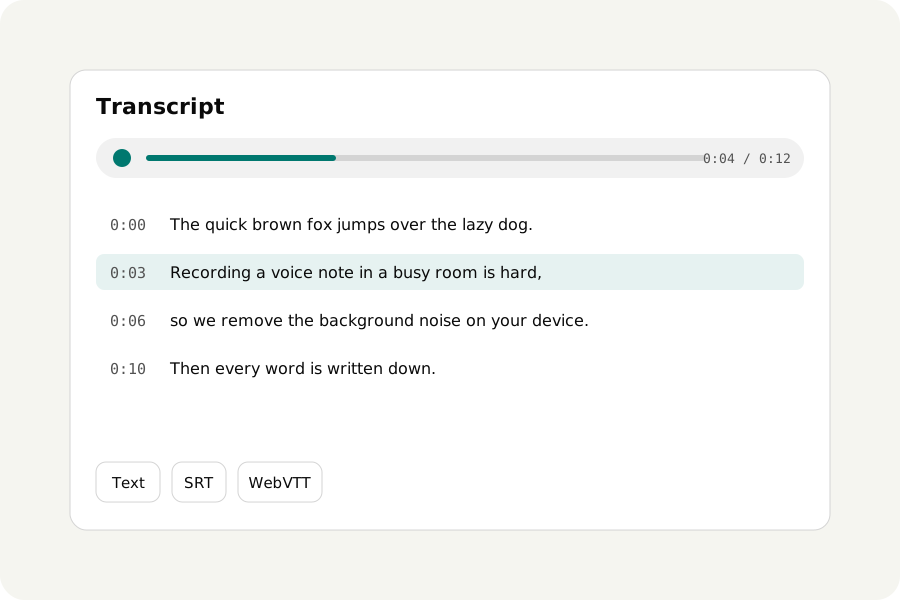
Turn speech in a recording, interview or video into text and subtitles with Whisper running in your browser, then search it and play along. Nothing is uploaded.
Read the storyA little know-how · 3 min read
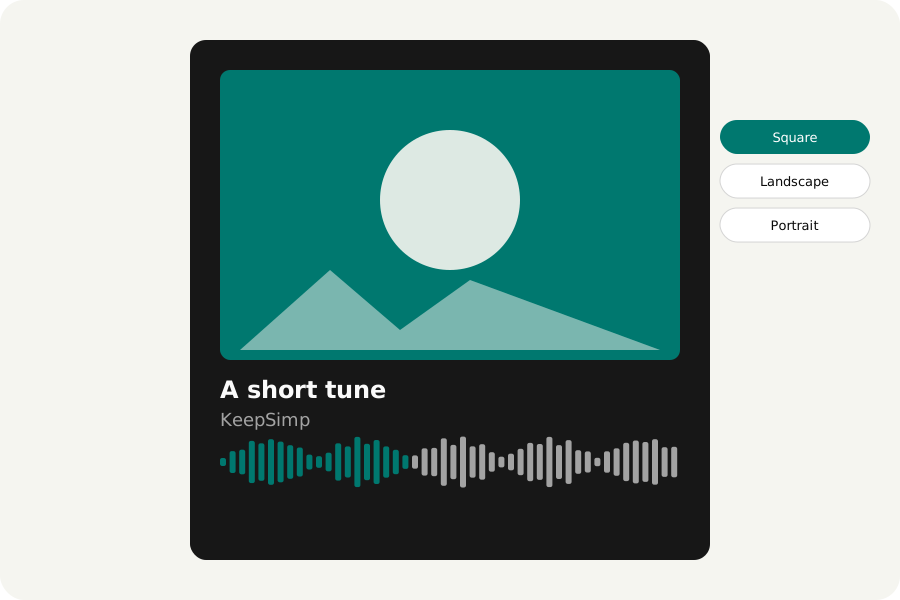
Turn a song, podcast clip or voice note into an MP4 with its cover or a picture of your own, a moving waveform and its title, in your browser, to share where only video goes. Nothing is uploaded.
Read the storyA little know-how · 3 min read
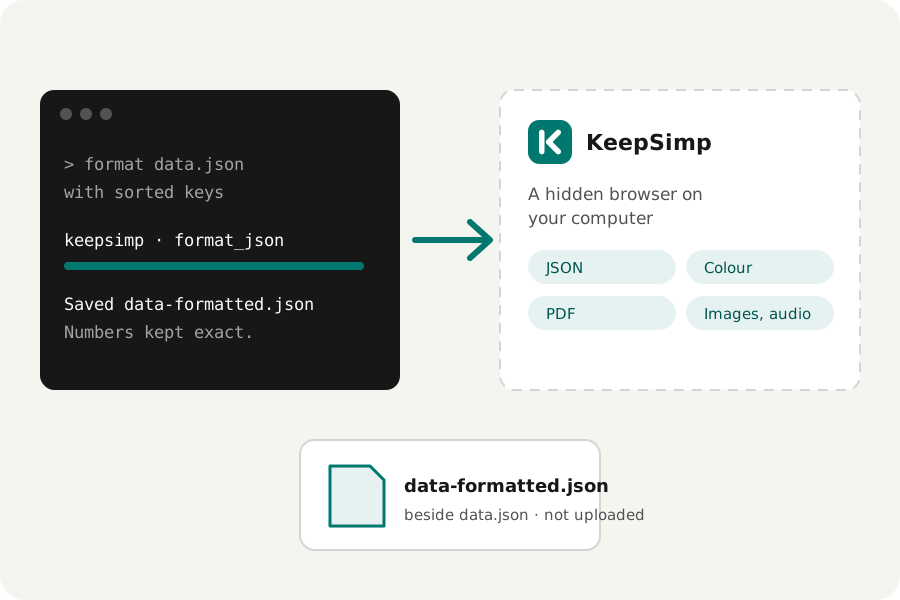
Give Claude Code, Codex or an agent in your browser KeepSimp's tools: they run in a hidden browser on your computer, read your files where they are and save results beside them.
Read the storyA little know-how · 6 min read
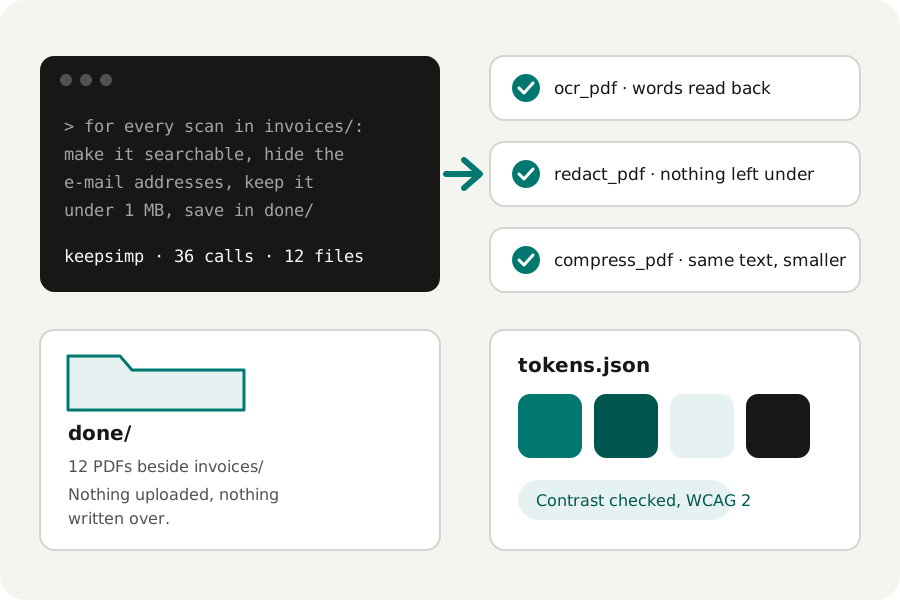
Batches, chains of jobs and design-system checks: how to have Claude Code or Codex do file chores with KeepSimp's tools, on your own computer.
Read the storyA little know-how · 4 min read
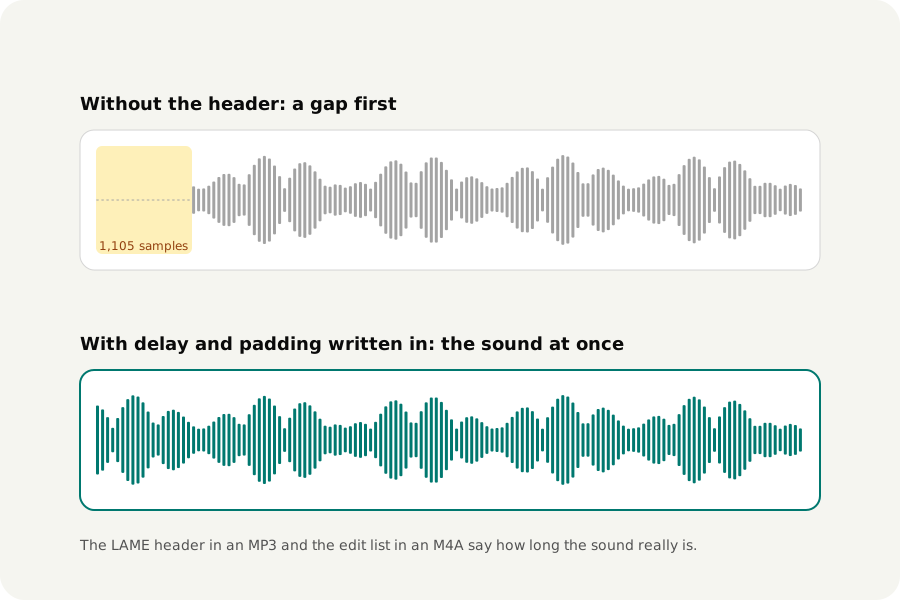
MP3 and AAC encoders add a few hundredths of a second of silence to every file. Why it happens, when it matters (loops, albums, ringtones), and how files can say how long their sound really is.
Read the storyDeveloper notes · 4 min read
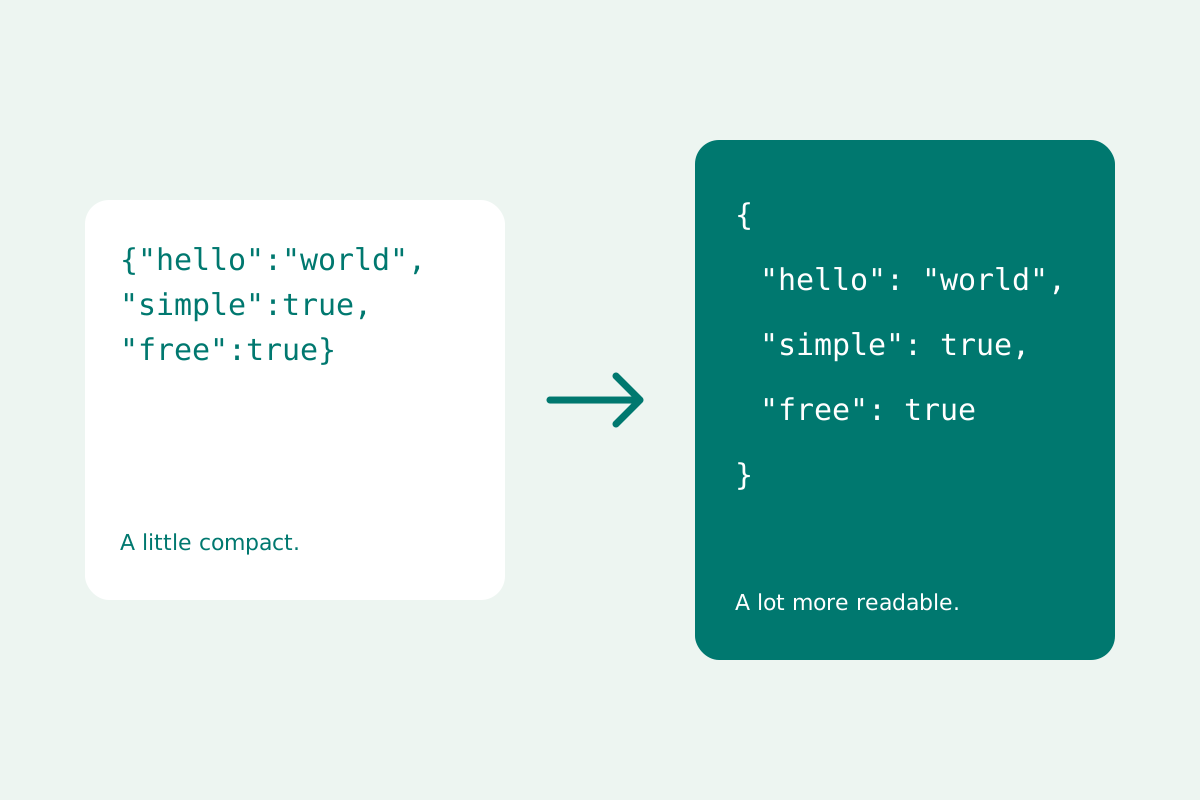
Format and minify JSON locally while preserving large numbers, escaped strings and the order of your keys.
Read the storyDeveloper notes · 4 min read
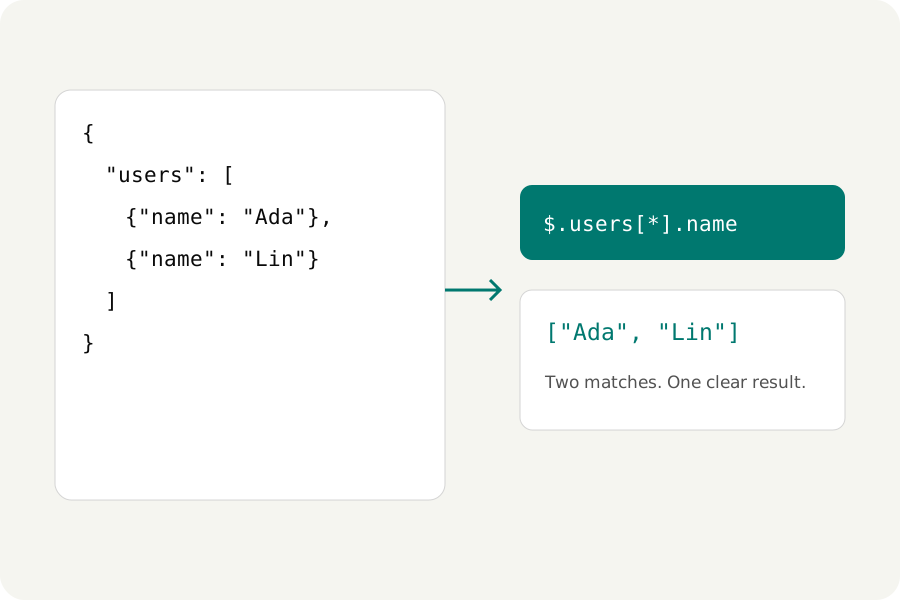
Query nested JSON with JSONPath, select an exact value with JSON Pointer, and export results without rounding large IDs.
Read the storyDeveloper notes · 4 min read
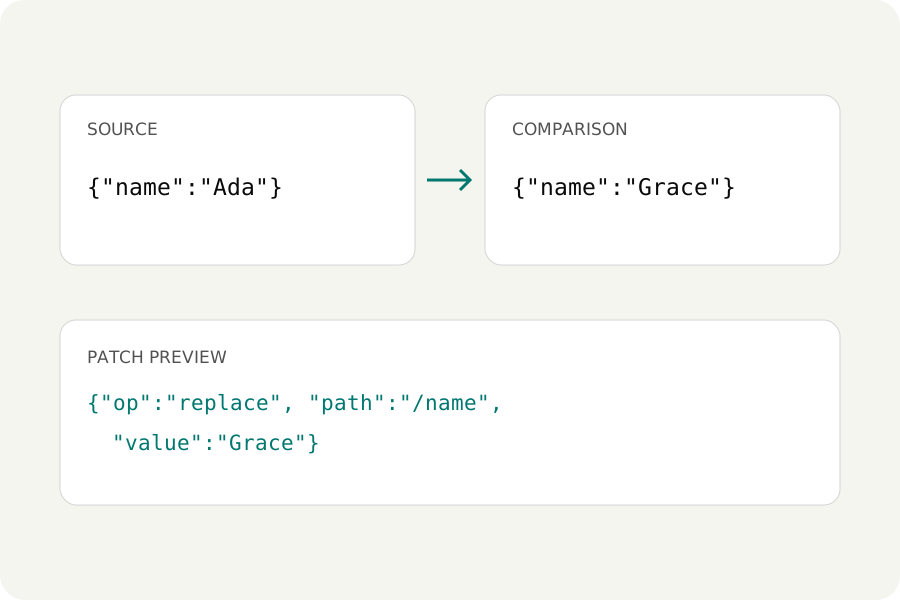
Review JSON repairs, compare values instead of whitespace, and generate or apply all six JSON Patch operations locally.
Read the storyDeveloper notes · 4 min read
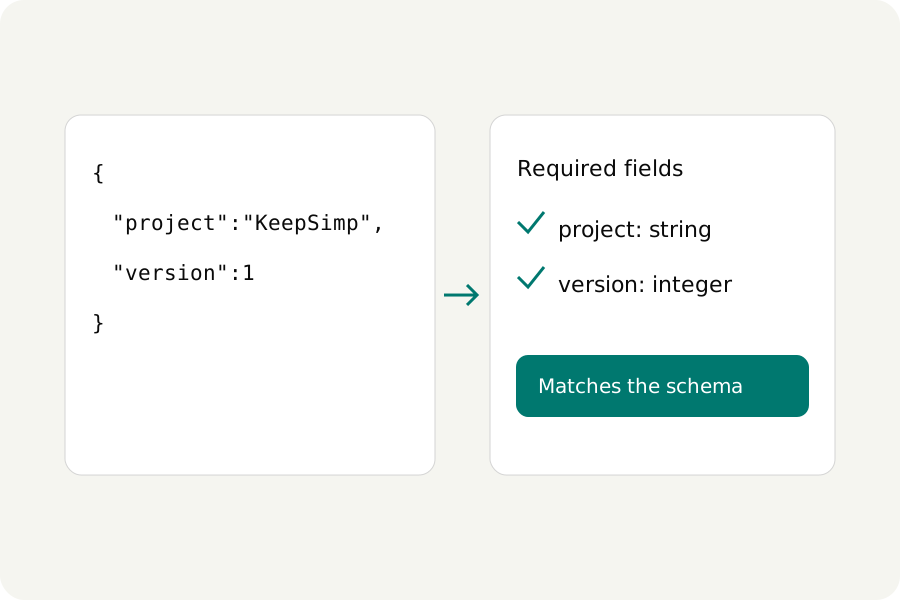
Validate JSON Schema draft-07, 2019-09 and 2020-12, inspect error paths, use local references, and infer a starting schema.
Read the storyDeveloper notes · 5 min read
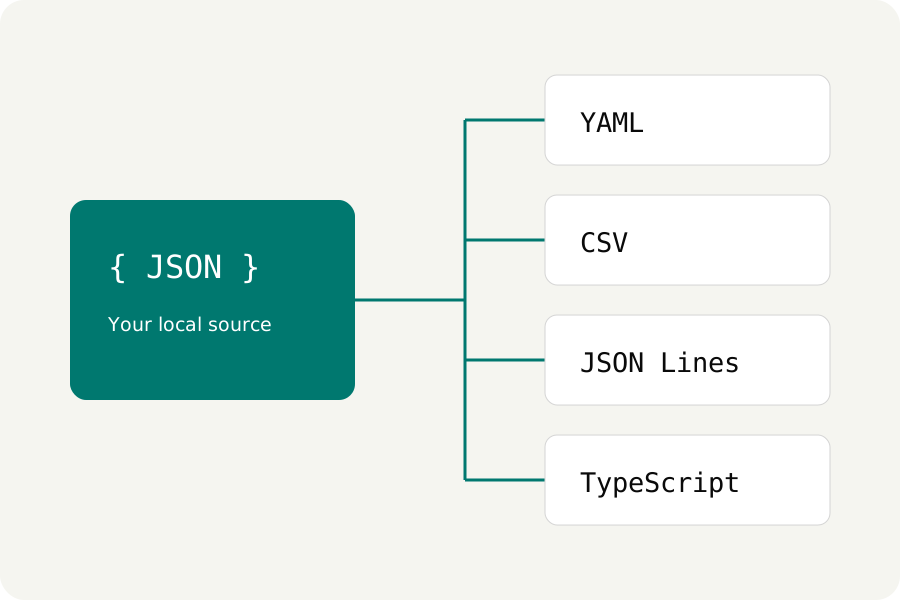
Convert JSON locally, keep CSV identifiers as strings, review spreadsheet formula protection, and generate sample types and schemas.
Read the story