Documents
PDF editor
Change the words already on a page, sign, fill in and make forms, take out private details for good, make scans searchable, then merge, split or compress.
Video · Audio · PDF · Images · Markdown · JSON
Free tools for video, sound, PDFs, pictures and writing. They run in your browser, need no account and keep working offline.
See every job you can do with it, then do it here. Your file stays on this device, from this page to the download.
Everything in one place
Open an editor and do anything it can, or start from the job itself: each has a page that opens the editor ready for it.
Change the words already on a page, sign, fill in and make forms, take out private details for good, make scans searchable, then merge, split or compress.
Make pictures lighter, resize and convert them many at a time, and turn animations into GIF, WebP, APNG or video.
Convert, compress, trim and crop. Change the speed, add music, words or subtitles, join clips or make a GIF.
Cut, convert and join. Set the loudness, clean up a voice, write down speech, make a ringtone, or record your voice.
Write with a live preview, maths and diagrams. Make a PDF, a Word file or a web page, or bring Word and HTML in.
Format, query, compare and convert JSON with every digit kept. Convert colours and check their contrast.
Private by design
Most online tools send your file to a server and send back the result. KeepSimp brings the tools to your file instead: your browser does the work, on your device.
Your device
contract.pdf
Your file
KeepSimp
Runs in your browser
contract-signed.pdf
Your result
The site’s server sends the pages and the tools. It never receives your files.
Simple, not shallow
Each tool starts with the everyday job and keeps the harder ones a press away.
Draw or type a signature, or sign with your own certificate file. The signature is checked before you get the file.
Sign PDFMarked words, pictures and drawings are taken out of the file, not covered, and the result is read back to be sure.
Redact PDFTesseract reads the words in a scanned page on your device and lays them unseen under the picture.
OCR PDFWhisper writes down what is said, with times, as text or subtitles. It can mishear, so read it through.
Transcribe audioMeasure loudness the way streaming services do and set it to a target, with peaks kept under a ceiling.
Normalize audioBring a video under 8, 10 or 25 MB, or a size of your own, with its quality checked.
Video compressorWrite formulas, Mermaid diagrams and slides in Markdown, then make a PDF, a Word file or a web page.
Markdown editorFormat, query and convert JSON without rounding a large number or dropping a decimal place.
JSON formatterFor AI agents
Claude Code, Codex and other MCP clients can call the tools through the keepsimp-mcp bridge. They still run on your computer, with the same engines as these pages.
claude mcp add keepsimp -- npx -y keepsimp-mcp
Then ask in plain words:
A little know-how
Plain notes on getting the job done, from the blog.
A little know-how5 min read
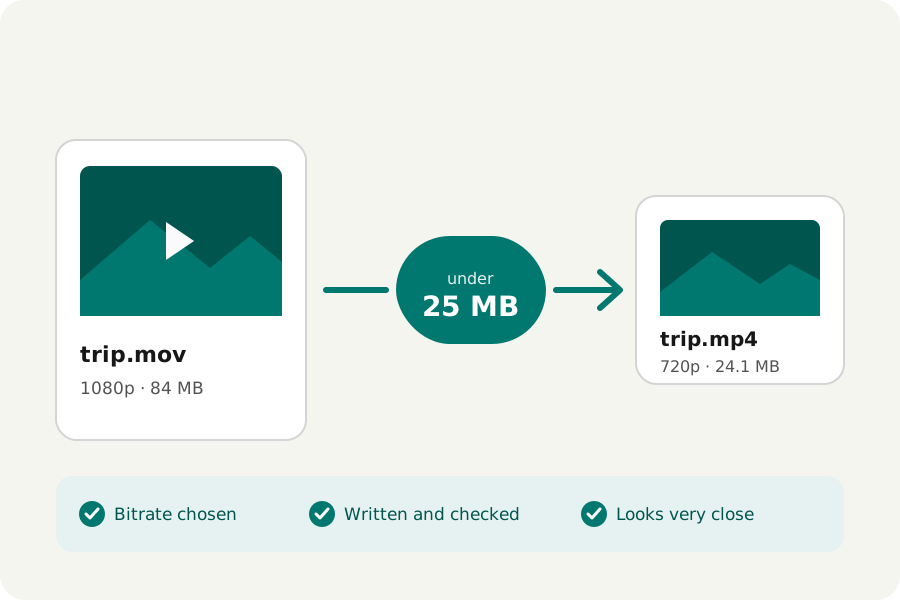
Make a video fit under 25, 10 or 8 MB in your browser: how the bitrate, frame rate and size are chosen, and how close the result looks. No uploads.
A little know-how6 min read
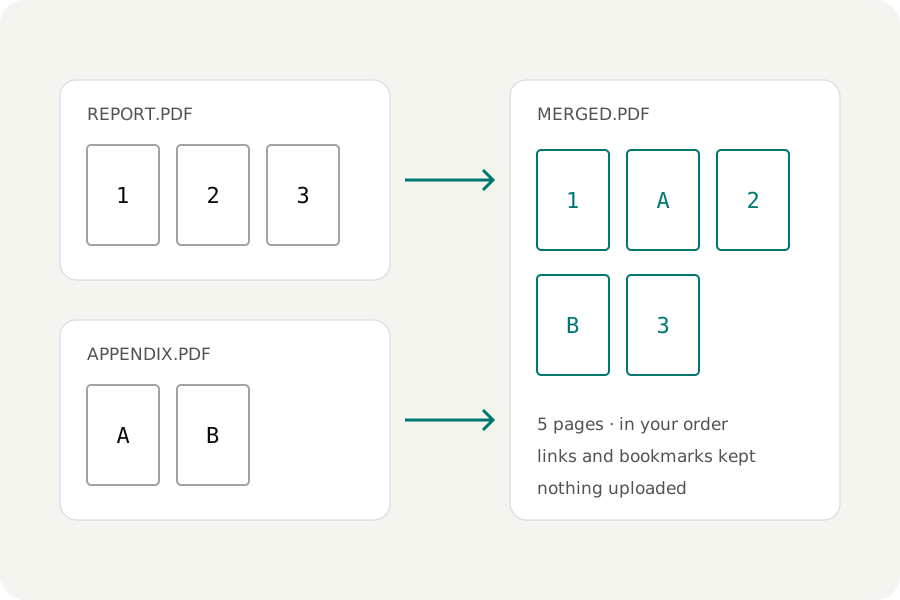
How to merge PDF files in your browser: put them in order, arrange single pages, keep links and bookmarks, and decide what a merge should carry over.
A little know-how6 min read
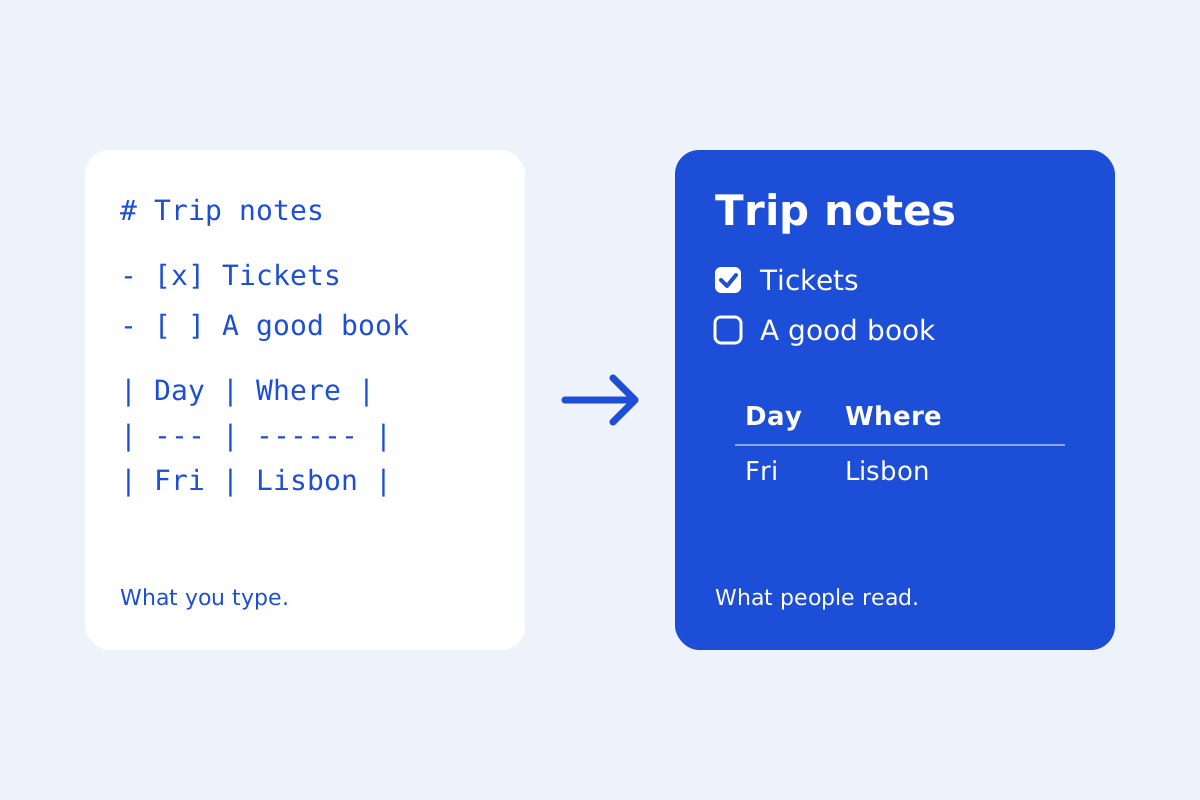
Write Markdown with a live preview in your browser: GitHub's tables, task lists, footnotes and alerts, maths, diagrams, tabs, a document check and exports to HTML, Word and PDF. No uploads.
Glad you asked
Yes. Every tool is free to use, with no account and no payment.
Nowhere. The tools read and write your files in your browser, so they are not uploaded. The site's host sends the pages and the tools' code, and a few engines, such as speech and text recognition, are fetched from this site the first time you use them.
Each kind of file has one editor that does all of its jobs. Pages such as Sign PDF or Video compressor open that editor ready for one job, with the rest a press away, so you never learn two tools for one file.
Yes, in a current mobile browser. Long videos and large PDFs take longer and need more memory on a phone than on a computer. You can add KeepSimp to your home screen.
Yes. Install KeepSimp as an app, or visit the tools once, and they keep working without a connection.
Yes. Claude Code, Codex and other MCP clients can call them through the keepsimp-mcp bridge, which runs them in a browser on your own computer. Signing and recording stay for you to do yourself.