

Developer notes
Make JSON readable. Keep the details.
Format and minify JSON locally while preserving large numbers, escaped strings and the order of your keys.
By KeepSimp 4 min read
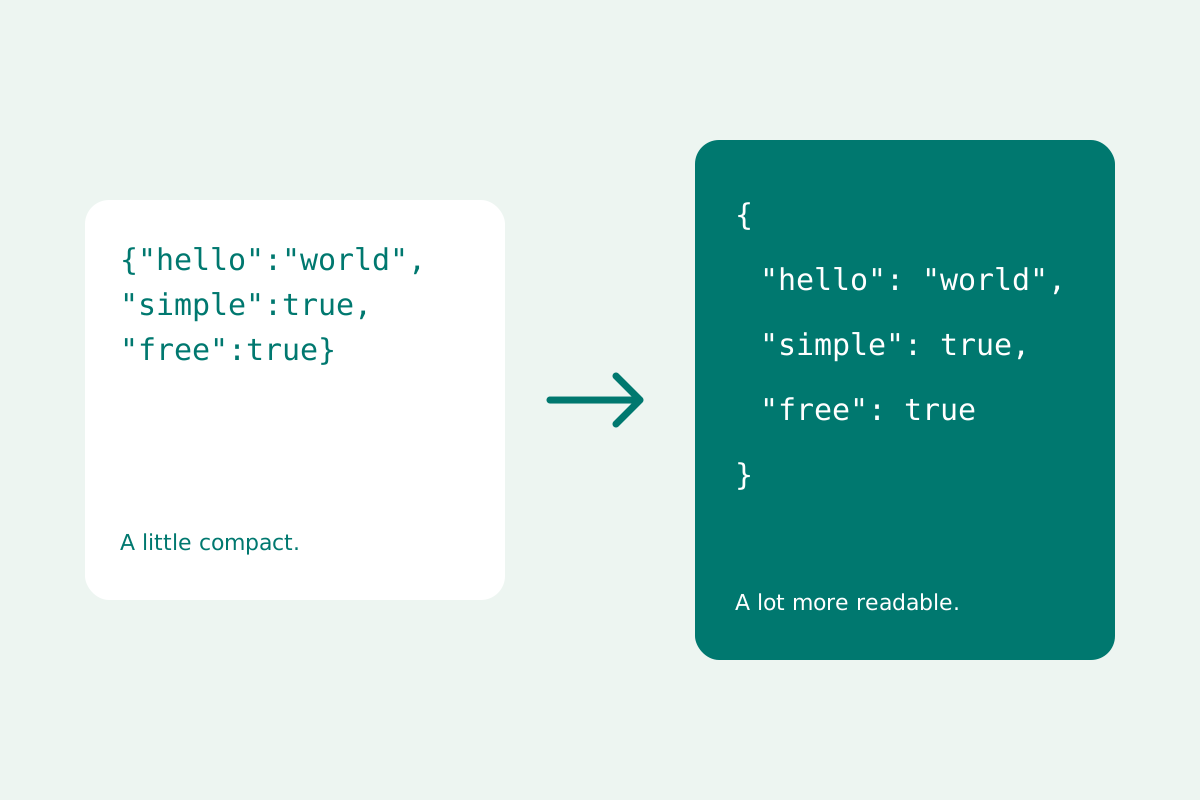
A block of compact JSON can be valid and still difficult to read. Formatting adds space and indentation so you can inspect its structure. That should change how the document looks, while keeping the data exactly as it was written. KeepSimp's formatter takes that distinction seriously.
Choose formatting or minification.
Formatting puts nested values on separate lines. Choose two spaces, four spaces or tabs; minification removes whitespace between tokens. Recursive key sorting is available under More transformations, preserving the order of array items.
Whitespace inside a quoted string is data. It should stay exactly where it is. The KeepSimp formatter preserves original string tokens rather than rewriting them, so escaped quotes, spaces and Unicode escape sequences are retained.
Keep large numbers as they were written.
A formatter that parses JSON into JavaScript values and then stringifies them can change numeric text. JavaScript numbers cannot represent every large integer exactly. For instance, the integer 9007199254740993 is beyond the maximum safe integer.
KeepSimp uses a strict syntax tree and retains original tokens. The downloaded text preserves 9007199254740993, exponent notation and the spelling of numeric tokens. That does not make a downstream application's numeric parser more precise; it keeps the formatter from changing your source. Pointer selections and semantic comparisons also retain exact numbers.
Try it with a small example first.
Open JSON formatter and choose Use example, or paste your own document into Your JSON. Select Format JSON to add indentation, or Minify to remove spacing outside strings. The result appears in a separate field, leaving your input available for comparison.
Download JSON saves the result with the filename you choose. Copy result uses your browser's clipboard permission; if unavailable, select the result or download it. Documents can contain up to five million characters, 100 levels and 100,000 values. Open file and drag-and-drop accept UTF-8 text files up to 10 MB, within those text limits.
A readable document still needs valid syntax.
JSON requires double-quoted property names and strings. A trailing comma after the last item is invalid. The tool reports a line and column, with Go to error to place the editor cursor there. Preview repair is a separate transformation that can guess fixes; review it before accepting the result.
Duplicate keys are preserved when formatting and flagged visibly. Make them unique before querying, comparing, converting or validating a schema. Use the Schema workflow to check a data contract beyond syntax; the tool does not invent your application's business rules.
Edit comfortably, and preview transformations.
The editor includes syntax highlighting, folding, line numbers, find and replace, undo and redo. Ctrl/Cmd + F opens search and Ctrl/Cmd + Z undoes an edit. Tab indents inside the editor; press Escape, then Tab to move focus out. Use result as source accepts an output explicitly, and Undo edit can restore the earlier input.
More transformations can escape a document as a JSON string, unwrap one, encode or decode UTF-8 Base64 and URL text, flatten leaves into JSON Pointer keys, or redact chosen property names recursively. Redaction matches exact names without regard to case; it cannot guarantee that every secret is removed. Encoding changes representation and is not encryption.
Keep the work in your tab.
Your text is processed locally and is not sent to a formatter server. It is not saved in local storage, and leaving or refreshing the page clears the editor. Theme and sidebar preferences are stored separately from the content you process.
Local processing describes this tool's behavior, not a blanket guarantee about your device. Use a trusted browser and consider extensions, clipboard sharing and the sensitivity of any content you paste. Keep a separate copy of anything you need to retain.
Further reading
Topics: JSON formatter · JSON validator · format JSON online · JSON viewer · JSON big numbers · pretty print JSON
A little less theory. A little more doing.
Try it on your own terms, with a free browser tool.
Try the tool