

A résumé as a PDF with real text.
Build a résumé in your browser and download a PDF with real, selectable text, read back in order, or a Word file. No sign-up, nothing uploaded.
By Suraj Kumar2 min read
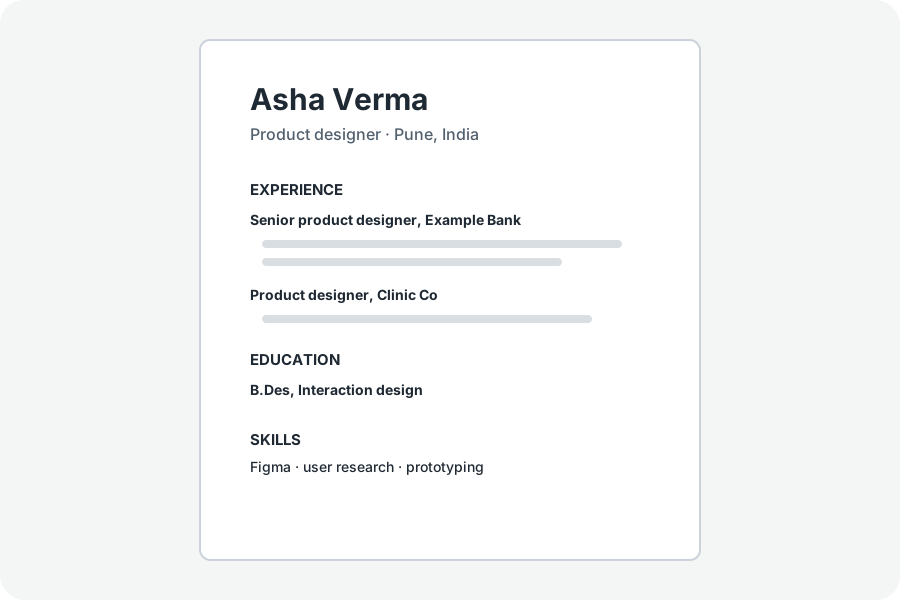
Many résumé builders draw your words as pictures or hide the download behind a payment.
Real text, in order.
The PDF is laid out from your details by MuPDF, the engine of KeepSimp's PDF tools, so every word is text you can select and search. It is opened again and its text read back: if your name, headings and jobs do not come out in order, it is not offered.
Styles of our own.
Plain is one column with no pictures, for job websites; Classic is centred with ruled headings; With a photo puts your photo at the top; Biodata adds a table of personal details.
A Word file too.
The Word file is written from the same details in the same order, by the docx library, to change in Word or Google Docs.
Further reading
Topics: resume builder · ats resume · resume pdf · cv maker · free resume builder
A little less theory. A little more doing.
Try it on your own terms, with a free browser tool.
Try the tool