

A little something on every picture.
Put stickers, arrows, speech bubbles and your own pictures or GIFs on a video in your browser, for a moment or all of it. Nothing is uploaded.
By Suraj Kumar3 min read
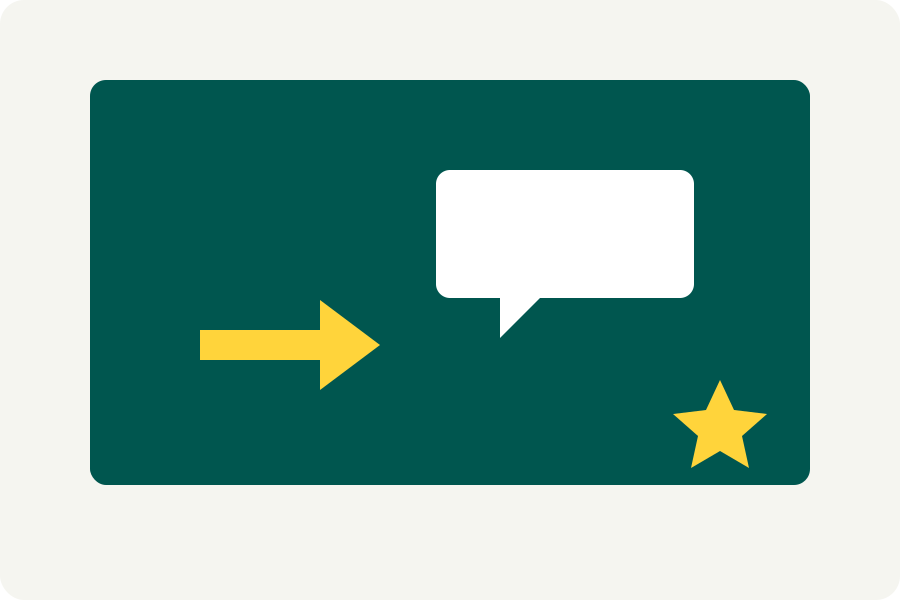
An arrow at the thing that matters, a bubble with what someone thinks, a badge in the corner: stickers point, explain and make a video yours. KeepSimp puts them on in your browser, with nothing uploaded.
Emoji, shapes and your own pictures.
Open Add stickers to video and drop a video: it opens in the Video editor on Stickers. Choose any emoji, an arrow, a speech or thought bubble, a badge, a tick or a cross in one of six colours, or add a picture, a logo or an animated GIF of your own. Each goes on at the playhead.
Where and for how long.
Drag a sticker where you want it and pull a corner to size it. It shows for as long as its bar on the timeline lasts; stretch it over the whole video or keep it to a moment, and give it a way in and out under Animation. Set keys on its place at two moments and it moves between them.
Written on your device.
Press Export: the video is drawn frame by frame with its stickers by your browser and checked before you download it. Nothing is sent anywhere.
Further reading
Topics: add stickers to video · stickers on video · video stickers · add gif to video · arrow on video · speech bubble on video · add sticker to video online free
A little less theory. A little more doing.
Try it on your own terms, with a free browser tool.
Try the tool