

A little know-how
A title on the picture, a mark in the corner.
Write a title or caption on a video and put a logo in a corner in your browser, for the whole video or a few seconds. Nothing is uploaded.
By KeepSimp 3 min read
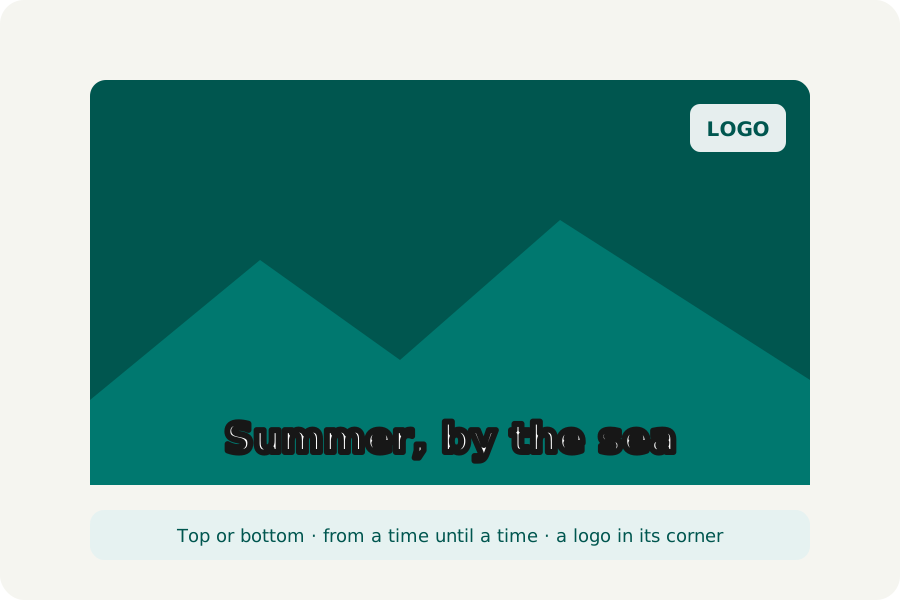
A name under a speaker, a title over an opening shot, your logo in the corner of every clip: small marks that make a video yours. KeepSimp writes them on the picture in your browser, many videos at once.
Text that reads on any picture.
Text goes along the top, the bottom or both, in the site's Outfit typeface, wrapped onto more lines when it is long and made smaller if a word will not fit. White letters get a dark outline and black ones a light one, so they read over bright skies and dark rooms alike. Show it for the whole video, or from and until a time of the result: a name for the first five seconds, say.
A logo in its place.
A logo sits in a corner or the middle, 10, 15, 20 or 30% of the picture's width in its own shape, solid or see-through. A PNG with a clear background looks best. It is on every frame, kept a little in from the edges.
A logo marks a video as yours; it does not stop anyone copying it or cutting it out.
How to do it.
Open Add text to video, drop your videos, write the text and add a logo if you like. Each video is written with them, its picture encoded again by your browser at the quality you choose, and checked before you download it; the sound is copied as it is. Trims, crops, speed and fades all work with them: the times you give are times of the result.
Further reading
Topics: add text to video · add logo to video · watermark video · caption video · title on video
A little less theory. A little more doing.
Try it on your own terms, with a free browser tool.
Try the tool