

Count words the way Word does, in any language.
Count the words, characters, sentences and paragraphs of an essay or post as you type, with reading and speaking time and a word target, in your browser.
By Suraj Kumar4 min read
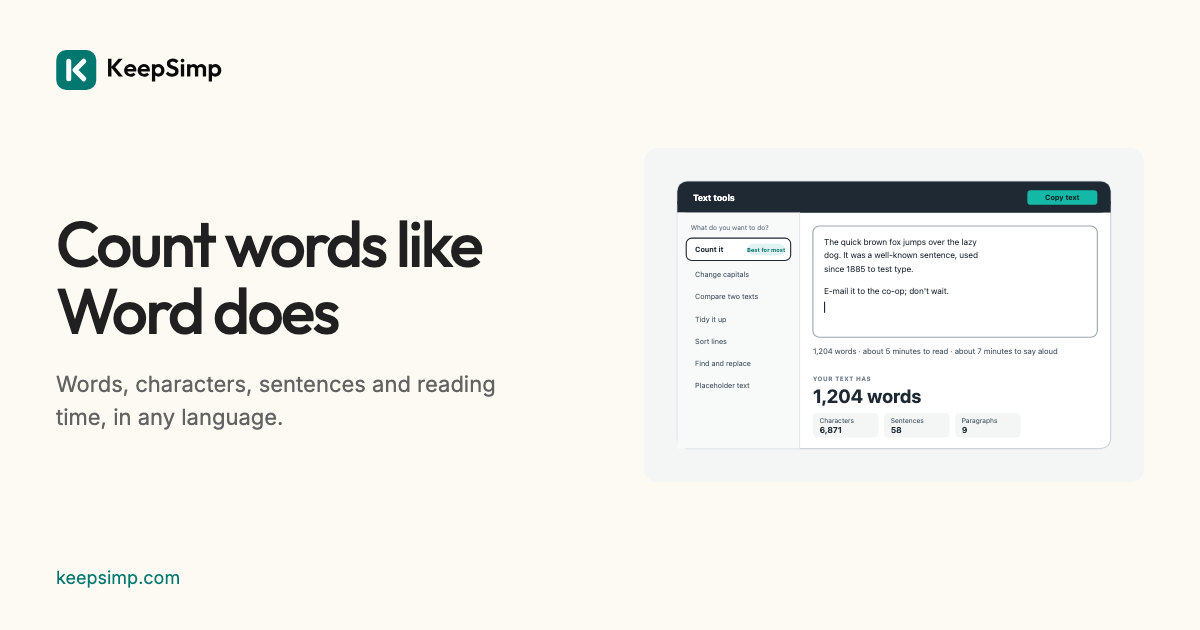
Most word counters agree on plain English and disagree on everything else: a hyphenated word, a dash between spaces, a sentence that starts after “Dr.”, a paragraph in Chinese. Here is how KeepSimp counts, and why.
What counts as a word.
Everything between spaces that holds a letter or a digit is one word, as Microsoft Word counts: “e-mail”, “co-op”, “don't” and “3.5” are one word each, and a dash or a bullet standing alone is none. On ordinary prose this gives the same number as the Unix command wc -w, which the tests check.
Chinese, Japanese and Thai are written without spaces between words, so there the page asks the browser's own word breaker (Intl.Segmenter), which knows the words of those languages. When a text is mostly Chinese or Japanese, the count leads with characters, which is how length is usually given in those languages.
Sentences, paragraphs and characters.
Sentences are found by the browser's sentence breaker, kept from ending a sentence after shortenings such as Mr., Dr., e.g. and etc. (the list is the one Unicode's CLDR gives for English, with a few everyday ones added). A paragraph is a line with words in it, as Word counts. Characters are counted as you see them: an emoji family or a flag is one character, not the seven or two that some counters give.
Reading and speaking time.
Reading time is worked out at 238 words a minute and speaking time at 183, the averages for adults that a review of 190 studies found (Brysbaert, 2019). Both speeds can be changed under More options. For Chinese and Japanese, reading time comes from characters: 255 a minute for Chinese and 357 for Japanese, from the International Reading Speed Texts.
A word target.
Asked for 500 words? Turn on Check a limit, choose Word target and set the number with the plus and minus buttons. The page says how many words are left, or how many over, as you write. Under More options are the words and phrases you use most, without the common ones such as “the” and “of”.
Nothing leaves your browser.
Everything is worked out on your device: what you paste, type or open is never sent anywhere, and nothing is kept when you leave the page. There are no adverts, no accounts and no limits on length.
Further reading
- Brysbaert (2019): How many words do we read per minute? A review and meta-analysis of reading rate (opens in a new tab)
- Trauzettel-Klosinski and Dietz (2012): Standardized assessment of reading performance, the new IReST (opens in a new tab)
- MDN: Intl.Segmenter (opens in a new tab)
- Unicode CLDR: sentence break suppressions for English (opens in a new tab)
Topics: word counter · word count · count words · essay word count · reading time calculator · words per minute · words to minutes · speech length calculator
A little less theory. A little more doing.
Try it on your own terms, with a free browser tool.
Try the tool