

Enhancing a photo with a model.
Enhance a photo by enlarging it with Real-ESRGAN in your browser: sharper edges and finer texture, made up by the model. Nothing uploaded.
By Suraj Kumar2 min read
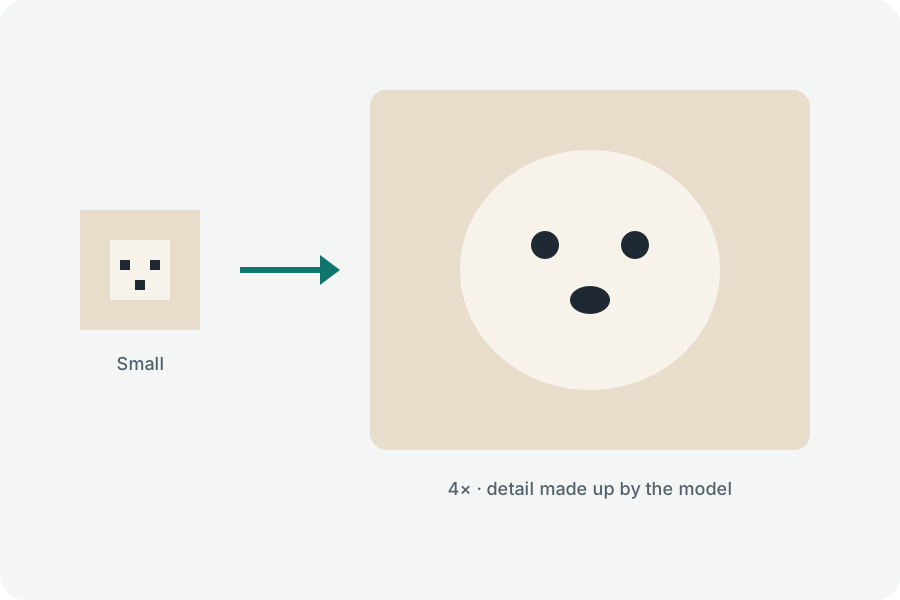
Enhancing here means enlarging with sharper edges.
What it does.
Real-ESRGAN draws the photo two times as large, sharpening edges and adding texture as it goes.
What it cannot do.
It cannot bring back a face the camera never caught sharply, or read a number plate that was a blur; what it adds is invented.
Then.
Brighten or straighten the result in the Photo editor, or make it smaller to send with the Image compressor.
Further reading
Topics: image enhancer · enhance photo quality · photo enhancer · improve photo · ai enhance
A little less theory. A little more doing.
Try it on your own terms, with a free browser tool.
Try the tool