

Excel to CSV, as each cell shows.
Save an Excel sheet as a CSV in your browser, each cell as Excel shows it, with a UTF-8 mark so accents stay right when opened again.
By Suraj Kumar2 min read
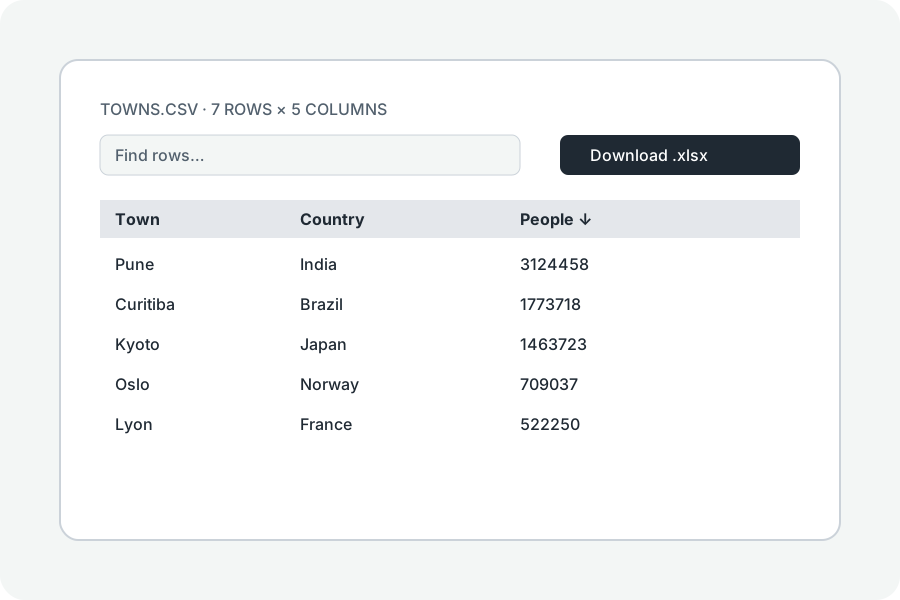
A CSV holds one sheet of plain text; here is how each cell is written.
As shown.
Each cell is written as Excel shows it, such as 1,250.50 or 1 Nov 2026, so the CSV reads as the sheet did.
One sheet.
A CSV holds one sheet: the one you are looking at is saved; choose another to save that.
Accents kept.
The file starts with a byte-order mark, so Excel opens it as UTF-8 and accents stay right.
Further reading
Topics: excel to csv · xlsx to csv · convert xlsx to csv · export excel to csv · xlsx to csv converter
A little less theory. A little more doing.
Try it on your own terms, with a free browser tool.
Try the tool