

A cover letter that sounds like you.
Write a cover letter in your browser, nothing is uploaded: the job, what you do now, what you bring and why this company, as a PDF or Word file.
By Suraj Kumar4 min read
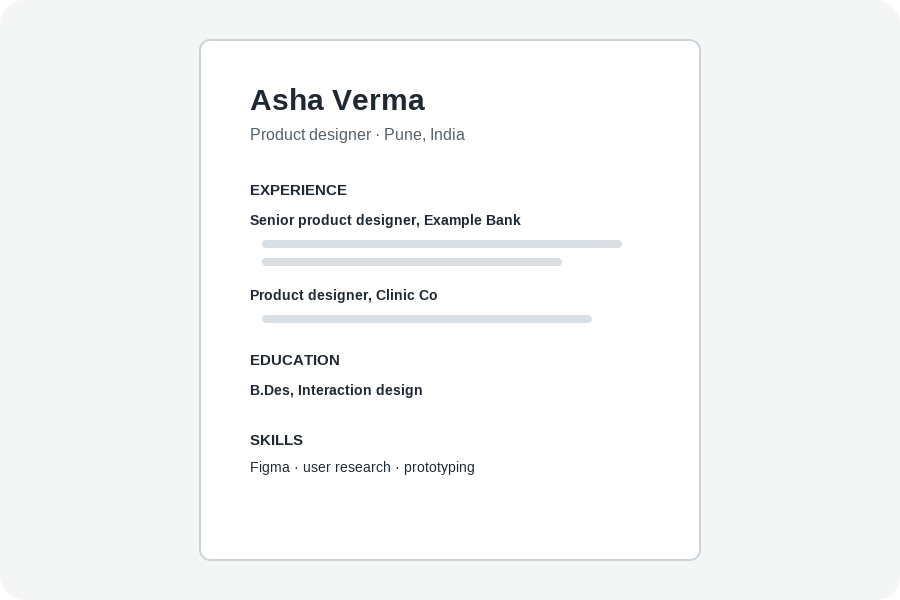
A cover letter tells an employer which job you want, why you can do it and why them. The Letter maker builds those three paragraphs from a short form.
Name the job.
Type the job and the company, and where you saw it if you like. The first paragraph says plainly what you are applying for.
If you know the hiring manager's name, type it and the letter greets them by name; otherwise it opens Dear Hiring Manager.
Say what you bring.
Type what you do now and a few strengths separated by commas, such as customer service, stock control. Then add one thing you are proud of, as a sentence of your own.
A real result, with a number if you have one, says more than a list of qualities.
Say why them.
Write a sentence about why you want to work there. If you leave it empty, the letter says you would welcome the chance to bring your skills to them, which is better replaced by something specific.
Read every paragraph under Change the words and make it sound like you.
Send it with your résumé.
Download the cover letter as a PDF with real text, a Word file, or copy it into the application form or an email.
Make your résumé with the Résumé builder in the same way: on your device, with no sign-up.
Further reading
Topics: cover letter · cover letter generator · how to write a cover letter · cover letter template · job application letter · cover letter for job
A little less theory. A little more doing.
Try it on your own terms, with a free browser tool.
Try the tool