

A DXF drawing, opened without AutoCAD.
Open a DXF drawing in your browser with nothing uploaded: see its layers, turn them on and off, measure it at its real size and save it as an SVG.
By Suraj Kumar4 min read
DXF is the drawing file AutoCAD and nearly every CAD program can write: plans, laser-cutting outlines, sign layouts and parts drawn in two dimensions. Opening one usually takes a CAD program. KeepSimp opens it in your browser, and the file stays on your device.
Drop the drawing.
Open the DXF viewer and drop the .dxf file. It is read by dxf-parser, an open-source reader, on your device; a flat drawing is shown from above, flat, with no grid or shadow over its lines, and colour 7 drawn black on a light page and white on a dark one, as AutoCAD draws it.
Lines, polylines with their arcs, arcs, circles, ellipses, splines, texts, 3D faces and blocks are drawn, each block placed, turned and sized as the drawing says. Hatches, leaders, pictures and the other kinds the viewer does not read are counted and named under the drawing, never left out without a word.
Layers you can turn off.
Each layer is listed under Layers, with its lines and faces. Press the eye beside one to hide it or show it again; layers the drawing turned off or froze are listed hidden. Texts are drawn as outlines in the site's own font, Inter, since the CAD fonts a drawing names are not on the web.
A drawing with 3D faces is shown standing, as any 3D model is, and can be turned round, cut through and changed into another format like a STEP or an STL.
At its real size.
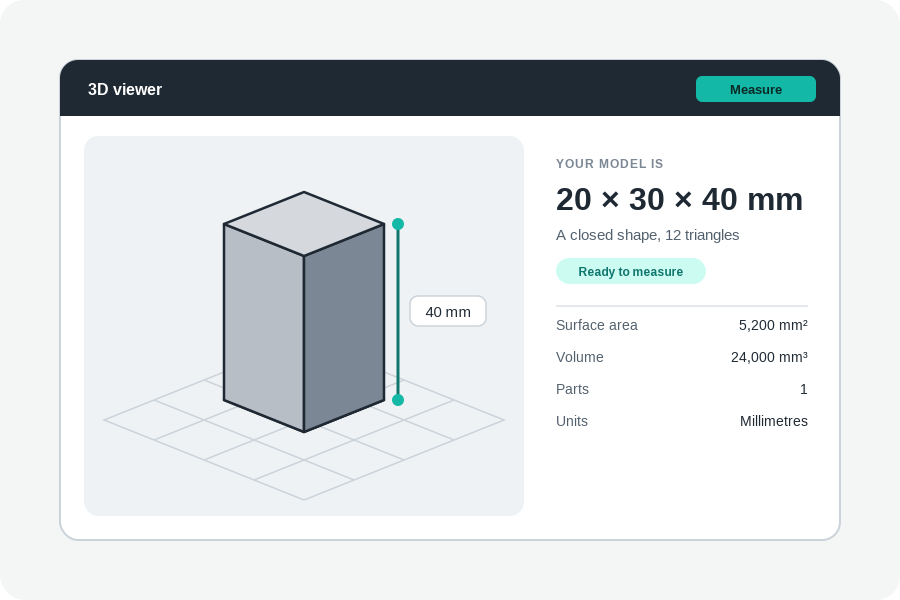
A drawing that names its unit ($INSUNITS) is shown in it: the headline gives its width and height, and Measure gives the distance between two points you press, snapping to the end of a line near the press. A drawing that names none is asked, millimetres first, inches when the drawing says it is imperial.
To keep the drawing as a picture, choose A picture or video of it: a PNG of the view, or an SVG of its lines at their true size, made from what is shown, so hidden layers are left out. The SVG is read back before you get it.
What about DWG?
DWG is AutoCAD's own format. The only reader of it that runs in a browser is LibreDWG, whose licence (the GPL) KeepSimp cannot use, so a DWG is refused with what to do: in AutoCAD or your CAD program, save the drawing as DXF and open that.
Dimensions are drawn from the drawing the CAD program saved for them; line types are drawn as unbroken lines, and line weights at one width. Nothing of the drawing leaves your device.
Further reading
Topics: open dxf file · dxf viewer · dxf viewer online · open dxf without autocad · view dxf file free · dxf to svg · dwg to dxf
A little less theory. A little more doing.
Try it on your own terms, with a free browser tool.
Try the tool