

Video
You, without the room behind you.
Cut the people in a video out of their background in your browser: leave it see-through as a WebM, or put a colour, a blur or a picture behind. Free, with no uploads.
By KeepSimp 4 min read
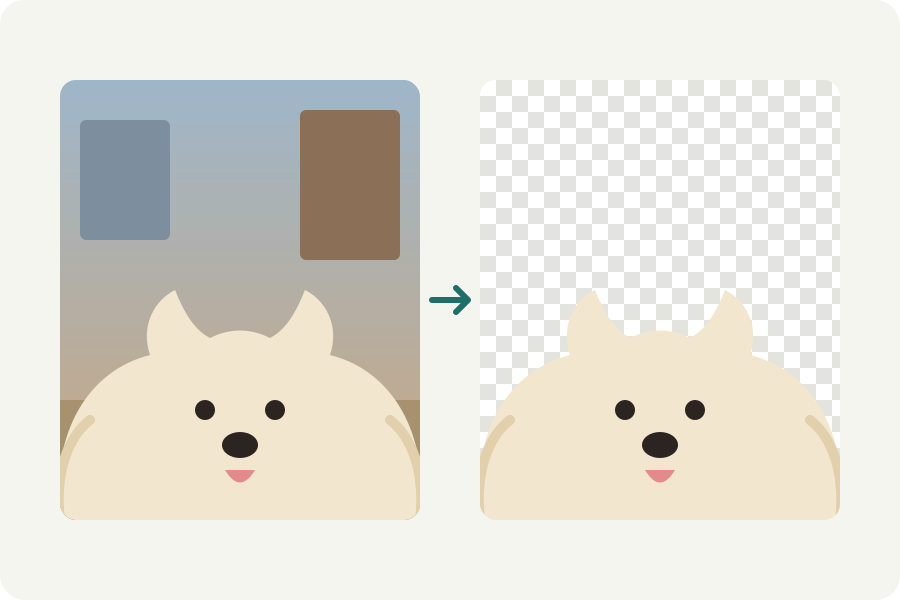
A clip of you talking in a messy room, a product turned in your hand at the kitchen table: the Video background remover cuts the people out of every frame on your device, and puts something better behind, or nothing at all.
Take it out in three steps.
Open the Video background remover and drop your video. Each frame is looked at by MediaPipe's selfie segmenter, a small model that runs in your browser and finds people; where it is sure, the person is kept, and the edge between is soft.
Under Background, choose what goes behind. Clear leaves nothing: the video is written as a WebM whose background is see-through, ready to lay over something else in an editor. Colour, Blurred and Picture put a plain colour, the video's own background softened, or a picture of your own behind, in MP4 or any format you choose.
Download it. The video is checked before it is offered, and a see-through one is checked to really have clear parts.
Why the edge does not flicker.
Taking a background out of one frame at a time makes the edge jump a little from frame to frame, which shows as a shimmer. Here each frame's answer is blended with the last one's, so the edge settles and moves only when you do.
The model works at a small size and its answer is drawn over the frame at full size, so hair is soft rather than cut. It finds people, nothing else: for a product or a pet, film it in front of a green screen and use the Green screen remover instead.
A see-through video, and where it plays.
Only some kinds of video file can be see-through. A WebM holding VP9 can, and the editors and browsers that read it lay it over whatever is behind. MP4 cannot, so a clear background is always written as a WebM, and only where this browser can write VP9; the page says when it cannot.
To keep the person in a video that must be an MP4, put a colour, a blur or a picture behind instead.
Nothing leaves your device.
The model and every frame stay in your browser. The model is loaded from this site the first time and kept, so it works offline after that.
Further reading
Topics: remove video background · video background remover · transparent video · change video background · blur video background · no upload
A little less theory. A little more doing.
Try it on your own terms, with a free browser tool.
Try the tool