

Colors
One color. A code for every place.
Convert colors between HEX, RGB, HSL, OKLCH and wide-gamut formats in your browser. Keep opacity, understand gamut changes and copy a useful code without uploading anything.
By KeepSimp 4 min read
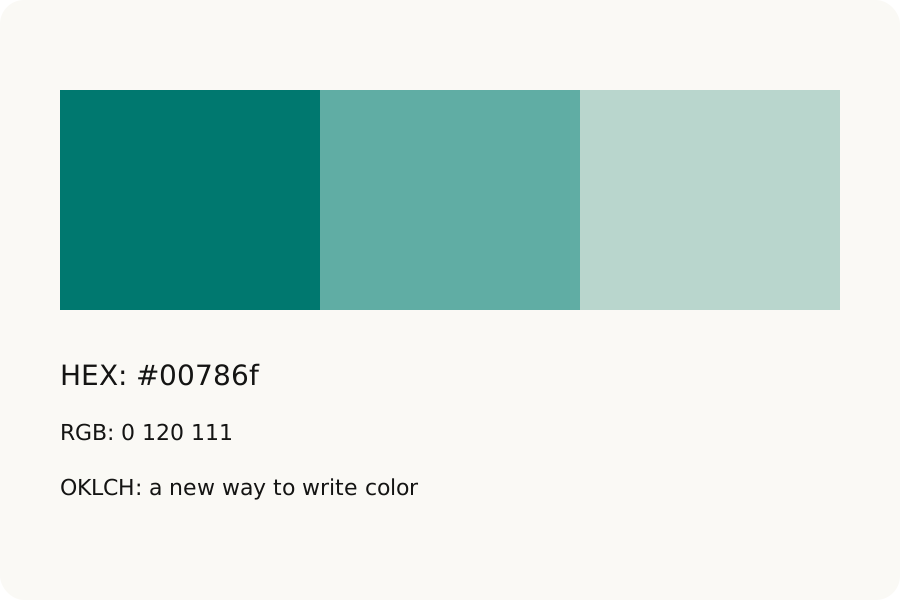
A color copied from a design file may arrive as HEX, while a stylesheet uses RGB or OKLCH. KeepSimp gives you the same color in several forms, and tells you when a narrower color space needs a fallback.
Start with the value you have.
Open Color utility and paste one color into Convert. It reads short and long HEX values, including alpha; CSS color names; RGB, HSL, HWB, Lab, LCH, OKLab and OKLCH; and color() values such as Display P3, Rec. 2020 and XYZ. HSV or HSB and simple CMYK values can be entered too.
The large inline picker lets you tap or drag through saturation and brightness, then tune hue and opacity. Keyboard channel sliders and exact values offer another path. Open Exact channels for red, green and blue. Visual color editing works on the sRGB fallback; changing opacity alone preserves the source color space. The screen eyedropper appears only in browsers that support it, and needs your click. In other browsers, open From image to sample a local picture.
HEX: #00786f
RGB: rgb(0 120 111)
Copy the format your destination accepts.
A different code can mean a smaller range.
HEX describes sRGB. Display P3 can represent some colors outside that range. For those, the tool marks HEX, RGB, HSL and HWB as sRGB fallbacks and maps the color into sRGB. The Lab, OKLCH and wider color-space representations keep the original coordinates.
The on-page swatch uses that sRGB fallback so it agrees with the HEX you copy. Changing the RGB sliders also changes the fallback, so keep the original code if a wide-gamut color matters. A screen and browser can only show the range they support.
Keep transparency, and check the destination.
Eight-digit HEX and CSS color values carry opacity. HEX alpha is rounded to an eight-bit value; most other displayed representations use seven significant digits. HSV and CMYK leave alpha out, and the tool shows it separately.
CMYK here is a simple mathematical conversion with no ICC printer profile. It cannot predict ink on a particular paper, match a spot color or provide a Pantone reference. Use the printer’s color-managed workflow for production print. Batch accepts up to 100 colors, one per line, and keeps errors beside the lines it cannot read.
Further reading
Topics: color converter · HEX to RGB · RGB to HEX · HSL · OKLCH · Display P3 · CMYK
A little less theory. A little more doing.
Try it on your own terms, with a free browser tool.
Try the tool