

Vectorizing an image.
Vectorizing turns a grid of pixels into shapes that scale without blurring. How it works, which tracer to use, and doing it in your browser.
By Suraj Kumar2 min read
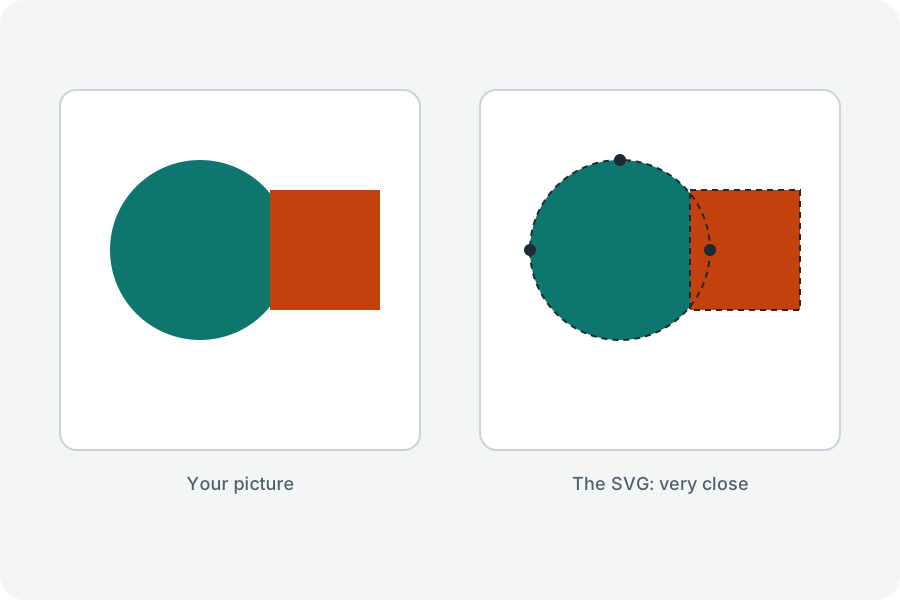
Pixels blur when enlarged; shapes do not.
Pixels into shapes.
A tracer finds the edges between areas of colour and fits curves to them, so the picture can be drawn at any size.
Which tracer.
vtracer for flat colours; Potrace for one ink on paper, which it traces into notably smooth curves.
What it cannot do.
It cannot know what a blurred or tiny picture meant to show; larger, sharper pictures trace better.
Further reading
Topics: vectorize image · raster to vector · bitmap to vector · vectorizer · vector tracing
A little less theory. A little more doing.
Try it on your own terms, with a free browser tool.
Try the tool