

A visual timer for the classroom: a ring that empties.
Why a visual timer helps children see time passing, how to show one full screen on a board, and how to choose a gentle sound at the end.
By Suraj Kumar3 min read
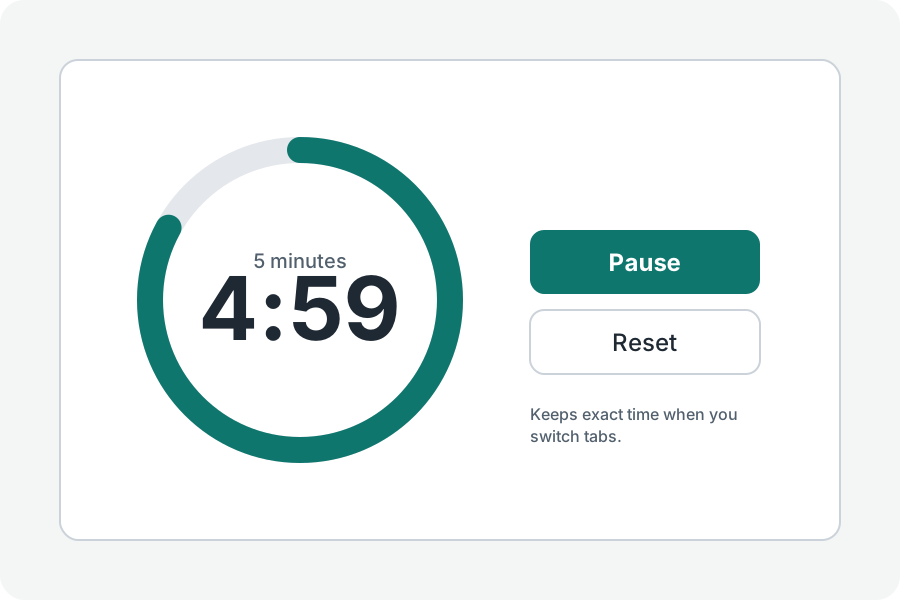
Children who cannot yet read a clock can still see a shape shrink. That is the idea of a visual timer.
A ring instead of digits.
Show the timer as a ring that empties as time goes, with the digits in the middle for those who read them. The ring is drawn in the page's own colours and does not rely on red and green.
On the board.
Press Full screen and the ring fills the screen, with Start and Pause under it, ready for a projector or a large display. Keep the screen on, under More options, stops the display sleeping while it runs where the browser allows it.
A gentle end.
The bell at the end is gentle. Choose beeps, a wood block or birds under More options, and press Hear it before class.
Further reading
Topics: visual timer · classroom timer · visual timer for kids · timer for kids · pie timer · timer for the board
A little less theory. A little more doing.
Try it on your own terms, with a free browser tool.
Try the tool