

Why a browser timer can be late, and how this one keeps time.
Browsers slow down pages in background tabs, so a timer that counts ticks loses time. How the KeepSimp Timer keeps exact time instead.
By Suraj Kumar4 min read
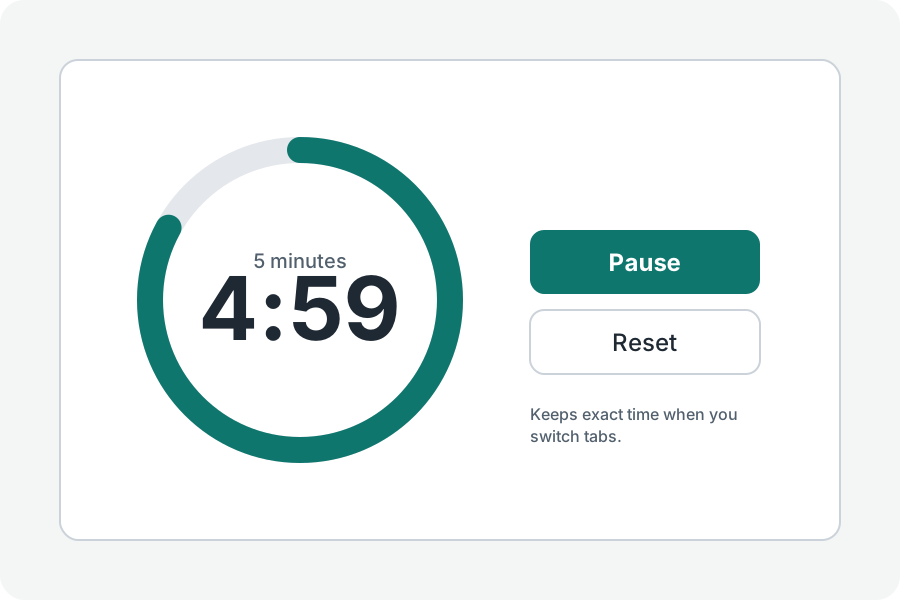
A timer on a web page looks simple: take a second off every second. But browsers slow pages down when you look away, and a timer built that way falls behind.
Browsers slow hidden pages down.
To save battery, Chrome lets a hidden page's timers run at most once a second, and after five minutes hidden and silent, once a minute. Firefox has similar limits. A timer that counts one tick a second therefore drifts, and can end a minute late.
Keep the moment, not the ticks.
The KeepSimp Timer stores the moment it started and works out the time left from the clock whenever it draws, so a slow tick only means the display updates later, never that time is lost. It keeps that moment for the tab, so even a reload carries on.
When you press Start, the sound is set on the device's own sound clock, which is not slowed like page timers. If the page was paused anyway, it says when the timer ended as soon as you come back.
On a phone.
Phones may stop a page in the background altogether, so keep the timer's page open when the sound matters. Keep the screen on, under More options, holds the screen awake while it runs where the browser allows it.
Further reading
Topics: online timer · countdown timer · timer in background tab · browser timer accuracy · timer drift · set a timer
A little less theory. A little more doing.
Try it on your own terms, with a free browser tool.
Try the tool