

A little know-how
Every word, as it is said.
Add captions to a reel from its speech, heard on your device and timed word by word, with the word being said highlighted, boxed, growing or filled in. Edit any word and download SRT. No uploads.
By KeepSimp 5 min read
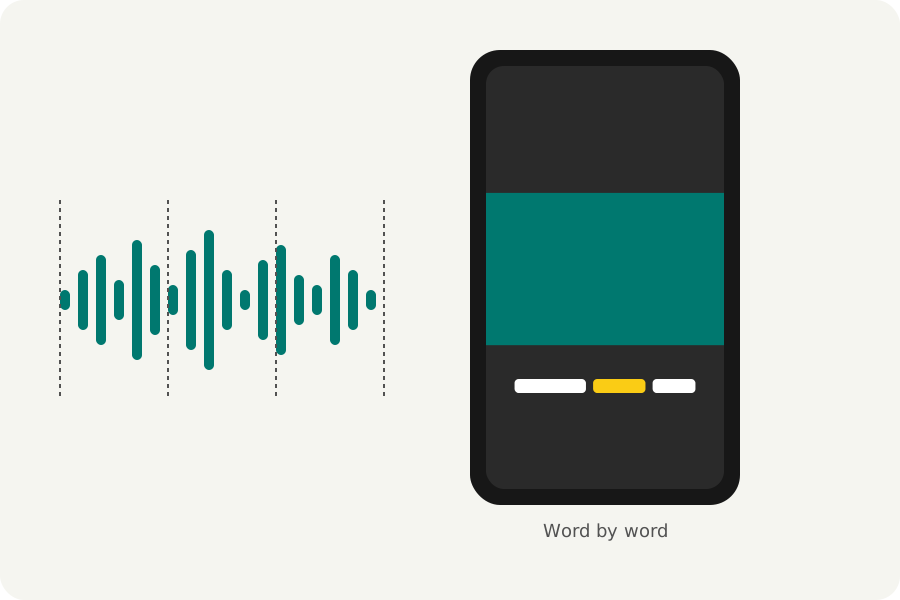
Captions let people follow a reel with the sound off, and words that light up as they are said keep eyes on it. The Reel maker hears the speech in your reel on your device and lays the words out for you, each at its own moment.
Heard on your device.
Make captions mixes the reel's sound as it will be written and hears it with Whisper, OpenAI's speech recognition model, run in your browser by Transformers.js. The model is downloaded once from KeepSimp's own site and kept for next time; the sound never leaves your device.
Whisper times each word. Speech recognition can mishear and sometimes writes words nobody said, especially over music or in silence, so read the captions through before you export.
Six looks, one word at a time.
Bold highlight colours the word being said, Boxed word puts it on a box, Karaoke fills in the words as they are said, Pop grows them, Clean subtitle keeps a calm line, and Neon glows. Choose how many words show at once; a caption ends at a sentence's end or a pause.
Type any caption anew and its time is shared out over the new words. Drag the captions in the timeline to move them all. Download them as SRT for players and sites that take subtitles.
Where to put them.
Captions start low on the reel, where people expect them; drag them up if the platform's buttons cover them. Safe zones in the editor shades the parts Instagram's, YouTube's and Pinterest's buttons cover.
Further reading
Topics: auto captions · animated captions · word by word captions · add captions to a reel · subtitles for tiktok · captions without uploading · srt
A little less theory. A little more doing.
Try it on your own terms, with a free browser tool.
Try the tool