

A little know-how
The right sound under every picture.
Put music or a voice-over under a video in your browser: in place of its sound or mixed under it, looped to fit and faded at the end. Nothing is uploaded.
By KeepSimp 3 min read
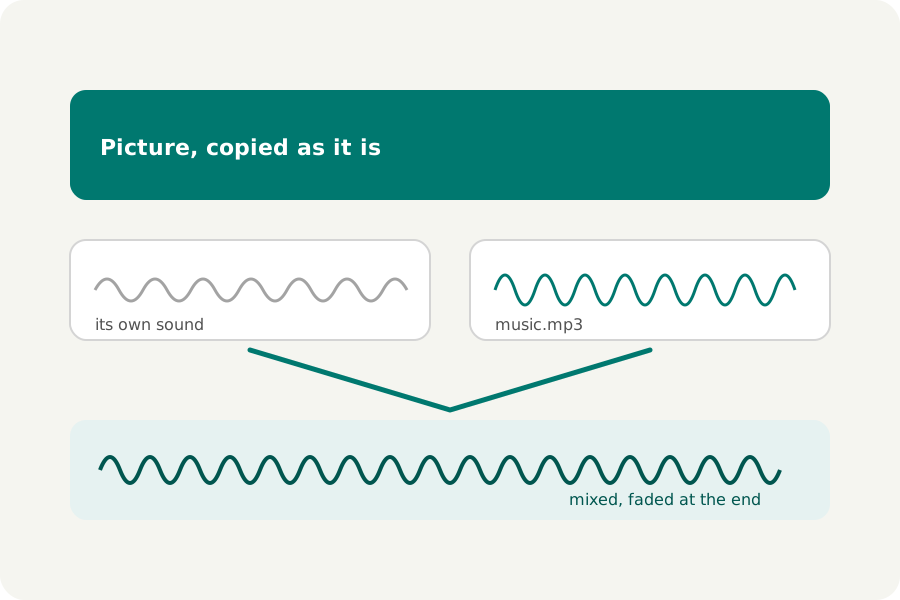
A silent screen recording, a clip whose sound is only wind, a set of videos that should share one tune: putting another sound under a video is one of the most common edits there is. KeepSimp does it on your device, without encoding the picture again.
In place of the sound, or under it.
In place of the sound, the video's own sound is left out and the soundtrack takes its place. Under the sound, both are heard: the soundtrack 6, 12, 18 or 24 dB quieter, or as it is, so a voice stays clear over music. A video with no sound of its own simply gets the soundtrack.
A soundtrack shorter than the video plays again from its start until the video ends, unless you turn that off; one still playing when the video ends fades out over a second, so it does not stop dead.
How to do it.
Open Add music to video, drop your videos, then Add a soundtrack: an MP3, M4A, WAV, FLAC or Ogg file, or another video whose sound you want. Choose how it is used and each video is written, checked and offered for download, one by one or as a ZIP.
The picture is copied as it is, packet for packet, when nothing else about it changes, so nothing is lost; only the sound is encoded. Trims, speed changes, fades and a loudness all work with a soundtrack: it starts with what is kept, and the result can be set to −14 LUFS so every video sounds as loud as the next.
Music you may use.
Sites check the music in what you share. Use music you made, bought a licence for, or that is offered for use (for example YouTube's Audio Library); KeepSimp only puts the sound under the picture and cannot tell you whether you may.
Further reading
Topics: add music to video · add audio to video · replace audio in video · background music for video · voice over video
A little less theory. A little more doing.
Try it on your own terms, with a free browser tool.
Try the tool