

A little know-how
Faster or slower, the notes where they were.
Change the speed of a recording, song or podcast without changing its pitch, or the pitch without changing its length, in your browser. Also tape speed, reverse and karaoke. Nothing is uploaded.
By KeepSimp 4 min read
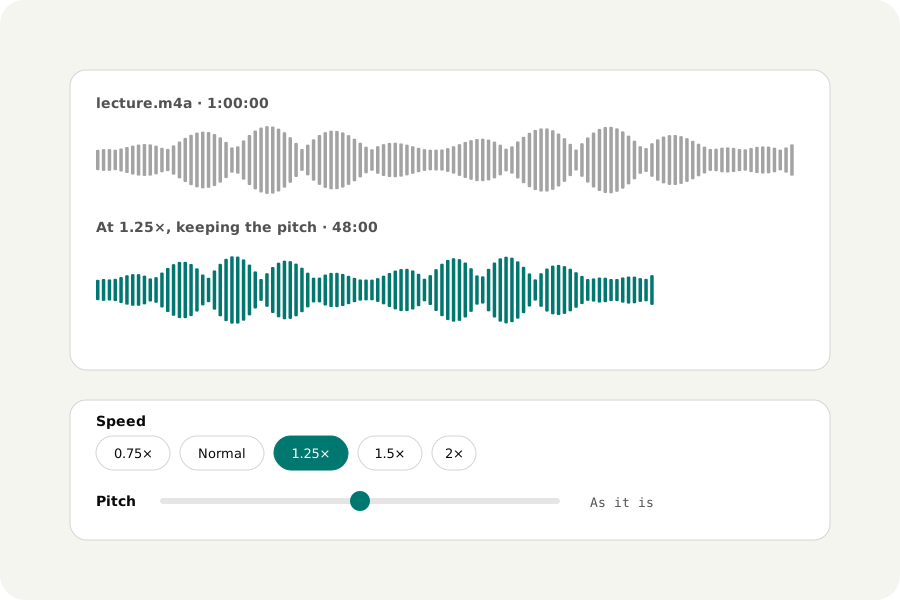
A lecture to get through faster, a solo to learn slowly, a song to sing a tone lower. Playing a file faster as a tape does raises its pitch; keeping the notes where they are means rebuilding the sound, and doing it on your own device means no upload and no waiting in a queue.
How to change the speed.
Open Change audio speed and drop your files. Choose a speed from half to twice as fast; with Keep the pitch on, the notes stay where they are. The file is written in its own format unless you choose another, checked, and ready to download.
How the pitch stays put.
The sound is cut into overlapping pieces of 40 milliseconds and laid out again closer together (faster) or further apart (slower). Each piece is taken from where its waveform best matches the one before it, so they join without a beat: the method is called WSOLA. Speech and most music sound natural up to about one and a half times; at the extremes a little flutter can be heard.
To change the pitch and keep the length, the sound is stretched by the pitch's ratio and then played faster or slower by it, up or down by up to an octave. With Keep the pitch off, the file plays as a tape would: faster is higher.
Backwards, karaoke and the channels.
The same page plays a file backwards, swaps its left and right, puts one side in both ears or sets the balance. Karaoke takes away what is in the middle of a stereo mix, where the voice often is, and keeps the bass. It is not a real vocal remover: it works on some songs, and takes away anything else in the middle too.
On your device.
Files are read and written in your browser and never uploaded. There is no account and no limit on how many you change.
Further reading
Topics: change audio speed · speed up audio without changing pitch · slow down audio · pitch shifter · change pitch of song · reverse audio · karaoke vocal remover
A little less theory. A little more doing.
Try it on your own terms, with a free browser tool.
Try the tool