

Colors
From one swatch to a useful palette.
Build color harmonies and tonal scales, extract a palette from a local image, mix colors and make CSS gradients. Export CSS, JSON, design tokens, SVG or PNG from your browser.
By KeepSimp 4 min read
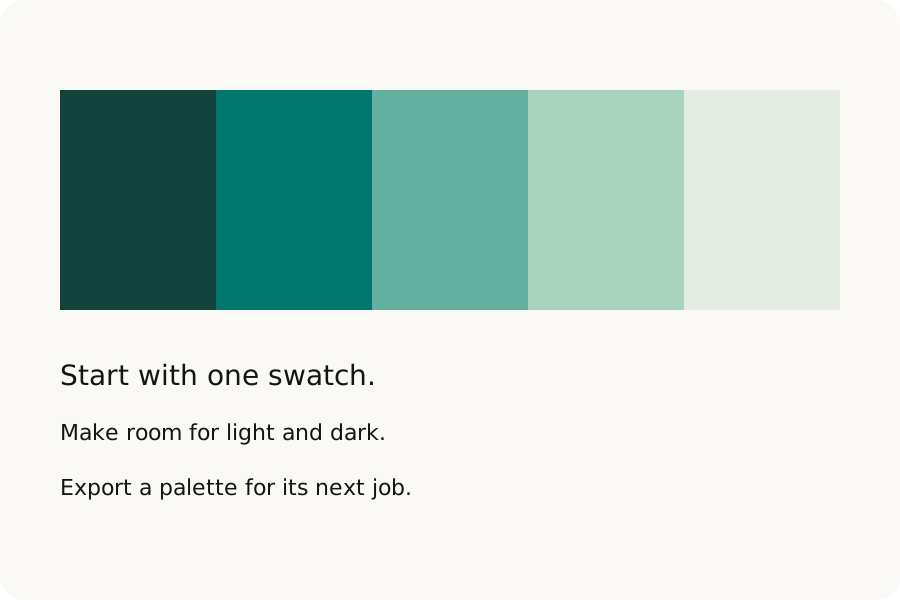
A useful palette needs more than a few attractive swatches. You need to know how they relate, whether their text reads clearly and how to take them into the next tool. KeepSimp keeps those steps together.
Start small, and keep the parts you like.
Add the current color to Palettes, or choose a complementary, analogous, split complement, triadic, tetradic or monochrome harmony. Hues rotate in OKLCH and the displayed swatches use an sRGB fallback. The light-to-dark scale changes OKLCH lightness and limits chroma; its labels are convenient names, not a promise to match another design system.
Your palette holds up to twelve colors. Edit a single swatch, preview the change and apply it explicitly. Use the exploration choices for harmonies, light-to-dark tones or mixing. Lock the ones you want to keep, shuffle the others, reorder with the arrow buttons and undo a palette change. A harmony can help you start; use Contrast to check each pair you intend to put together.
Borrow a few colors from your own image.
From image reads PNG, JPEG, WebP or GIF locally, up to 10 MiB and thirty million pixels. The browser resizes the preview to at most 256 pixels on a side and converts it to sRGB. Color sampling finds representative groups and skips pixels below fifty percent opacity, so it can miss small accents.
Click the preview or type its pixel coordinates to sample one point, including its opacity. These coordinates belong to the resized preview, not the original file. GIF uses the frame decoded by the browser. Send the swatches to Palettes when you are ready; refreshing clears the image and palette.
Make the transition, then take it with you.
Gradients supports linear, radial and conic shapes, two to eight ordered stops and an angle where it applies. Pick a stop to move it with its position slider, enter an exact position or open its inline color picker. Choose sRGB, linear sRGB, OKLab or OKLCH interpolation. Stops at the same position create a hard edge. The CSS download has a sampled fallback followed by the modern interpolation syntax; the fallback approximates the transition between samples.
Palettes exports CSS or SCSS variables, JSON, a Tailwind configuration fragment, Design Tokens JSON, GIMP palette text, SVG swatches or a PNG strip. Exports use the sRGB fallback. Opacity travels in the CSS, structured data, SVG and PNG; GIMP palette colors are opaque. Review imported tokens against the conventions of your destination.
Further reading
Topics: palette generator · image color picker · gradient generator · CSS gradient · color harmony · design tokens · palette export
A little less theory. A little more doing.
Try it on your own terms, with a free browser tool.
Try the tool