

A project timeline, by the month.
Make a project timeline in your browser, nothing uploaded: phases drawn by the month, milestones as diamonds, and a PDF to print or share.
By Suraj Kumar3 min read
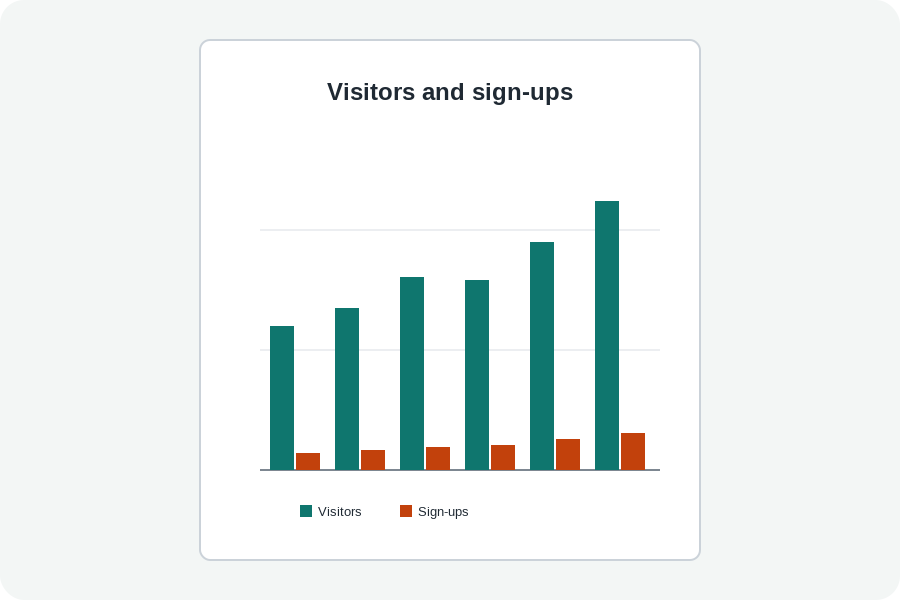
A project timeline is a Gantt chart seen from further away: phases over months, and the milestones that mark where one ends and the next can begin.
Phases over months.
The project timeline opens on a product launch of about five months, drawn by the month: research and interviews, then design, building, a beta and marketing, each in its own phase and colour, with the launch day at the end.
Change the scale under More options to weeks or days when you want more detail, or leave it to fit. Each phase's band carries a thin bar across the months it runs, so the shape of the whole project shows even before you read a task.
Milestones are dates.
Set a task's days to 0 and it becomes a milestone: a diamond on its date with no length. A milestone may fall on the last day of what it waits for, and a task may start on the day of a milestone it waits for.
A plan agreed, a design signed off or a launch day are good milestones, because everything after them waits for them, and the arrows show it. If a milestone comes before what it waits for, it turns red and the page says when it could be.
A timeline of events is something else.
A project timeline shows work that takes time. For a history of events in order, each a moment on one line, the whiteboard's timeline maker draws boxes along a line that you write in.
Both are drawn in your browser and nothing is sent anywhere; the project timeline also saves its plan as CSV or Excel, so its dates can go on into a spreadsheet.
Printed on one page or several.
Drawn by the month, a plan of a year fits on one landscape page. A longer or more detailed one is printed full size on pages to lay side by side, each with the task names repeated, or shrunk onto one page when you turn that on.
Print the PDF at 100% or Actual size. The words are drawn as shapes from the site's own fonts, so they look the same on every printer and cannot be selected.
Further reading
Topics: project timeline maker · project timeline · timeline with milestones · roadmap maker · project phases · timeline template
A little less theory. A little more doing.
Try it on your own terms, with a free browser tool.
Try the tool