

Business cards to print at home or send to a print shop.
Make business cards in your browser, nothing uploaded: a sheet with crop marks for home, a file with bleed for a print shop, and a QR code that saves you.
By Suraj Kumar4 min read
A business card has one job: to leave your name and how to reach you in someone's pocket. KeepSimp's Business card maker asks what the card is for, then gives you a card ready to print, with nothing to sign up for and no picture of yours sent anywhere.
Start with what the card is for.
Choose Me at work, My business or Just contact details. Each answer chooses a layout and a back for you and puts the fields that matter first: your name and job title at work, the business and its logo for a business, a name, phone and email for a plain card.
The card size is the one switch on the first screen: 3.5 × 2 inches in the US and Canada, 85 × 55 mm across most of Europe and 91 × 55 mm in Japan. Layouts, the back, colour, font and an upright card wait under More options.
A sheet to print and cut at home.
The print sheet puts up to 10 cards on A4 or US Letter, centred, with short crop marks in the margin in line with every cut. Print it at 100% with Fit to page off, and cut from mark to mark with a ruler and a sharp blade.
When a card has a back, the backs come on the next page, each one placed as the mirror of its front, so that they meet when you turn the paper over on its long edge. Print one sheet first and hold it to the light to check.
A QR code that saves you as a contact.
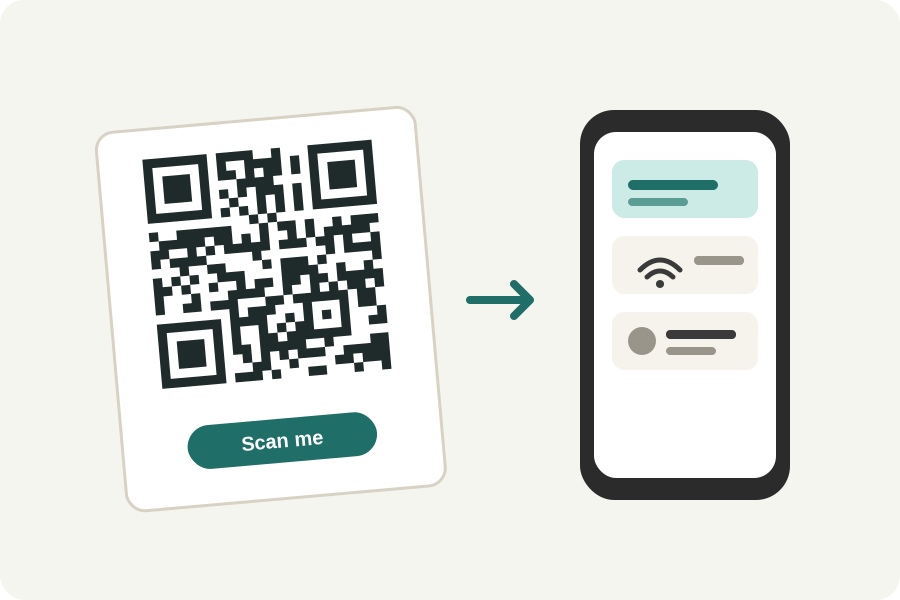
The QR back holds a vCard, the contact card format both iPhone and Android cameras offer to save. It is made exactly as the QR code generator makes one, and it is only said to scan once it has been read back on your device, also small and in poor light.
If a code is printed so small that each square is under a third of a millimetre, the page says so. A long address makes the code denser, so leave out what people will not need.
A file for a print shop, and pictures.
For thick card and a clean cut, download the PDF for a print shop: one card a page with 3 mm of bleed all round and its trim box set, so the shop's software knows where to cut. The PNGs of the front and back are 300 dpi, for an online printer that asks for pictures.
Words are drawn as shapes, so the card looks the same on every printer, and your logo is read on your device. A logo with a clear background looks best; the Background remover can make one.
Further reading
Topics: business card maker · make business cards · business cards to print at home · business card template · business card with QR code · free business card maker · print business cards
A little less theory. A little more doing.
Try it on your own terms, with a free browser tool.
Try the tool