

Your business card, saved in one scan.
Put your name, phone numbers, email and address in a QR code that phones offer to save to their contacts: vCard or MeCard, made in your browser, no account.
By Suraj KumarUpdated 4 min read
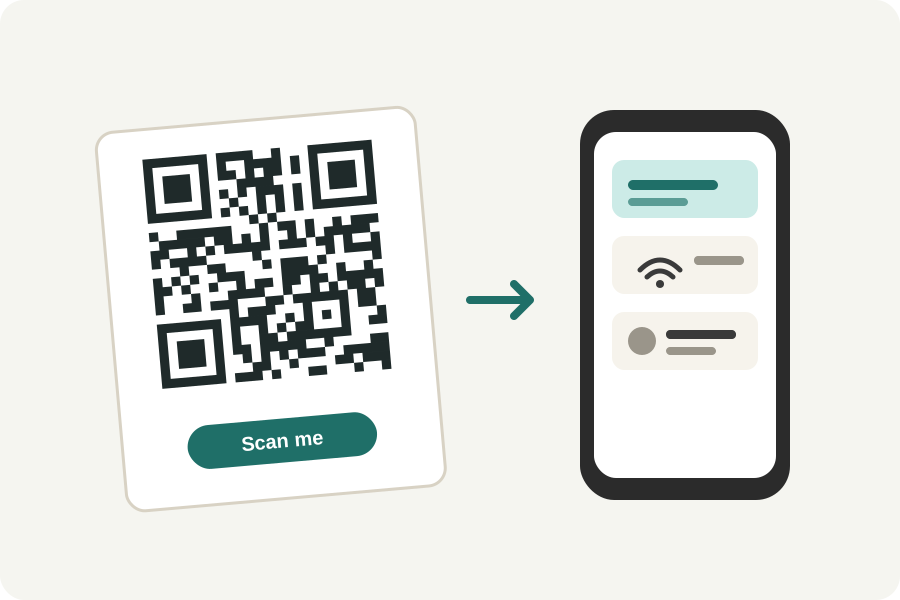
A QR code on a business card saves the person you meet from typing your details. Their phone reads the card in the code and offers to add it to their contacts. The KeepSimp vCard QR code generator makes one in your browser, from the fields you fill in.
Fill in what you would print.
Your name, organisation and job title; your mobile and work numbers, with the country code so they work from abroad; your email, website and address; and a note if you like. Leave out what you do not want to share.
The code is drawn as you type and read back to check it scans. Download it as SVG for the printer, sharp at any size, or as PNG.
vCard or MeCard.
vCard 3.0 is the form every phone camera reads and offers to save, and the one the generator starts with. MeCard, a shorter form made for phones, holds the same details in fewer characters, so its code is smaller and easier to scan from a small card. vCard 4.0 is there for programs that ask for it.
A photo cannot go in: even a tiny one would make the code far too dense to scan. Link to a page with your photo instead.
Small enough for a card.
Every detail makes the code denser. On a standard business card, about 2 cm of code is comfortable for a short card; the more you add, the larger it needs to be. The designer shows how many modules across the code is and warns when it is too small to print.
The details you type are not sent anywhere: the code is made and checked on your device.
Further reading
Topics: vcard qr code · business card qr code · contact qr code · mecard qr code · digital business card · vcard qr code generator
A little less theory. A little more doing.
Try it on your own terms, with a free browser tool.
Try the tool