

A little know-how
Any web page, as clean Markdown.
Turn HTML files, web pages and copied text into clean Markdown in your browser: headings, lists, links, tables and code blocks, written as GitHub writes them.
By KeepSimp 3 min read
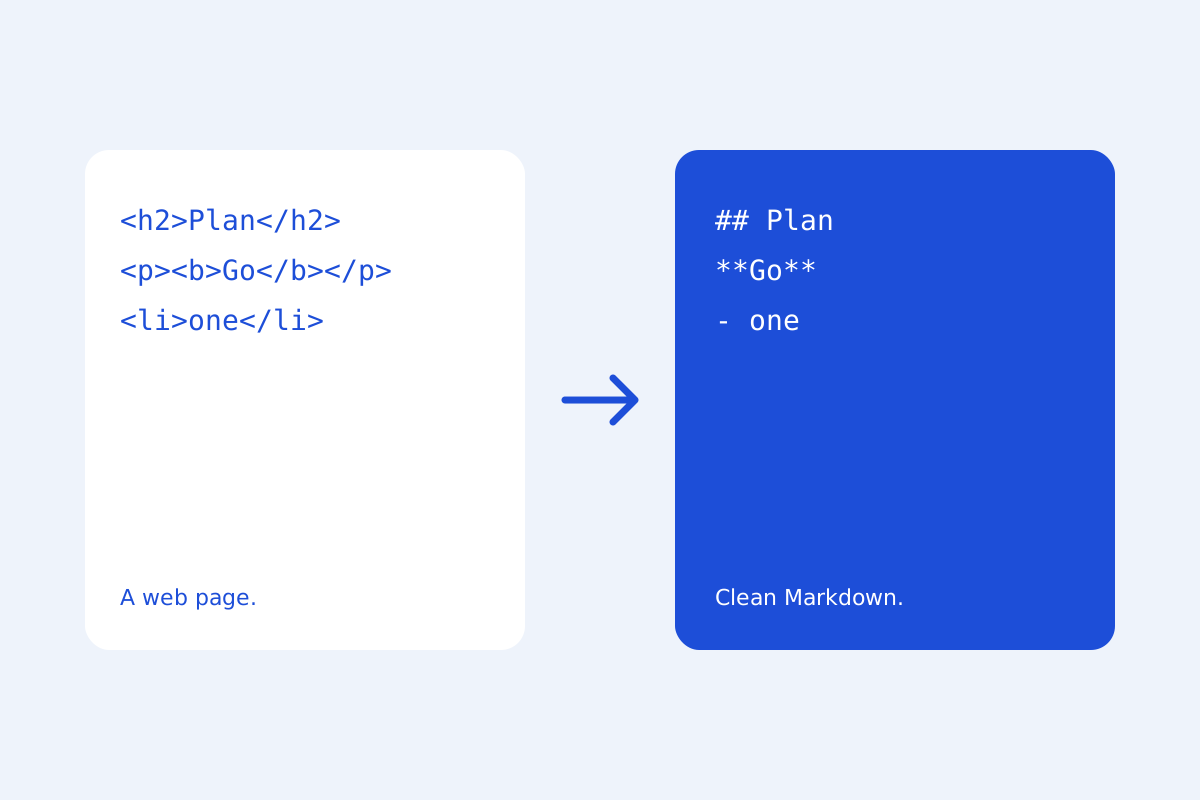
Moving a page into a wiki, a README or notes means rewriting its formatting by hand, unless something turns the HTML into Markdown for you. KeepSimp does it with Turndown and its own rules, in your browser.
A file, or what you copy.
Open an .html file and it becomes a Markdown document in a tab of its own. Or select part of any page, copy it and paste it into the editor: headings, lists, links, bold and italic, tables and code blocks with their language arrive as Markdown.
Text copied from a code editor stays as it is, so Markdown copied from VS Code is not turned into something else.
Written the way people write Markdown.
Lists use - and 1., not Turndown's wider padding; strikethrough is ~~; every table becomes a GitHub table with its first row as the header, even ones without header cells. Google Docs' copies, which wrap everything in bold that is not bold, come across right.
Nothing in it runs.
Scripts and styles in the HTML are dropped, and when the Markdown is shown or exported it is cleaned again. Pictures stay as links to where they were; their addresses are not fetched until the preview shows them, and a switch stops that too.
Further reading
Topics: html to markdown · convert html to markdown · web page to markdown · html to md · paste as markdown
A little less theory. A little more doing.
Try it on your own terms, with a free browser tool.
Try the tool