

A token is a key. Read it where it stays.
A JWT is often a live key to an account. How to read one in your browser without sending it anywhere, what decoding shows, and how to check a page yourself.
By Suraj Kumar5 min read
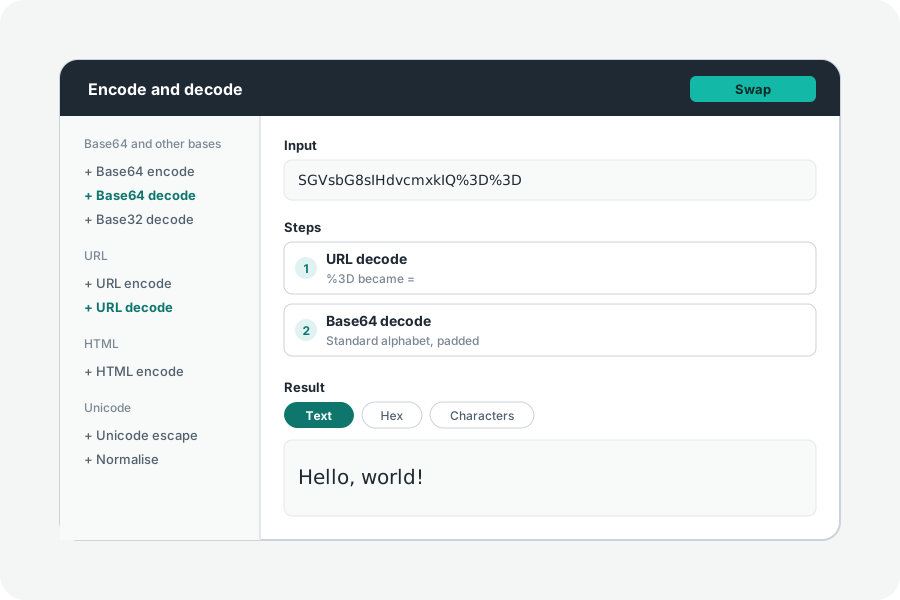
Reading a JSON Web Token takes a second, and many sites offer to do it. The question is what happens to the token after you paste it. Often it is still valid, and whoever holds it can use it.
What a JWT is made of.
A JWT is three parts joined by dots: a header, a payload and a signature, each written in Base64url. Base64url is a way of writing bytes as letters, not a lock: anyone who has the token can read its header and payload. The signature stops them being changed without the key; it does not hide them (RFC 7515). Only an encrypted token, a JWE with five parts, hides its payload.
eyJhbGciOiJIUzI1NiJ9  →  {"alg":"HS256"}
eyJzdWIiOiIxMjMiLCJleHAiOjE3OTk5OTk5OTl9  →  {"sub":"123","exp":1799999999}
Why pasting one matters.
Most JWTs are bearer tokens: whoever presents one is let in until it expires. RFC 6750, which defines bearer tokens for OAuth, asks that they never be leaked to anyone they were not meant for. A token copied from a browser's network panel or a log is often still in date, so pasting it into a page that sends it to a server hands a working key to that server, and to anyone who can read its logs.
The same goes double for a signing secret. A page that asks for the secret to check a token has been given the key that makes new ones.
How KeepSimp's decoder handles it.
The JWT decoder reads the token on your device: the parts are decoded in your browser, each claim is explained there, and the token is never sent, kept or put in a share link. A list of secrets that are often left as they came is tried on your device too, so a token signed with one is flagged without anything leaving the page.
The one request the page can make is Fetch the JWKS, which asks the issuer for its public keys when you press it, without the token and without your cookies. After one visit, the site also works with no connection at all, so you can turn the network off before you paste.
Check any decoder yourself.
You do not have to take a page's word for it. Open your browser's developer tools at the Network panel, clear it, then paste the token. A page that sends it shows a new request, and the request's payload holds the token. Chrome, Firefox and Safari all have this panel.
Decoding is not verifying.
Reading a token tells you what it claims, not whether it is genuine: anyone can write a header and a payload and encode them. Only checking the signature with the right key says that the holder of that key made it, and even then not that the claims are true. RFC 8725 lists what a service should check besides: the algorithm it expects (never none), the issuer, the audience and the times.
Good habits help too. Use short-lived test tokens rather than production ones, revoke a token you have pasted somewhere you do not trust, and keep private keys out of web pages altogether: verifying needs only the public key.
Further reading
Topics: is it safe to paste jwt online · decode jwt locally · jwt decoder offline · bearer token security · jwt base64url · decode vs verify jwt · json web token decoder
A little less theory. A little more doing.
Try it on your own terms, with a free browser tool.
Try the tool