

A little know-how
The moment, on a loop.
Turn a moment of an MP4, MOV or WebM into a GIF, animated WebP or APNG in your browser: trim it, crop it, caption it, choose the size. Nothing is uploaded.
By KeepSimp 3 min read
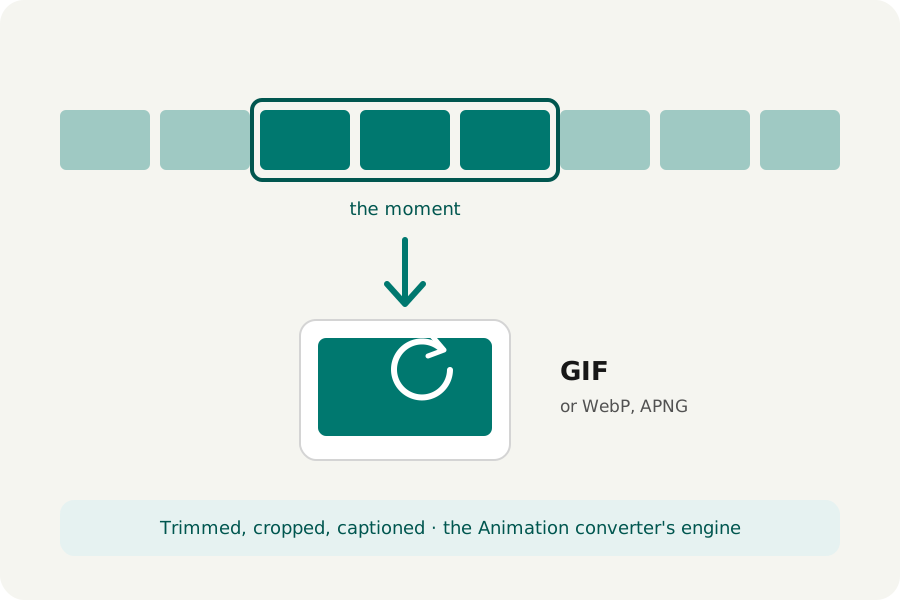
A reaction, a how-to step, a moment worth replaying: a GIF plays by itself, on a loop, in chats, documents and pages that will not play a video. KeepSimp makes one from a moment of your video, on your device.
Keep it to the moment.
A GIF holds every frame as a picture of up to 256 colours, so a long one is heavy: a few seconds is the right length. Open Video to GIF, drop your video and trim it to the moment; crop it to a square or 9:16, write text on it or slow it down in the settings if you like.
GIF, WebP or APNG.
A GIF plays everywhere. An animated WebP looks better and is often a fraction of the size, and plays in every current browser and in most chats. An APNG keeps full colour, for pictures with smooth shading. Choose the longest side (320, 480 or 640 pixels, or the video's own) and 10 to 25 frames a second; 15 is smooth enough for most moments.
The animation is made by the Animation converter's own engine, with its palettes and dithering, from the video as written with every edit in it. It plays for ever; the sound is left out.
When you need more control.
For colours, dithering, a size limit, playing back and forth or the frames as pictures, open the GIF itself, or the video, in the Animation converter: it takes short videos too.
Further reading
Topics: video to gif · mp4 to gif · make a gif from a video · gif maker · video to animated webp
A little less theory. A little more doing.
Try it on your own terms, with a free browser tool.
Try the tool