

Images
See-through, ready for anything.
Make the background of a photo transparent and save it as a PNG, in your browser: clean edges around hair and fur, touch up by hand, many photos at once. Free, with no uploads.
By KeepSimp 3 min read
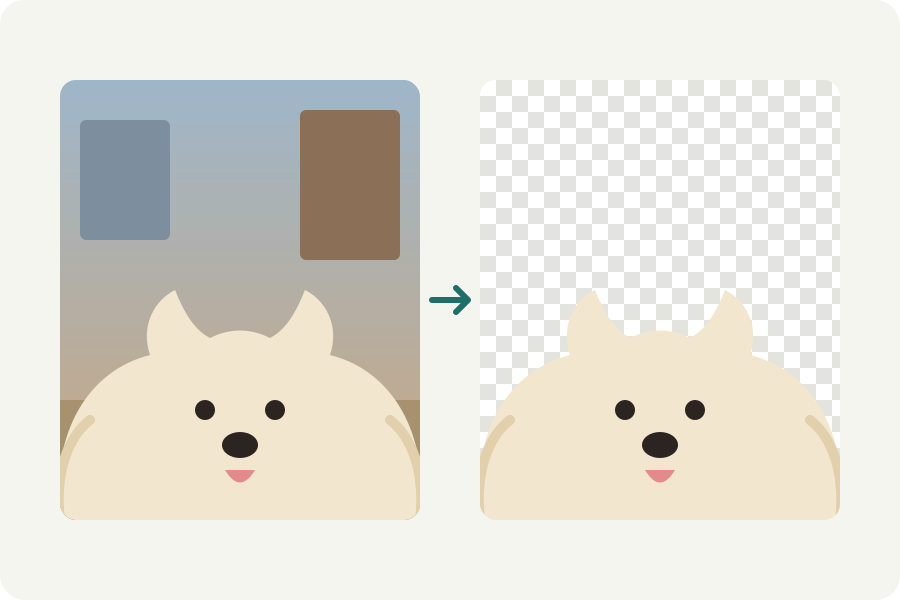
A transparent PNG is a picture whose background is not there: put it on a slide, a poster or a website and whatever is behind shows through. The Transparent PNG maker makes one from any photo in your browser, and the photo never leaves your device.
Make one in three steps.
Open the Transparent PNG maker and drop a photo, or many. The subject is found on your device and the rest taken away; the first time, the model that does it is loaded from this site and kept.
Drag the handle across the picture to compare. If something was missed, press Touch up: click it away or bring it back, or paint with the brush.
Download the PNG. Around the subject crops it to what is left, so it has no empty margins.
Why PNG, and when WebP.
PNG keeps every pixel and its see-through parts exactly, so it is the file almost everything accepts with a transparent background. WebP keeps them too and is smaller, which suits a website. JPEG cannot be see-through at all: a background saved in it becomes a colour.
Some places show transparency badly: Etsy shows see-through parts as black, for one. For those, put white or a colour behind instead.
Nothing leaves your device.
The model that finds the subject runs in your browser, on the graphics card where the browser allows it and on the processor otherwise. Your photos are never uploaded, and once the model is kept it works without a connection.
Further reading
Topics: transparent png · make background transparent · transparent background · png maker · remove background · no upload
A little less theory. A little more doing.
Try it on your own terms, with a free browser tool.
Try the tool