

A little know-how
Tables without counting pipes.
Make Markdown tables in a grid of cells or by pasting from Excel or Google Sheets, then line up their pipes and add rows and columns in place. Free, in your browser.
By KeepSimp 3 min read
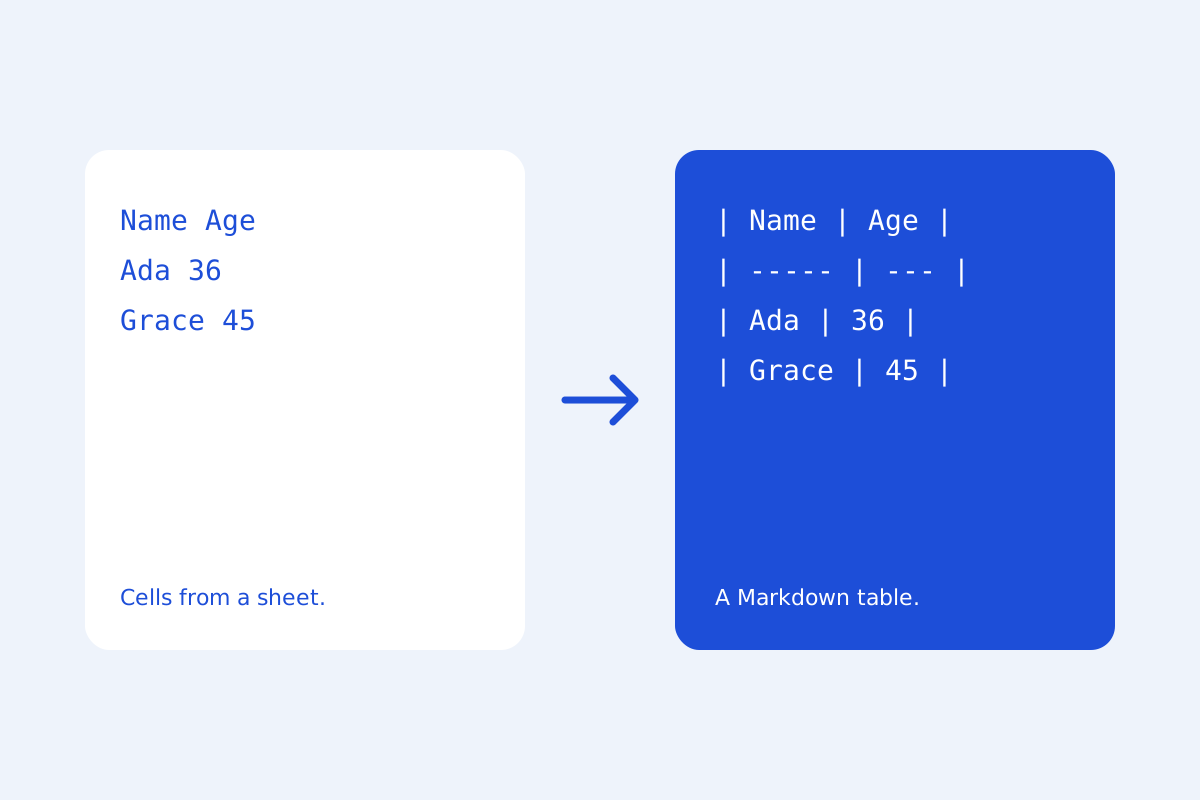
Markdown tables are easy to read and tiring to write: every row needs its pipes, and lining them up by hand takes longer than the table's contents. KeepSimp writes them for you.
Three ways to a table.
Press Make a table and type into a grid; the first row is the header. Or copy cells in Excel, Numbers or Google Sheets and paste them into the editor: they arrive as a table. Or paste a table from a web page.
Change it where it is.
With the cursor in a table, the table menu lines up its pipes (wide letters such as Chinese count as two columns), adds a row below or a column to the right, and deletes the row or column the cursor is in. A table needs its header, so the header row stays.
Where the tables work.
These are GitHub's tables, which GitHub, GitLab, most site builders and many note apps read. Alignment set with colons in the line of dashes (:--, :-:, --:) is kept when the pipes are lined up.
Further reading
Topics: markdown table generator · markdown table · excel to markdown table · csv to markdown table · markdown table formatter
A little less theory. A little more doing.
Try it on your own terms, with a free browser tool.
Try the tool