

A little know-how
From Markdown to a page anyone can open.
Convert Markdown to HTML in your browser: one web page with its look inside it, or the HTML alone, with GitHub's tables, code, maths and diagrams. Cleaned so nothing in it runs.
By KeepSimp 3 min read
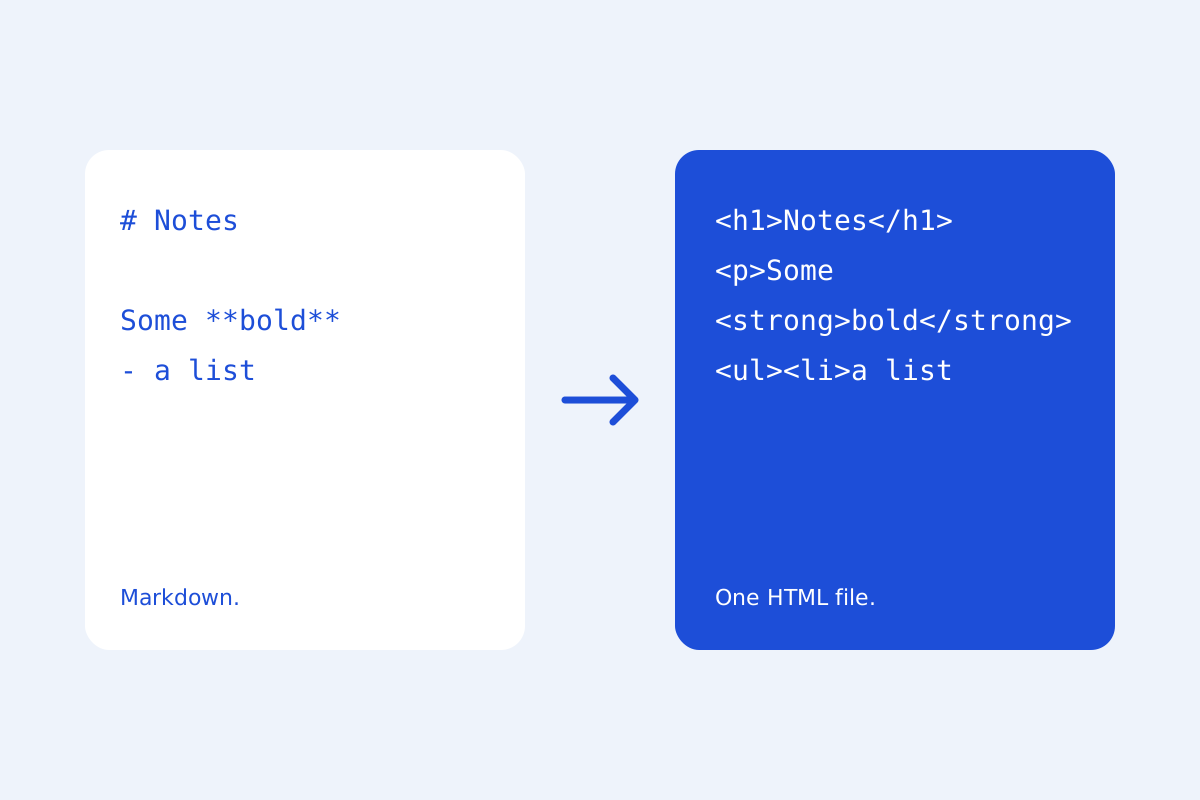
Markdown is written to be turned into HTML. KeepSimp does it in your browser with markdown-it, which follows the CommonMark rules exactly, and gives you either a web page that opens anywhere or the HTML to paste into a site.
One file that opens anywhere.
Download the web page and you get one .html file with its look written into it: readable type, tables, code and alerts, light or dark as the reader's device prefers, and pictures you pasted inside it. Nothing is fetched when it opens, so it works from a USB stick or an email attachment.
Maths is written as MathML, which every current browser draws itself, and diagrams as drawings inside the page. Code is coloured.
Or the HTML alone.
Export, Copy HTML puts only the body's HTML on the clipboard, for a CMS or a site of your own. Headings carry GitHub's anchors as their ids, so links to them keep working.
Every piece of HTML is cleaned by DOMPurify first: scripts, frames, forms and links that would run code are taken out, even when the Markdown had them.
Made on your device.
The Markdown is read and the page is made in your browser; nothing is uploaded, and the page works offline once it has been opened. Agents can do the same through KeepSimp's agent tools (markdown_to_html), with the same code.
Further reading
Topics: markdown to html · convert markdown to html · md to html · markdown converter · markdown html online
A little less theory. A little more doing.
Try it on your own terms, with a free browser tool.
Try the tool