

A little know-how
Markdown into Word, headings and all.
Turn Markdown into a Word file with Word's own heading styles, numbered lists, tables, links, pictures and footnotes, in your browser. Nothing is uploaded.
By KeepSimp 4 min read
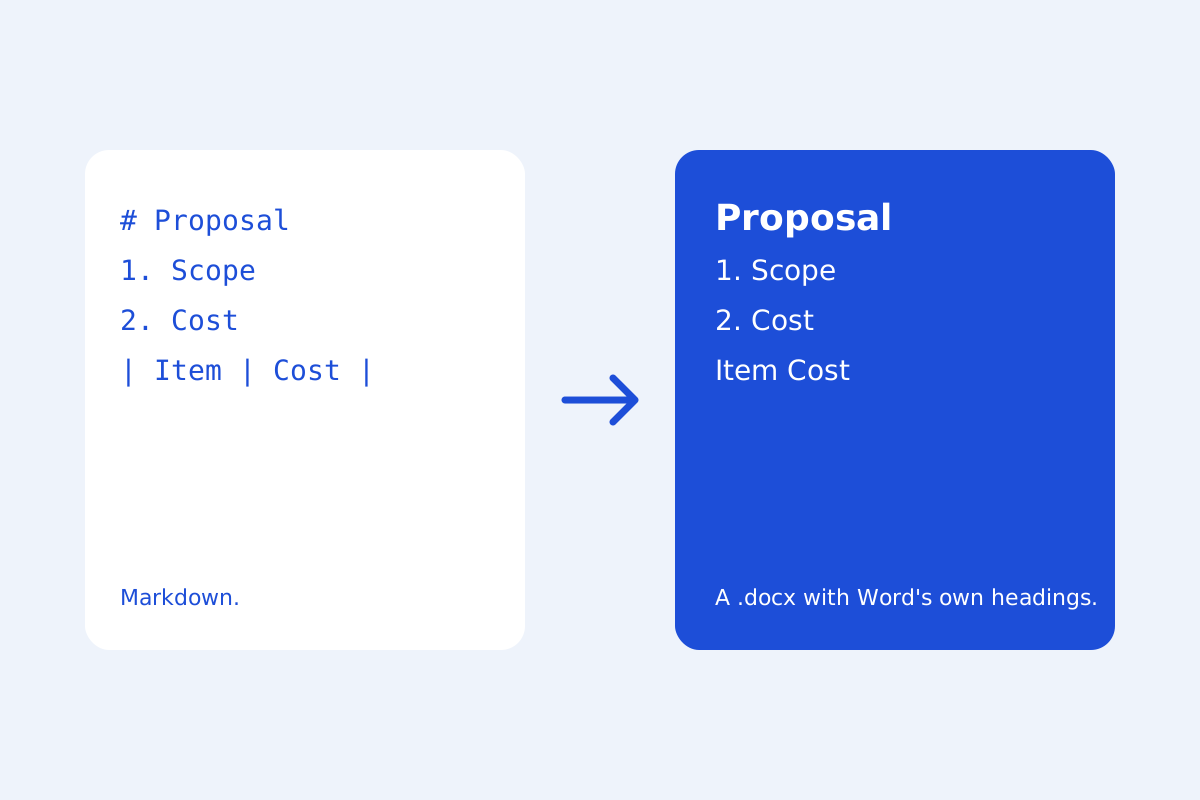
Sooner or later a Markdown document has to go to someone who works in Word. Copying it across loses the structure; KeepSimp writes a real .docx instead, made in your browser with the docx library.
Word's own parts, not lookalikes.
Headings become Word's Heading 1 to 6 styles, so Word's navigation pane and table of contents work at once. Numbered and bulleted lists are Word's own lists and number themselves, nested lists included. Tables, links and footnotes are Word's own too, and task boxes are ☑ and ☐.
Pictures you pasted go into the file at their size, no wider than the page. Front matter's title and author become the file's details.
What Word has no place for.
Maths stays as its TeX, in a fixed-width font, because Word's own equations are not made here. Diagrams become pictures. Pictures linked from other sites are not fetched, so they stay as their words.
Written on your device.
The Word file is written in your browser and downloaded from it: nothing is uploaded, and it works offline. To go the other way, open a .docx in the editor and it becomes Markdown.
Further reading
Topics: markdown to word · markdown to docx · convert markdown to word · md to docx · markdown to word online
A little less theory. A little more doing.
Try it on your own terms, with a free browser tool.
Try the tool