

A little know-how
Word files, written as Markdown.
Turn .docx files into Markdown in your browser: headings, lists, tables, links, bold and italic, with their pictures kept. Nothing is uploaded.
By KeepSimp 3 min read
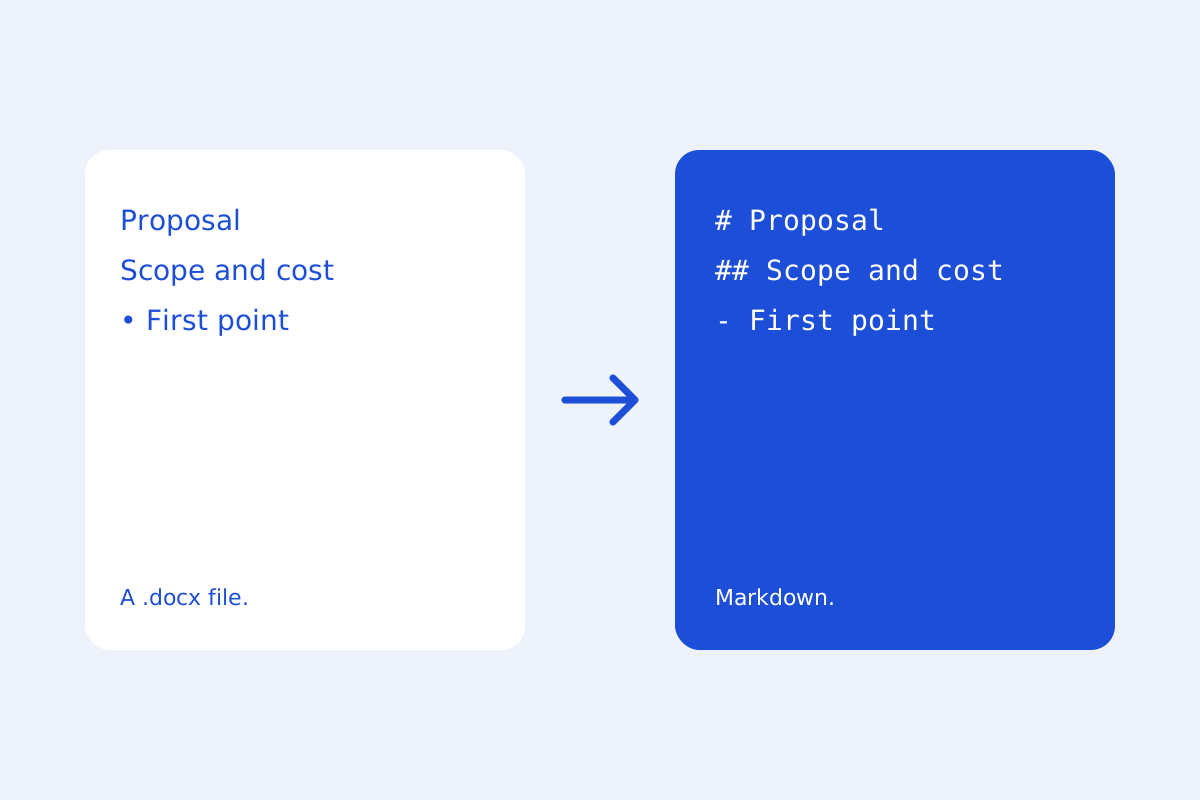
Documentation often starts life in Word. KeepSimp reads a .docx with mammoth, which turns Word's styles into meaning rather than looks, and writes that as Markdown, all in your browser.
Meaning comes across; looks do not.
Word's heading styles become # headings, its lists become Markdown lists, and tables, links, bold and italic come across. Colours, fonts and page layout are left behind, since Markdown has no place for them, and the page says when something in the file was not read.
Pictures, kept beside it.
Pictures in the file are kept with the new document under pictures/, and the Markdown names them there. Export Markdown and pictures (.zip) to save the .md file with a pictures folder beside it, ready for a repository or a site.
And back again.
When the Markdown is ready, Export, Word writes it as a .docx again, with Word's own headings and tables. Nothing is uploaded either way.
Further reading
Topics: word to markdown · docx to markdown · convert word to markdown · docx to md · word to md
A little less theory. A little more doing.
Try it on your own terms, with a free browser tool.
Try the tool