

A little know-how
Many clips, one video.
Join MP4, MOV, WebM or MKV clips end to end in your browser, in the order you choose: copied without encoding when they match, the sound in step. Nothing is uploaded.
By KeepSimp 3 min read
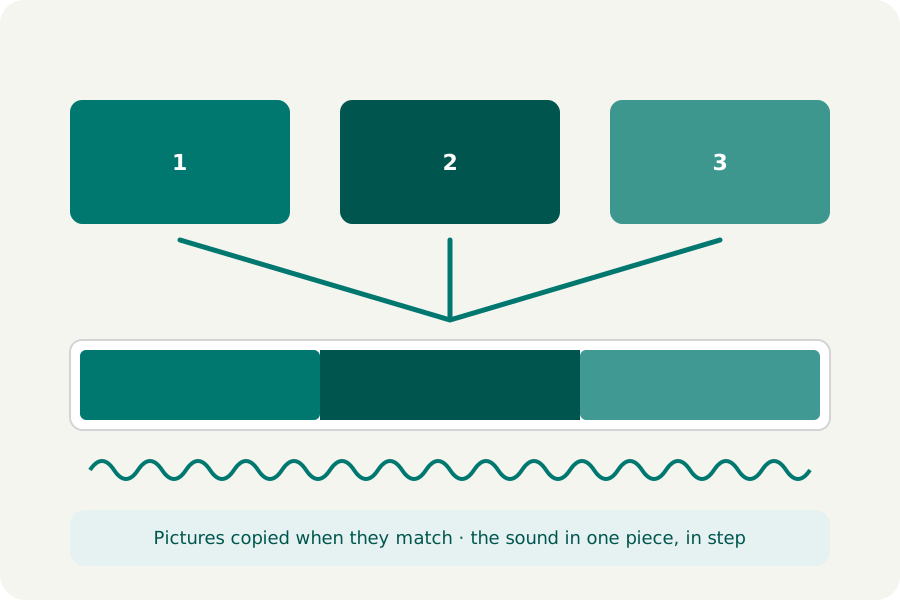
Several clips from a phone, the parts of a screen recording, a series of short takes: they are easier to share as one video. KeepSimp joins them on your device, without uploading anything, and without encoding them again when it does not have to.
Copied when they match.
Clips from the same camera or app are usually written alike: the same codec, the same size, the same setup. Then their pictures are copied into the joined file packet for packet, so nothing is lost and an hour of video joins in seconds.
When they differ (a phone video upright and one on its side, or one from another app), the pictures are encoded again at the first clip's size, and the others are fitted inside it with black bars. The page says which before you join.
The sound, in step at every join.
Joining sound packet for packet can leave small gaps or overlaps at each join, as encoders put a short run of samples before the sound. So the sound is written again in one piece: each clip's sound for exactly as long as its picture, silent where a clip has none. It never drifts, however many clips there are.
How to do it.
Open Merge videos and drop your clips. Each is written by itself first, so you can trim the start and end of each, crop it or speed it up, all as usual. Then, in Join into one video, move the clips into order and Join. The joined file is opened again and checked (its size, its sound and its length) before you download it.
Further reading
Topics: merge videos · join videos · combine videos · merge mp4 files · put clips together
A little less theory. A little more doing.
Try it on your own terms, with a free browser tool.
Try the tool