

Images
A better background behind you.
Take the background out of a portrait and put a colour, a blur or another photo behind it, square for a profile picture, in your browser. Free, with no uploads.
By KeepSimp 3 min read
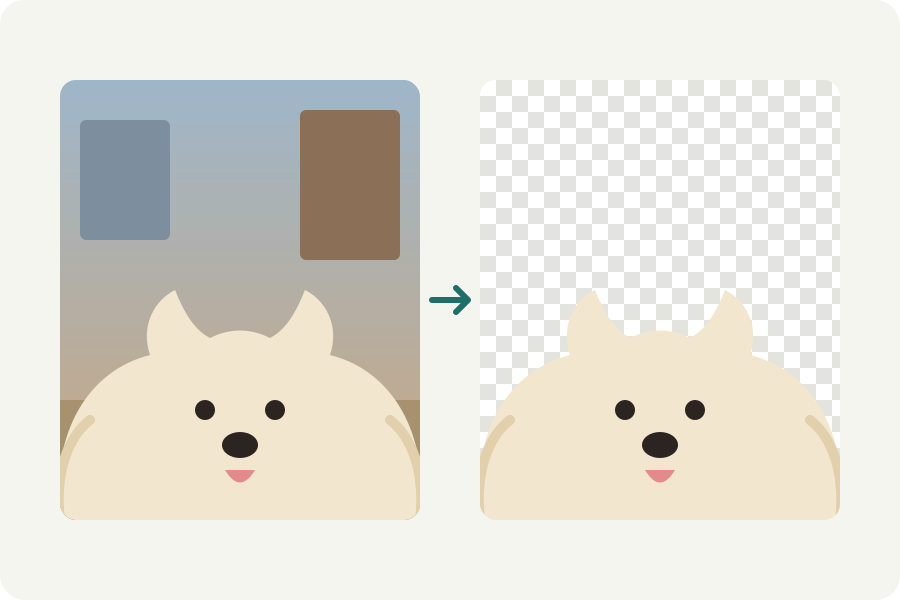
A good photo of you taken in front of a cluttered room does not have to be retaken. The Profile picture background changer cuts you out on your device and puts a calm colour behind you, square for a profile picture.
Change it in a minute.
Open the Profile picture background changer and drop a portrait. You are cut out, hair included, and a soft blue put behind you, in a square with a little room around your head.
Choose another colour, Blurred to keep the room but soften it, or Photo to put a picture of your own behind you. Touch up anything that was missed.
Download it. Profile pictures are shown small, so a plain colour that stands apart from your hair and clothes works best.
A photo of you stays with you.
Most background changers send your face to a server. Here the model runs in your browser and the photo is never uploaded.
Colour, blur, or a sticker.
A plain colour reads well at the small size profile pictures are shown at. Blurred keeps the place you were in, softened, as a portrait lens would. For a playful avatar, add an outline under Look, as a sticker has, and keep the background clear.
Further reading
Topics: change photo background · profile picture background · linkedin photo background · headshot background · blur background · no upload
A little less theory. A little more doing.
Try it on your own terms, with a free browser tool.
Try the tool