

A little know-how
Press record, keep every sample.
Record from a microphone in your browser, with pause and a level meter and no call filters unless you want them, then trim, clean up and save it as MP3, M4A or WAV. Nothing is uploaded.
By KeepSimp 4 min read
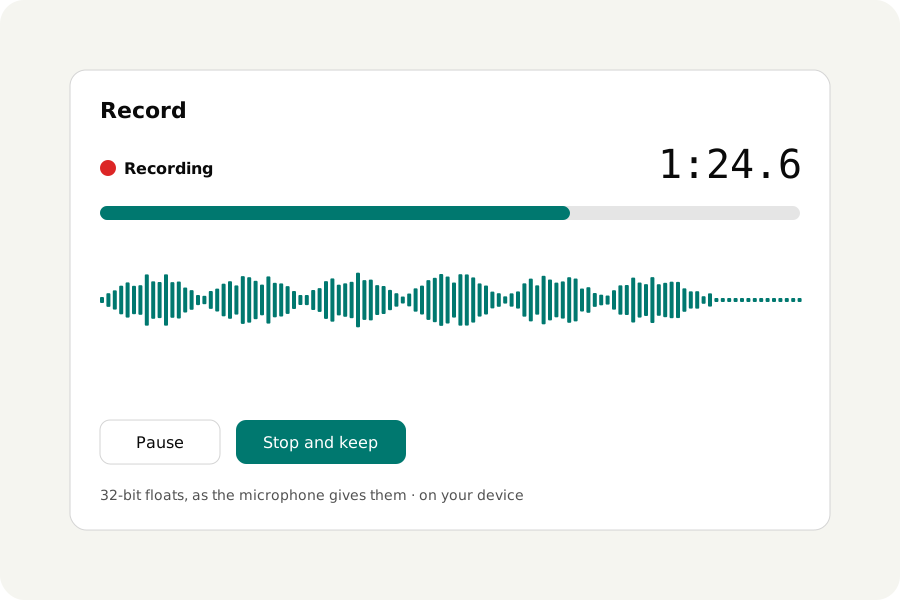
A voice note, an interview, a guitar idea before it is gone. Many online recorders compress the sound as it comes in, or send it to a server; this one keeps exactly what the microphone gives, on your device, and hands it to the same editor as any file.
How to record.
Open the Voice recorder and press Record; the browser asks before the microphone is used. Pause and go on as often as you like, watch the meter, and press Stop and keep. The take goes into the list of files, where it can be trimmed, cleaned of noise, made louder and saved as MP3, M4A, WAV or anything else.
The microphone as it is.
Browsers are made for calls, so by default they cancel echo, suppress noise and change the level of a microphone. Here those are off unless you turn them on: the sound is taken as the browser hands it over, 32-bit floating point at the device's own rate, so nothing is lost before you choose what to do with it.
The meter shows how loud the sound is, and the page says when it reaches full scale, past which it is cut off for good: move back, or turn the input down.
A take that survives a closed tab.
Turn on Keep a draft while recording, and the take is kept on your device as it is recorded. If the tab is closed or the browser crashes, the next visit offers it back, up to the last second before it stopped. The switch starts off every time, and nothing is ever sent anywhere.
On your device.
Recordings are made and written in your browser and never uploaded. There is no account and no limit on how many you make.
Further reading
Topics: online voice recorder · record audio online · microphone recorder · record voice memo · free audio recorder · record from microphone
A little less theory. A little more doing.
Try it on your own terms, with a free browser tool.
Try the tool