

A little know-how
The picture, without a sound.
Take the audio out of MP4, MOV, WebM and MKV videos in your browser, the picture copied as it is so nothing is lost. Nothing is uploaded.
By KeepSimp 2 min read
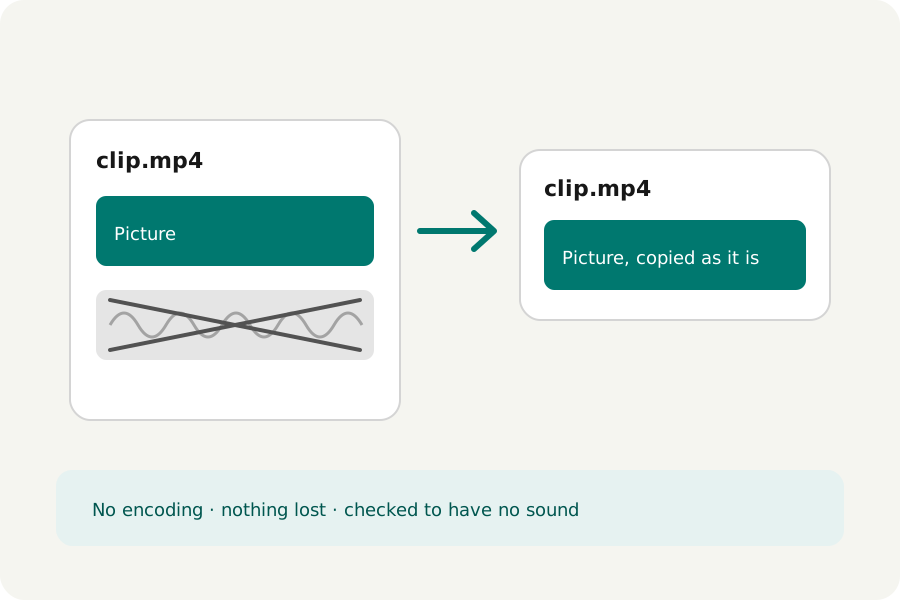
Background noise, a conversation that should not be shared, music a site will not accept: often the simplest answer is no sound at all. Taking it out should not cost the picture anything, and with KeepSimp it does not.
Nothing is encoded again.
A video file keeps its picture and its sound as separate tracks. Muting writes a new file with the picture's track copied as it is, packet for packet, and no sound track at all. Nothing is lost, and an hour of video takes seconds.
Each result is opened again and checked to have its picture, its length and no sound before it is offered.
When to keep the sound after all.
Muting takes away everything on the sound track: speech, music and room noise alike. If only a moment is unwanted, cut that moment out with the Video trimmer instead, and the rest keeps its sound. Sites that refuse a song often accept the same video with the music taken out.
How to do it.
Open Mute video and drop your videos: MP4, MOV, WebM, MKV or MPEG-TS, up to twenty at once. The sound is left out as soon as each is read; download them one by one or as a ZIP. To keep only the sound instead, use the Audio extractor.
Further reading
Topics: remove audio from video · mute video · remove sound from video · silent video · strip audio from mp4
A little less theory. A little more doing.
Try it on your own terms, with a free browser tool.
Try the tool