

Removing EXIF without saving again.
Take the camera, date, place and names out of JPEG, PNG and WebP photos without saving the picture again, so no quality is lost. Nothing uploaded.
By Suraj Kumar2 min read
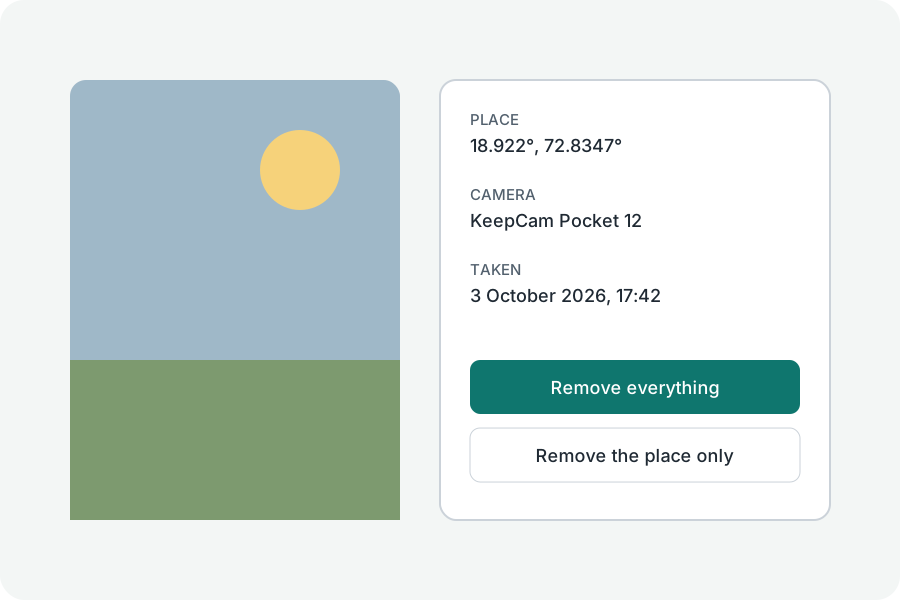
Saving a photo again to remove its metadata costs quality; taking the bytes out does not.
Taken out, not saved again.
In a JPEG, the EXIF, XMP, IPTC and comment segments are dropped; in a PNG, the text and EXIF chunks; in a WebP, the EXIF and XMP chunks. The picture's bytes are copied as they are.
What is kept.
The orientation is written back as the only EXIF tag, and the colour profile and JPEG's Adobe colour transform stay, so the photo neither turns nor changes colour.
Many at once.
Drop many photos and download them cleaned in one ZIP.
Further reading
Topics: remove exif · strip exif · remove metadata · exif remover · clean photo
A little less theory. A little more doing.
Try it on your own terms, with a free browser tool.
Try the tool