

Removing the place from a photo.
Take only the GPS position out of a photo and keep the camera and date, in your browser, without saving the picture again. Nothing uploaded.
By Suraj Kumar2 min read
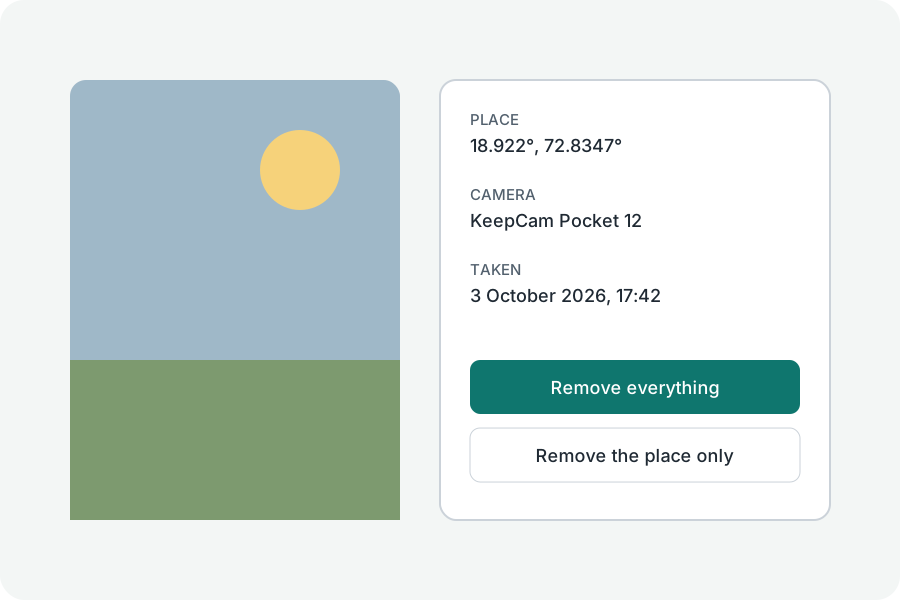
Sometimes only the place should go.
The GPS position only.
The GPS directory is taken out of the photo's EXIF and its numbers overwritten; everything else in EXIF stays where it was.
XMP too.
XMP can hold the place as well, so it is taken out whole. Place names typed into IPTC, such as a city, are kept and listed; Remove everything takes them out.
Checked.
The file is read again before it is offered, and offered only when no position is left.
Further reading
Topics: remove location from photo · remove gps · photo location · geotag · hide location in photo
A little less theory. A little more doing.
Try it on your own terms, with a free browser tool.
Try the tool