

A little know-how
Just the part you want, with no click at the cut.
Cut a song, a voice note or a podcast to the part you want, to the millisecond, with fades in and out, in your browser. Every edit can be undone. Nothing is uploaded.
By KeepSimp 4 min read
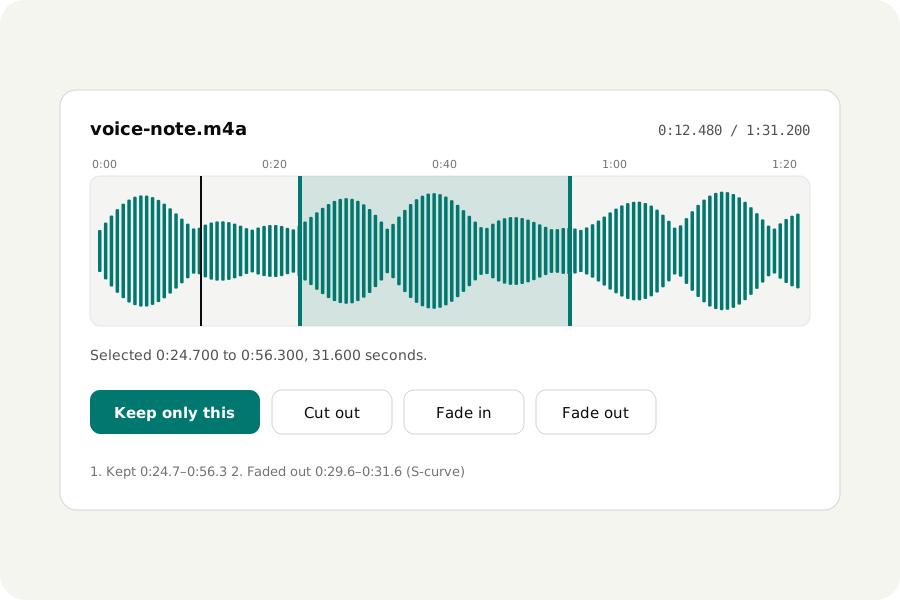
A voice note with a minute of fumbling at the start, a song you only need the chorus of, an interview with a cough in the middle. Trimming should take seconds, without uploading the recording or being stopped after a few files a day.
How to trim.
Open the Audio trimmer and drop the file. Drag across the waveform to choose a part, or type its start and end to the millisecond. Keep only this keeps the part and drops the rest; Cut out takes the part away and closes the gap. Play the selection, loop it, zoom in on the waveform to find the very place, then download.
The trimmer works on MP3, M4A, Opus, Ogg, FLAC, WAV, AIFF and the sound of videos. It writes the result in the file's own format unless you choose another.
Why a cut can click, and why ours does not.
Sound is a wave. Cut it at a moment when the wave is far from the middle and the two sides of the cut do not meet: you hear a click. Some editors move each cut to where the wave crosses the middle. This one fades the sound out and in over four thousandths of a second at every place it was cut, which is too short to hear as a fade and enough to take the click away.
For a gentler start or end, choose a part and press Fade in or Fade out. Even fades at a steady rate, Smooth keeps more of the sound until late, and S-curve starts and ends softly.
Every edit can be undone.
Your file is never changed. Each edit is kept as a step in a list, and the result is written from your file and the steps: undo, redo or start again at any time. Silence a part, or make a part louder or quieter, in the full Audio editor.
MP3 and AAC store sound in blocks of about a fortieth of a second, so a trimmed file is encoded again to cut it exactly where you chose. FLAC and WAV keep every sample.
Your recordings stay with you.
Files are read and written in your browser and never uploaded. Each written file is opened again and listened to, and its length held against the length of what you kept, before you download it.
Further reading
Topics: trim audio · cut MP3 online · audio cutter · MP3 cutter · trim audio without upload · fade in fade out · cut part of a song · remove part of audio
A little less theory. A little more doing.
Try it on your own terms, with a free browser tool.
Try the tool