

A little know-how
A sound, a picture, and a waveform that moves.
Turn a song, podcast clip or voice note into an MP4 with its cover or a picture of your own, a moving waveform and its title, in your browser, to share where only video goes. Nothing is uploaded.
By KeepSimp 3 min read
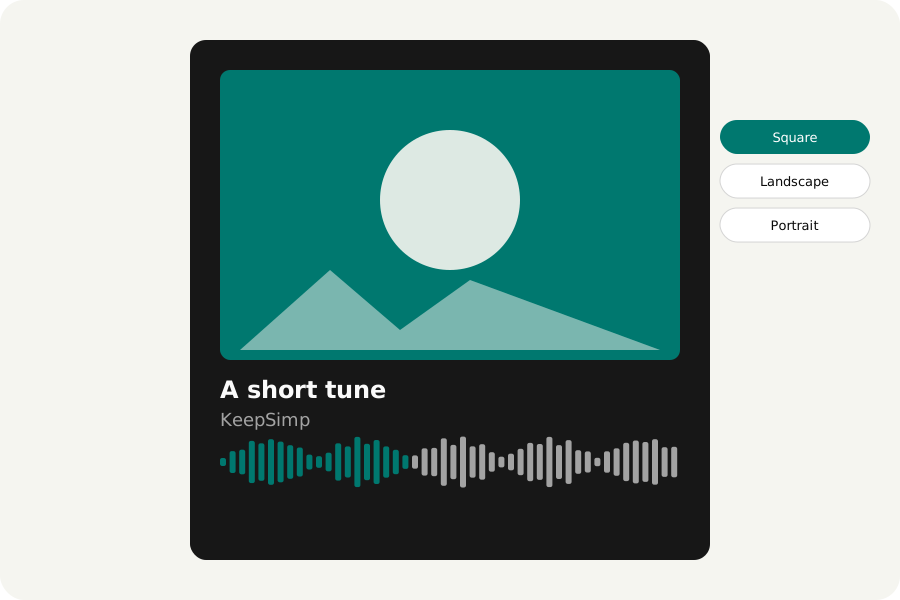
Many places take video and not sound: a social post, a story, a video site. A sound becomes a video once it has a picture, and a waveform that moves as it plays tells people there is something to hear.
How to make one.
Open Audio to video and drop your sound. Choose the shape (square, landscape or portrait), the picture (its cover, one of your own, or none), and whether to show the waveform and the title. Press Make the video: it is drawn and written on your device, checked, and ready to download as an MP4.
The sound you made.
The video has the sound as you set it in the editor: trimmed, cleaned of noise, made louder or anything else. Without the moving waveform the picture stands still at one frame a second, so even an hour is made in moments; with it, the playhead moves 24 times a second.
Where the browser can write H.264 the video is an MP4 with AAC sound, which plays everywhere; where it cannot, it is a WebM, and the page says so.
On your device.
The sound and the picture are read and the video written in your browser, never uploaded. There is no account and no watermark.
Further reading
Topics: audio to video · mp3 to mp4 with picture · add image to audio · audiogram maker · waveform video · put audio on instagram
A little less theory. A little more doing.
Try it on your own terms, with a free browser tool.
Try the tool