

Write a Vue component and watch it run.
Write Vue single-file components in your browser and see them run as you type, compiled on your device by Vue's compiler. Nothing uploaded, no install.
By Suraj Kumar3 min read
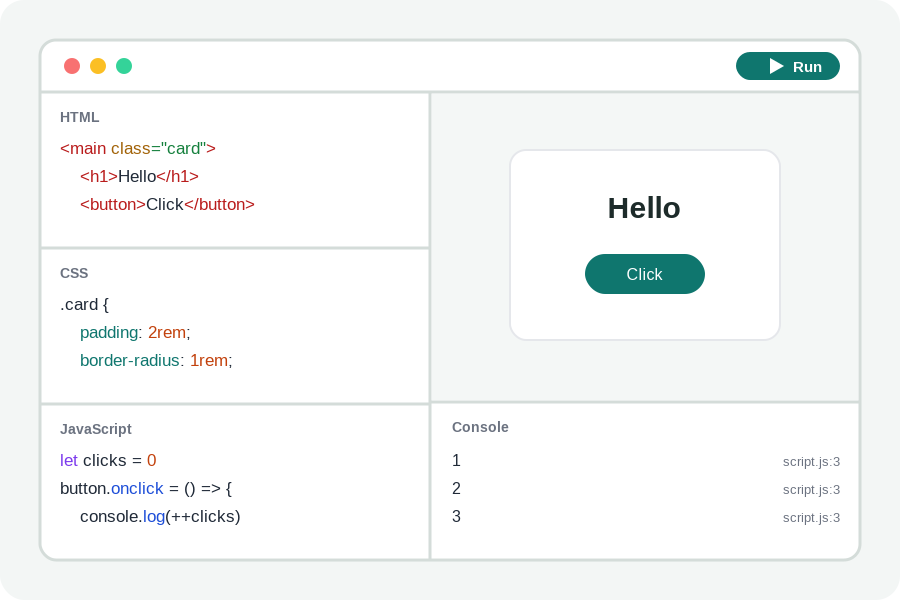
Vue's single-file components keep a component's template, script and styles in one .vue file. The KeepSimp code playground compiles them in your browser with Vue's own compiler and runs them beside the code, with nothing to install.
A component in one file.
Open the Vue playground and press Start with a counter. App.vue holds the component: a <script setup> with its state, a <template> that shows it, and <style scoped> for its look. The script editor mounts it with createApp.
Change the template or the state and the page runs again a moment later. Add another component in Files, such as Button.vue, and import it with a relative path.
Compiled on your device.
Vue's compiler-sfc turns each .vue file into JavaScript as you type, scoping its styles to it, with TypeScript in <script setup lang="ts"> taken out. KeepSimp serves Vue itself, so a Vue page works offline once it has run.
Your code stays on your device.
Everything is compiled and run in your browser. Nothing you write is uploaded and there is no account. Files from other sites that your page asks for (a package, a font, a stylesheet) are fetched by the page from those sites, as any page would.
Further reading
Topics: vue playground · vue sfc online · vue 3 playground · try vue · script setup
A little less theory. A little more doing.
Try it on your own terms, with a free browser tool.
Try the tool