

Run Python in your browser, nothing to install.
Run Python 3.14 in your browser with print, input(), tracebacks at their line, numpy, pandas and matplotlib. Nothing uploaded, no sign-in, works offline.
By Suraj Kumar4 min read
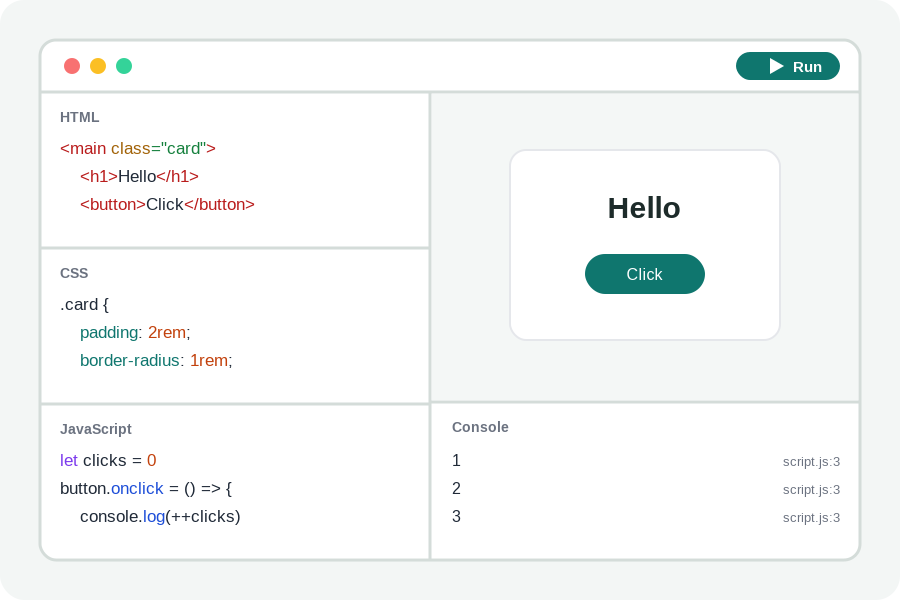
Python usually means installing it first. The KeepSimp code playground runs CPython 3.14 inside your browser instead, built for WebAssembly by the Pyodide project and served by KeepSimp, so your code runs on your device and nothing is sent anywhere.
Write, press Run, read what it prints.
Open the Python online compiler and press Start with Python. Write your program in the editor and press Run, or Ctrl or ⌘ and Enter. What it prints appears in the result as a terminal shows it, and in the console a line at a time.
input() reads the Input box under the editor, one line each time it is called, as online judges do. The line it read is shown after its question, so the output reads as it would in a terminal.
Errors at their line.
When Python stops with an error, the traceback is shown as Python prints it, without the frames of the machinery that ran your code, and the console links to the line it points at, in the editor or in another .py file of the project.
After a run, the console's line runs Python where the script left off: type a name to see its value, or call a function again.
numpy, pandas and matplotlib.
KeepSimp serves numpy, pandas and matplotlib beside Python, loaded the first time a program imports them. plt.show() draws the figure as a picture in the result. Packages from PyPI are not fetched: keep a module of your own as a file of the project and import it by name.
Files of the project, such as a CSV, are where your program can open them, by their names.
A loop that never ends.
Python runs in a worker of its own inside the result's sandbox, so the page stays usable while it works. Press Stop in the result to end it at once; Run starts afresh.
Your code stays on your device.
Everything is compiled and run in your browser. Nothing you write is uploaded and there is no account. Files from other sites that your page asks for (a package, a font, a stylesheet) are fetched by the page from those sites, as any page would.
Further reading
Topics: python online compiler · run python online · python interpreter online · python 3 in the browser · pyodide · matplotlib online
A little less theory. A little more doing.
Try it on your own terms, with a free browser tool.
Try the tool