

A small website of many files, built in your browser.
Write a site of many files in your browser: modules that import each other, stylesheets, JSON, pictures and pages. Nothing uploaded, no install, no account.
By Suraj Kumar4 min read
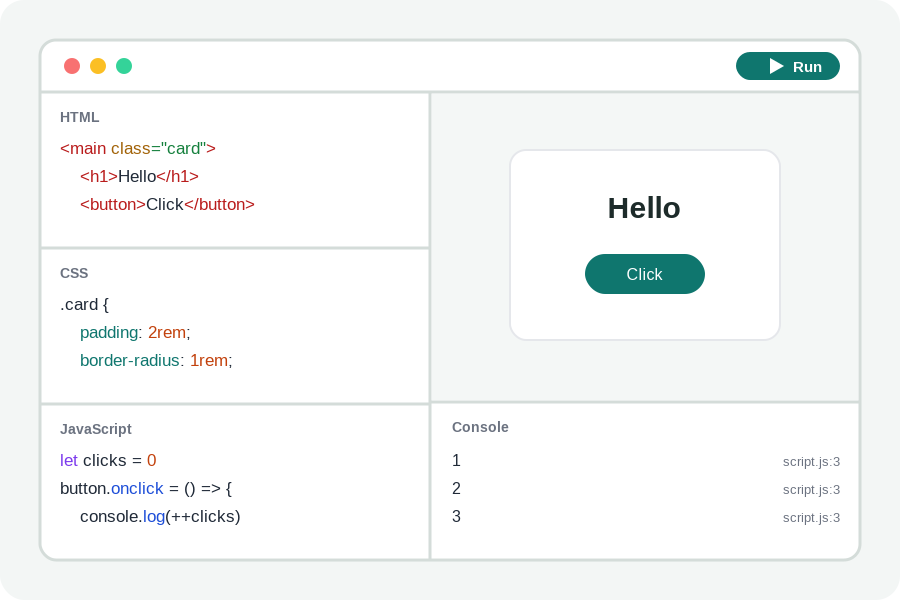
Three editors are enough to try an idea. A real site soon wants more: a module for each part of the code, a stylesheet of its own for the theme, data in JSON, a logo, a second page. The KeepSimp code playground holds all of them as files in folders and joins them in your browser, with no server and nothing installed.
Files and folders, as a site has them.
Press Files at the top of the playground (on a phone, the Files tab) and New file. Put a folder before the name to keep it in one, such as src/cart.js; the ending says what the file is. The three editors are files too, as index.html, style.css and script.js, so the others can name them.
Import one module from another as you would on a server: import { total } from "./src/cart.js". The ending can be left off, and a folder's index.js is found by itself. JSON imports as its value, a stylesheet adds itself to the page, and a picture gives its address.
Link a stylesheet from the page with <link rel="stylesheet" href="theme.css">, show a picture with <img src="images/logo.png">, and fetch("data/people.json") reads a file of the project. A link to about.html shows that page, and Back returns to the first.
How it runs with no server.
A page in a sandbox cannot ask a server for ./cart.js, because there is none. The playground gives each file an address of its own and an import map that hands the page the file's code when it asks, and it writes every relative import as that address before the page runs. Each file still names itself, so an error says src/cart.js:12 and pressing it opens that line.
Packages are fetched from esm.sh by their names, as before. Add a package.json with dependencies and the page fetches the versions you pin instead of the newest.
Versions to go back to.
A version of the whole project is taken each time you save or share it, and when you pause after a minute of changes. Versions in the menu shows what changed since one, file by file, and puts it back; what you had before is kept as a version too.
Save it as a site.
Save as a zip writes every file under its folder, with index.html, style.css and script.js, ready for any static host; opened again, it comes back as it was. Save as one HTML file puts the modules inside the page, though a fetch of a data file needs the zip on a server.
Your code stays on your device.
Everything is compiled and run in your browser. Nothing you write is uploaded and there is no account. Files from other sites that your page asks for (a package, a font, a stylesheet) are fetched by the page from those sites, as any page would.
Further reading
Topics: multi file html editor · online web editor with files · es modules in the browser · import json · website editor no install · codepen alternative
A little less theory. A little more doing.
Try it on your own terms, with a free browser tool.
Try the tool