

Talk to a WebSocket, and keep the transcript.
Connect to a ws:// or wss:// WebSocket from your browser, send text or JSON, and read every message in a log with its time.
By Suraj KumarUpdated 3 min read
A WebSocket stays open and talks both ways, which makes it hard to try with tools built for one request and one answer. The WebSocket tester keeps the conversation.
Connect, send, read.
Open the WebSocket tester, type the address (wss:// for anything but your own computer) and any subprotocols, and press Connect. Send text or JSON, which is checked before it goes. Every message, each way, is logged with its time; choose one to read it laid out. When the connection closes, the log says the code and what it means.
What a page cannot do.
Browsers let a page give a WebSocket no headers or cookies of its own, only subprotocols, so servers that need a token usually take it in the address or the first message. A WebSocket is not covered by CORS: the server is sent this site's Origin and decides for itself.
Nothing goes through KeepSimp.
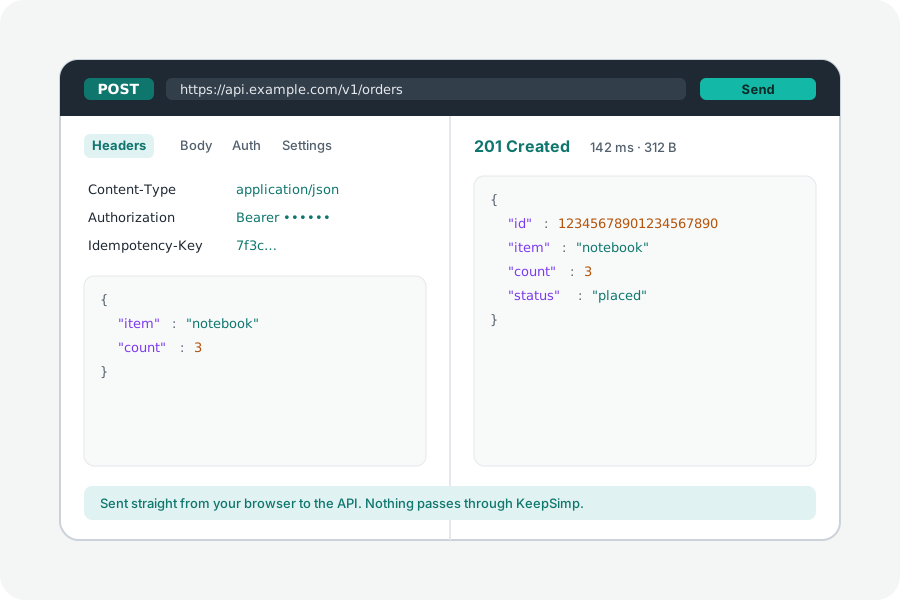
Requests go straight from your browser to the API, and KeepSimp has no server in between: it never sees the addresses, the keys or the answers.
Further reading
Topics: websocket tester · websocket client online · test websocket · wss test · websocket echo test · socket.io alternative
A little less theory. A little more doing.
Try it on your own terms, with a free browser tool.
Try the tool