

Why the browser blocked that request.
What a CORS error and a preflight are, why the browser only says a request failed, and how to test whether an API lets a web page read it.
By Suraj KumarUpdated 4 min read
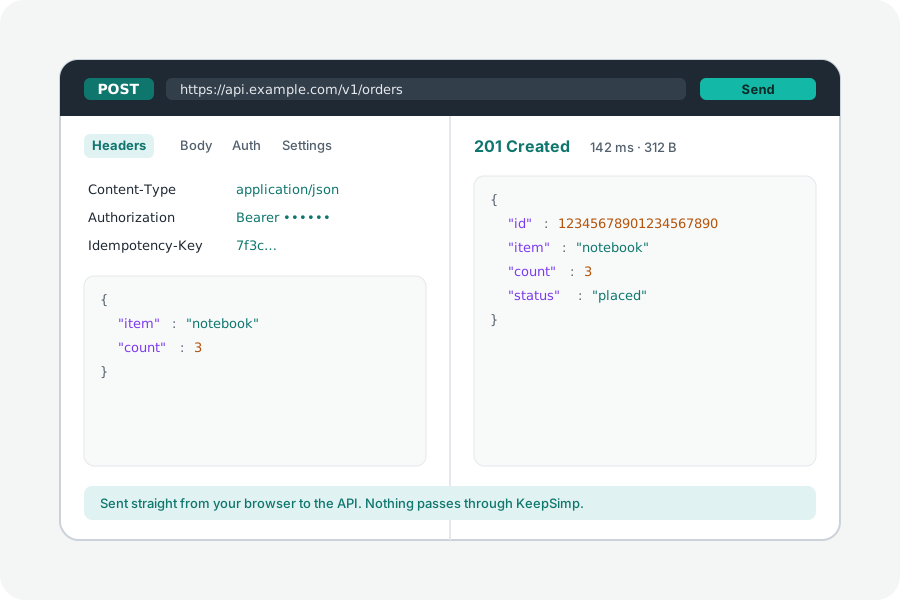
A request that works in a terminal can fail in a web page with nothing more than a TypeError. That is CORS: the browser keeps another site's answer from a page unless that site says it may read it.
Who CORS protects.
Your browser carries your cookies and can reach your company's network. CORS stops any page you visit from reading what other sites would tell you there. An API lets a page read its answer by sending Access-Control-Allow-Origin with that page's site, or *.
For a request that is not simple (a method other than GET, HEAD or POST, a header beyond a few plain ones, or a JSON body), the browser first asks with an OPTIONS request, a preflight, and the API must answer that too.
Testing it.
Open the CORS tester and send the request. Before it goes, the line under the address says whether there will be a preflight and why. If it fails, the client sends one HEAD request that needs no leave: if the server answers that, the failure was CORS, and the client lists the headers the API would have to send.
The test is run from keepsimp.com. An API that allows every site allows yours too; one that names sites must name yours, which the list of headers shows how to do.
Nothing goes through KeepSimp.
Requests go straight from your browser to the API, and KeepSimp has no server in between: it never sees the addresses, the keys or the answers.
Further reading
Topics: cors error · cors tester · test cors online · cors policy blocked · preflight request · access-control-allow-origin · no-cors
A little less theory. A little more doing.
Try it on your own terms, with a free browser tool.
Try the tool