

A code hidden in stars.
Hide a link, a note or Wi-Fi in a moving nebula whose stars are a code, read by KeepSimp's scanner, and embed it on your site. Nothing uploaded.
By Suraj Kumar2 min read
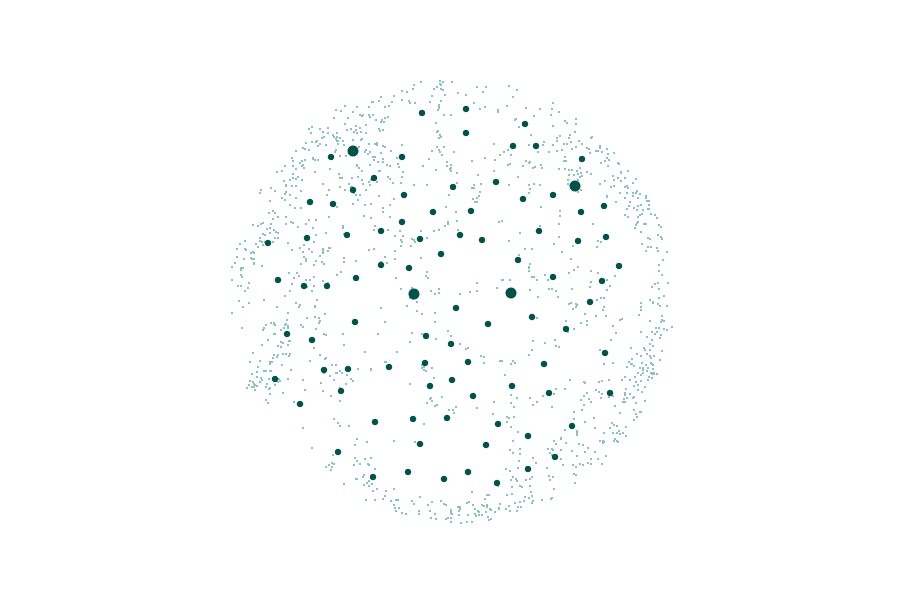
A QR code is a grid anyone can read. A nebula code is a moving cloud of particles whose stars hold the same things, read by KeepSimp's own scanner.
The stars are the code.
Over the nebula sit a few hundred stars on hidden places: a star is a one and an empty place a zero. Four stars a little larger tell the scanner which way up the code is. Reed–Solomon check bytes, the same kind a QR code uses, mend stars it misreads. The nebula itself only moves for looks.
A short link or an email address at a common mail host takes a small nebula of about a hundred stars; longer text takes more stars, and the scanner needs to be closer. While it looks, the scanner puts several frames together, so a code that one frame misses still reads.
Scanned by KeepSimp, not by a camera app.
A phone's camera app reads QR codes only, so a nebula code is scanned from keepsimp.com on the phone: press Scan, or read a photo of it. The scanner says what it read and never opens a link by itself. Where everyone must scan with their camera app, a QR code is the better choice.
On your own site.
The maker gives a frame to paste into any page. What the code holds travels after the # of the frame's address, which browsers never send to a server, so KeepSimp never sees it. Each design is drawn and read back as it is made, and the page says whether it scans before you copy it.
Further reading
Topics: nebula code · custom scannable code · animated code · embed code on website · share a link by camera
A little less theory. A little more doing.
Try it on your own terms, with a free browser tool.
Try the tool