

A QR code that keeps working.
Why some free QR codes stop working after a trial, and how to make one that never does: a static code made in your browser, checked before you print it.
By Suraj KumarUpdated 5 min read
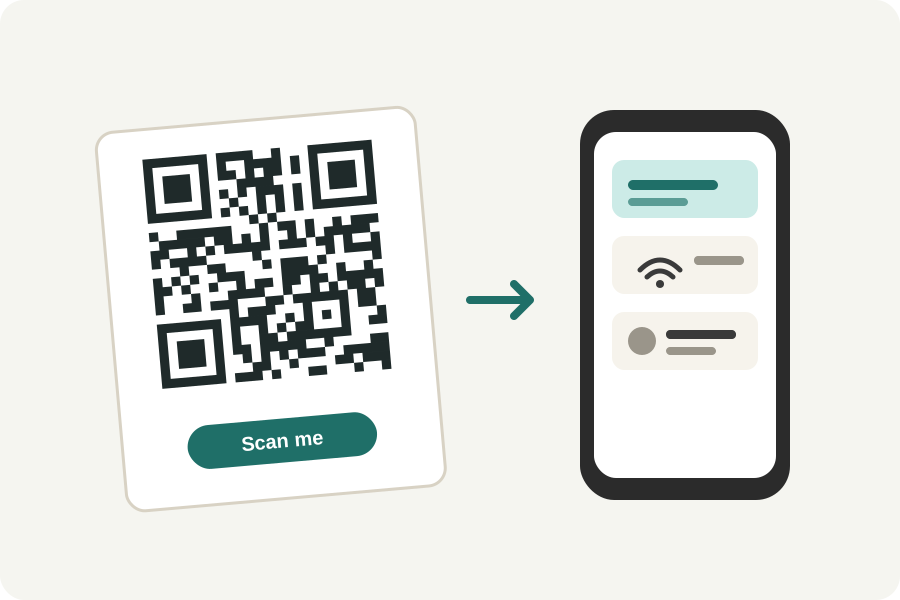
You print a QR code on a menu, a poster or a thousand flyers, and a month later it leads to a page asking you to pay. It happens because many free generators make codes that point to their own address first. The KeepSimp QR code generator makes the other kind: the code holds your link itself, so it works for as long as your link does.
Static and dynamic codes.
A static QR code holds what it opens: the web address, the Wi-Fi network, the contact card. A phone reads it and goes straight there. Nobody stands in between, so nothing can switch it off.
A dynamic code holds a short address on the generator's own site, which sends the phone on to yours. That lets the generator change where it leads and count scans, and it lets them stop sending people on when a trial ends. Several well-known generators do exactly that, and reviews of them are full of printed codes that stopped working.
KeepSimp has no server to send anyone through, so every code it makes is static. The other side of that is plain: once printed, a static code cannot be changed. If you may need to change where it leads, point it at a page you control, and change the page.
One code, in three steps.
Choose what the code holds: a link, text, a Wi-Fi network, a contact card, an email, a phone call, a text message, an event or a place. Fill in the fields, and the code is drawn as you type.
Choose its colours and whether its modules are squares or dots. Press Design it for the whole designer: error correction, the margin, and the size in pixels, millimetres or inches.
Download it as a PNG for documents and slides, or as an SVG for print and design programs, sharp at any size. A PNG carries its print size, so a layout program places it at the size you chose.
Read back before you print it.
Every code is read back on your device with zxing-cpp, the open reader much scanning software is built on, and compared byte for byte with what you typed. It is read three times: as made, small and a little out of focus, and in dim, uneven light. Only when all three are exact does it say Scans.
Before that, the code is judged: colours too close together, light on dark (which some apps do not read), a margin narrower than the 4 modules the standard asks for, a size too small to print. Each finding says what to do, and most have a button that does it.
A printed code still meets real paper, ink and phones, so scan the first print with your own phone before you print many.
How large to print it.
A rule of thumb: a code scans from up to about ten times its width away. A code 3 cm across reads from about 30 cm, a table card; a poster read from 2 metres needs one about 20 cm across. Keep each small square (a module) larger than a third of a millimetre, and the code at least 2 cm across.
Less in the code makes it less dense, and easier to scan small. The designer shows exactly what is in the code and how many modules across it is; a short link makes a smaller code than a long one.
Nothing leaves your device.
The code is made, read back and written in your browser, and the generator works offline once the page has been opened. What you type, a Wi-Fi password included, is not sent anywhere.
Further reading
- ISO/IEC 18004:2024, QR Code bar code symbology specification (opens in a new tab)
- DENSO WAVE: Error correction feature of QR codes (opens in a new tab)
- ZXing: Barcode Contents (how readers understand what a code holds) (opens in a new tab)
- Project Nayuki: QR Code generator library (the encoder KeepSimp uses) (opens in a new tab)
- zxing-cpp: the reader each code is checked with (opens in a new tab)
- Trustpilot: reviews of QR.io (codes switched off after a trial) (opens in a new tab)
Topics: qr code generator · free qr code generator · qr code that never expires · static qr code · dynamic qr code · qr code no sign up · qr code size for print · qr code svg · qr code for website
A little less theory. A little more doing.
Try it on your own terms, with a free browser tool.
Try the tool