

A file hiding in text.
Decode a Base64 string or data URL back into the PNG, JPEG or PDF it holds, in your browser with nothing uploaded, then preview it and save the file.
By Suraj Kumar4 min read
An API answer, an email's source or a log line holds a long run of letters and digits, and somewhere in it is a picture or a PDF. Base64 is how files travel inside text; getting the file back takes one step.
What the string is.
Base64 writes any bytes with letters, digits, + and /: four characters for every three bytes, so a file can travel inside JSON, an email or a web page (RFC 4648), at about a third larger than it was. A data URL puts the file's type in front: data:image/png;base64, then the Base64.
Files often give themselves away by their first characters. A PNG's Base64 starts iVBORw0KGgo, a JPEG's /9j/ and a PDF's JVBERi0, because each kind of file begins with the same few bytes.
Decode it.
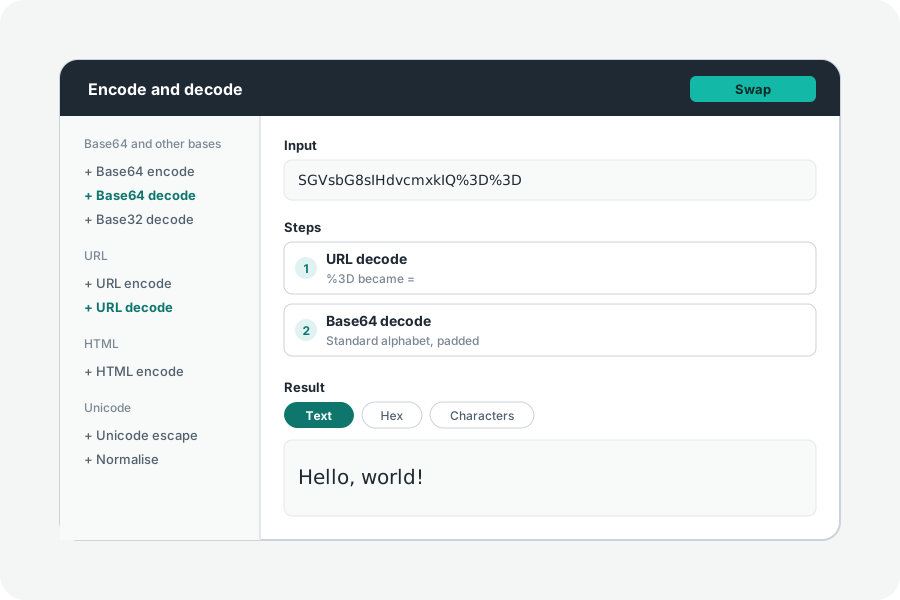
Open the Base64 encoder, paste the string, and press Swap to read it back rather than write it. Or paste it into the box at the top of the Developer toolkit, which recognises Base64 and data URLs and offers the steps that read them, with its reasons.
Spaces and line breaks are passed over and missing padding is allowed, as the forgiving decode in the WHATWG Infra standard allows, and the page says what it passed over. A string with - and _ in it is Base64url, the form used in addresses and JWTs, and needs that step instead.
See it, then save it.
When the bytes are a file, the toolkit recognises it by its first bytes and says what it is and how large, for example a PNG picture (image/png). Pictures (PNG, JPEG, GIF, WebP, AVIF, BMP, icons and SVG) are shown on the page, an SVG only as a picture, where its scripts never run. Sounds and videos get a player, and a PDF opens in a new tab. The download saves it as the kind of file it is.
The other way: a file into Base64.
Open a file instead of typing, and it is written as Base64, or as a data URL with its type worked out from its bytes, ready for an img src or a CSS background. Wrap the lines at 76 characters for email or 64 for PEM when the place it goes needs them.
Why decode it here.
A Base64 string from a log or an API is often a document someone did not mean to share: a scanned contract, a passport photo. Decoding it in your browser keeps it there; nothing is uploaded or kept. A share link carries the steps and the text you typed, though never a file, so do not make one for a document you would not send.
Further reading
Topics: base64 to pdf · base64 to image · base64 to png · base64 to jpg · data url to image · decode base64 file · convert base64 to file
A little less theory. A little more doing.
Try it on your own terms, with a free browser tool.
Try the tool