

URL encoding, without guessing which kind.
Percent-encode text for a part of an address, a whole address or a form, decode text encoded several times, and take an address apart.
By Suraj KumarUpdated 3 min read
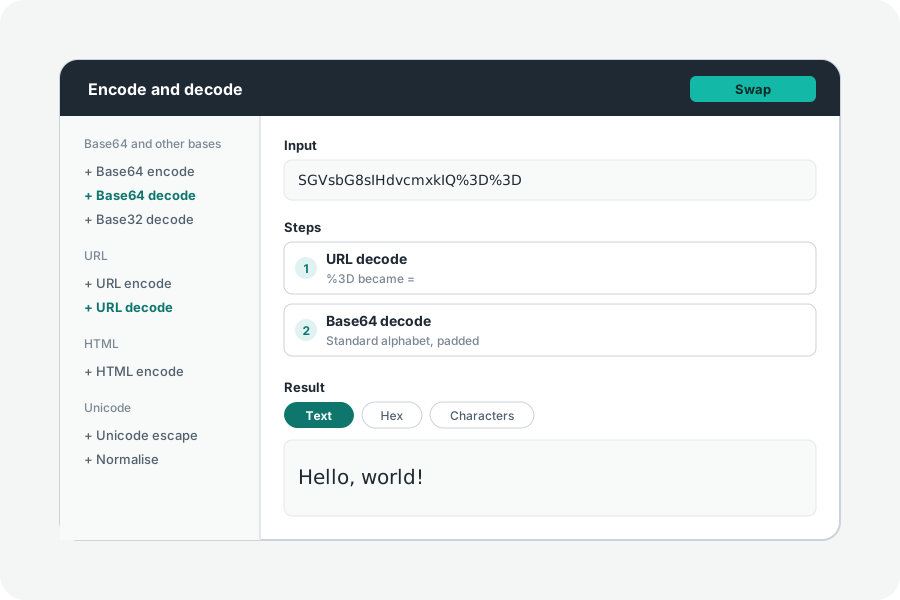
Percent-encoding writes a character an address cannot hold as % and two hex digits for each of its bytes. Which characters must be written so depends on where the text goes, which is why encodeURI and encodeURIComponent differ.
Choose where the text goes.
Open the URL encoder and type text. A part of an address, such as a query value, keeps only letters, digits and - _ . ! ~ * ' ( ), like encodeURIComponent; a whole address also keeps the characters that give it its shape, like encodeURI; a form writes spaces as +. These are the sets the URL standard defines.
Encoded twice, read once.
A link encoded twice shows %2520 where a space should be. Decode with Again until nothing changes and it is read as many times as it takes, and the note says how many. A % not followed by two hex digits is left as it is, as browsers do, and named.
Paste a whole address and the Address view takes it apart: scheme, host (with its punycode shown), port, path, fragment and every query pair, decoded as a form reads them. With no steps, changing a part changes the address.
Nothing leaves your browser.
Everything is worked out on your device: what you paste or open is never sent anywhere, and nothing is kept when you leave. A share link carries what you typed after the #, which browsers never send to a server.
Further reading
Topics: url encode · url decode · decode url online · percent encoding · encodeuricomponent · double encoded url · query string parser
A little less theory. A little more doing.
Try it on your own terms, with a free browser tool.
Try the tool