

A typing test made of code.
Practise typing real code in JavaScript, Python, Go, Rust, Java, SQL or HTML, with brackets and symbols, lines indented for you, free in your browser.
By Suraj Kumar3 min read
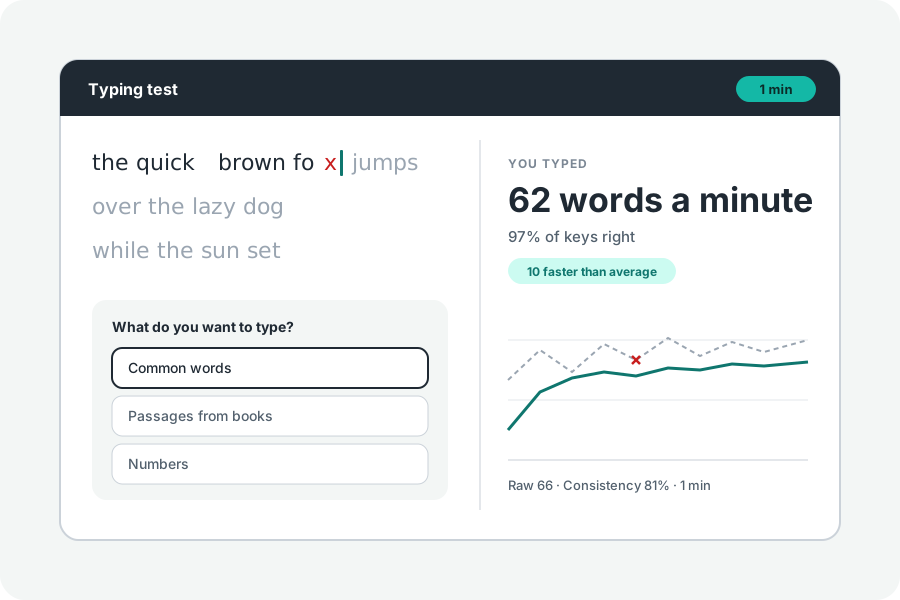
Prose tests leave out what programmers type all day: brackets, quotes, operators and underscores, most of them away from the home row and many with Shift. A code typing test practises those.
Real pieces of code.
The code typing test has short pieces in JavaScript, TypeScript, Python, Go, Rust, Java, SQL, and HTML with CSS, chosen under More options. Each was written for KeepSimp and does a small everyday job: debounce a function, count words, join two tables, lay out a card.
Lines are indented for you; Space or Enter at the end of a line goes on to the next. Spaces lined up inside a line count as one.
Expect a slower number.
Symbols cost more than letters: they sit at the edges of the keyboard and many need Shift. A speed well under your words a minute is normal. The words you typed wrong are listed under the result, and they are usually the symbols.
Practise the symbols.
Type each piece slowly first, with your fingers on the home row, reaching for brackets with the little fingers. Again gives you the same code so you can see your time come down.
Further reading
Topics: code typing test · typing test for programmers · programming typing practice · type code faster · coding speed · developer typing
A little less theory. A little more doing.
Try it on your own terms, with a free browser tool.
Try the tool